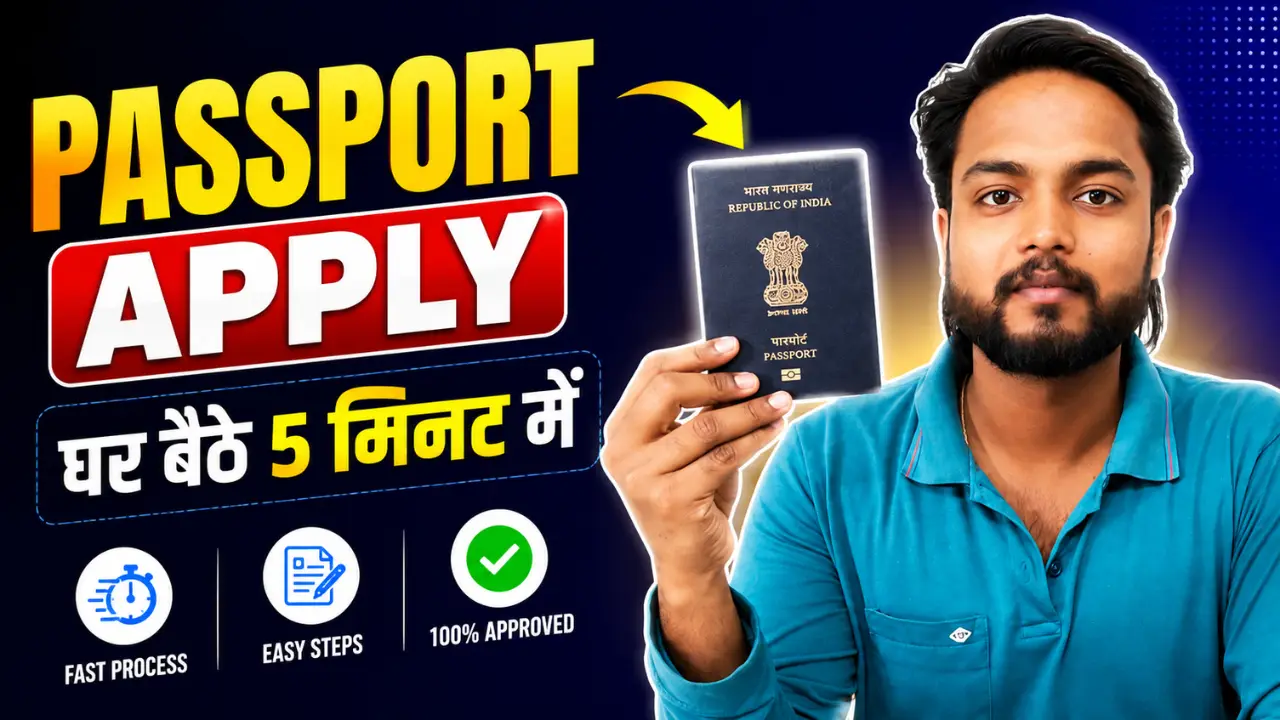
How to apply passport :- Applying for a passport online in India has become very simple and fast. With the help of the official Passport Seva Portal, you can easily apply for a new passport, renew an old passport, book an appointment, and track your application status from home.
In this complete guide, you will learn how to apply for a passport online in India step by step, required documents, passport fees, processing time, and important tips for faster approval.
Documents Required for Passport Application
Identity Proof :- Aadhaar Card, PAN Card, Voter ID Card, Driving License
Address Proof :- Aadhaar Card, Electricity Bill, Bank Passbook, Gas Connection Bill
Date of Birth Proof :- Birth Certificate, 10th Marksheet, PAN Card
Passport Size Photos
Usually not required online because photos are captured at the Passport Seva Kendra.
How to Apply Passport Online in India
Step 1:- First, you need to visit the official website by clicking on the link provided above.
Step 2:- After visiting the official portal, you must first ‘Register’ by clicking on the “Apply for New Passport” option. To do this, click on the ‘Register’ option, fill in your details, provide your Gmail ID, and create a password, as you cannot apply without registering.
Step 3:- Log in, click on ‘Apply for Fresh Passport’, and fill out the form.
Step 4:- A form will now open before you. You need to fill out this form in a total of six steps; please read all the details carefully and fill them in accurately, cross-checking them against your Aadhaar card.
Step 5:- Next, you will be asked to provide some personal information—such as your qualifications, your occupation, and payment details. Please fill in all these details accurately and thoroughly, and then proceed to the next step.
Step 6:- Then, in the next step, details regarding one member of your family will be requested—such as your father, brother, or mother—including information such as their Aadhaar number and mobile number.
Step 7:- Now, in the final step, you will be asked a few inquiries to which you must respond solely with “Yes” or “No”—for instance, whether there are any pending legal cases or FIRs against you. Please answer all these questions accurately and submit your responses.
Step 8:- Upon submission, a preview of the first page of your passport will be displayed on your screen, showing you exactly how your passport will look once issued; after reviewing it, simply proceed to the next step.
Step 9:- Now, you need to submit any one document as proof of birth. There is a list of various documents available; simply select the one you possess, upload a photo of it, and proceed to the next step.
Step 10:- As soon as you click ‘Next’, you will receive your reference number; be sure to write this number down somewhere, as it is through this reference number that you can track your status.
Step 11:- Now, you need to select your nearest Passport Seva Kendra, choose an appointment date, and proceed.
Step 12:- Now, in the final step, you need to pay your fees. You can make this payment via UPI or by scanning a barcode.
Step 13:- Now that all your work is complete, you will be issued an acknowledgment slip; you can print this slip and visit the Passport Office to complete your verification.
Please ensure that whenever you go for your verification, you carry all your original documents with you—such as your Aadhaar card, birth certificate, and the acknowledgment slip for whatever documents you may have submitted.