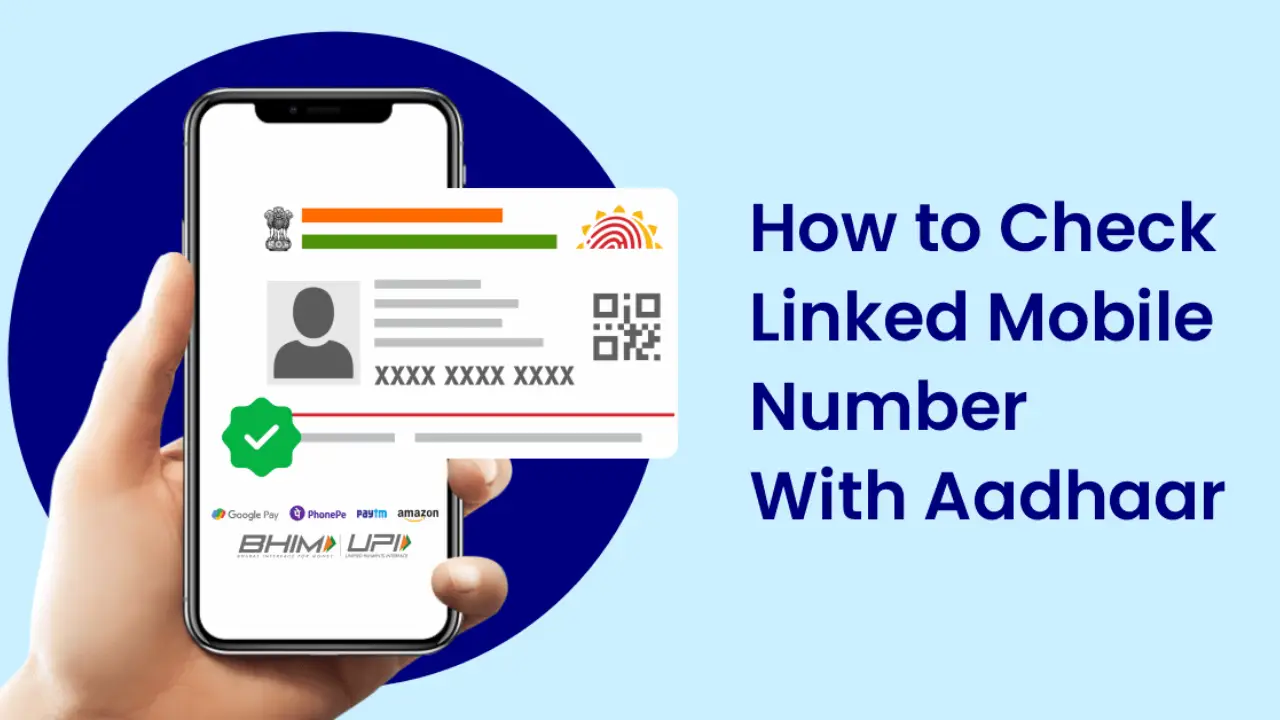
It is extremely important—and indeed, something everyone should know—which mobile number is linked to their Aadhaar card. This is because whenever you need to update any information related to your Aadhaar card, an OTP (One-Time Password) is sent to the registered mobile number; consequently, if you are unaware of which number is linked, you will be unable to provide the required OTP. However, the UIDAI has made this facility available online, allowing you to determine which mobile number is currently linked to your Aadhaar card in just two minutes. You can easily accomplish this task by following the steps provided below.

Step 1:- First, click on the link provided above to visit the official UIDAI website.
Step 2:- Next, you will be asked to enter your Aadhaar number and CAPTCHA code; fill in both and click on the ‘Proceed’ option.
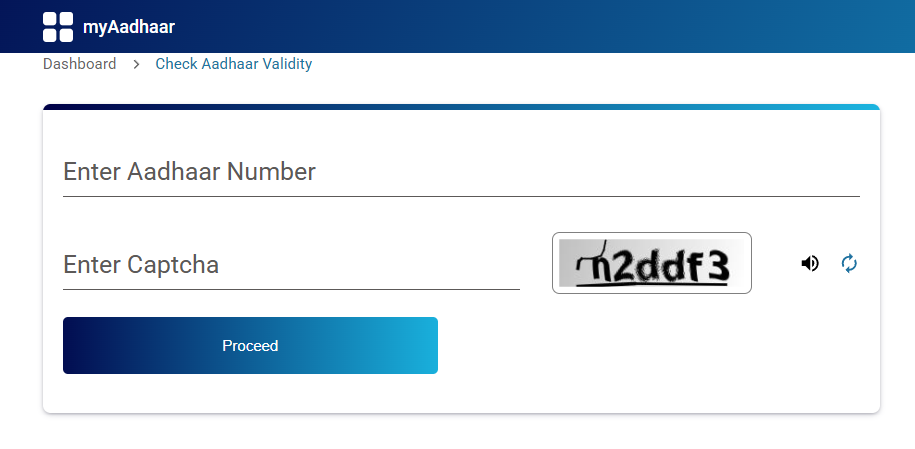
Step 3:- A new page will now open before you, displaying all the details related to your Aadhaar card—including the mobile number linked to it.
So friends, in this way, you can very easily find out which mobile number is already linked to your Aadhaar card. This information is extremely important, and since many people face this very issue, please be sure to share this article with your friends and family.