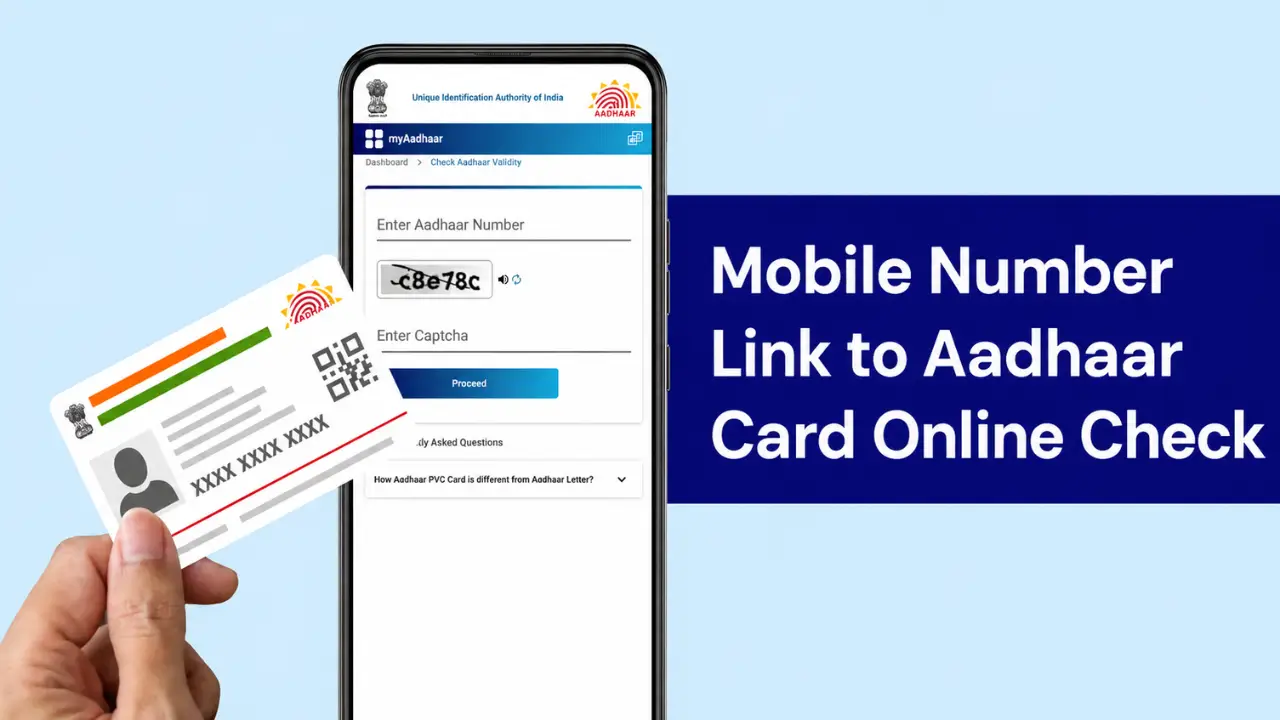
If you want to know whether your mobile number is linked with your Aadhaar card, you can check it online through the official UIDAI website. The process is simple and only takes a few minutes.
A registered mobile number is important because many Aadhaar online services use mobile OTP authentication. UIDAI provides an official Verify Mobile Number facility that allows Aadhaar holders to check whether a particular mobile number is registered with their Aadhaar.
Prosses to Check Aadhaar Linked Mobile No.
Step 1:- First, visit the official website by clicking on the link provided above.
Step 2:- A new page will open where you need to enter your 12-digit Aadhaar number and the captcha code, then proceed.
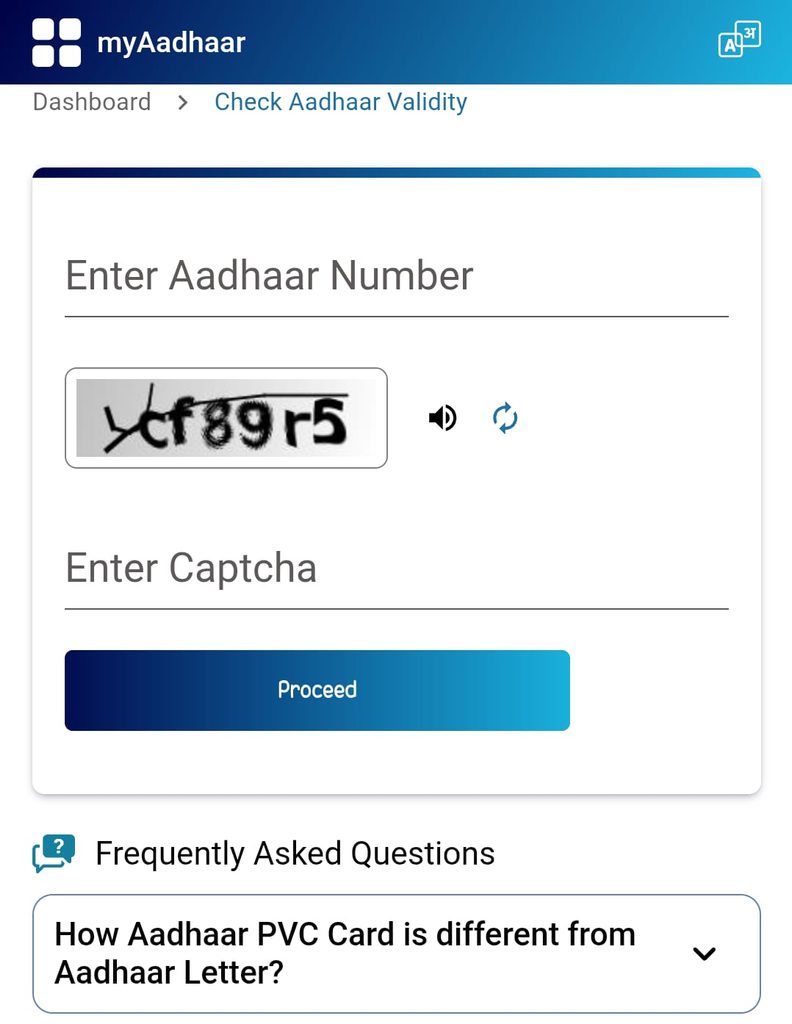
Step 3:- A new page will now open before you, displaying all the details related to your Aadhaar card—including the mobile number linked to it.
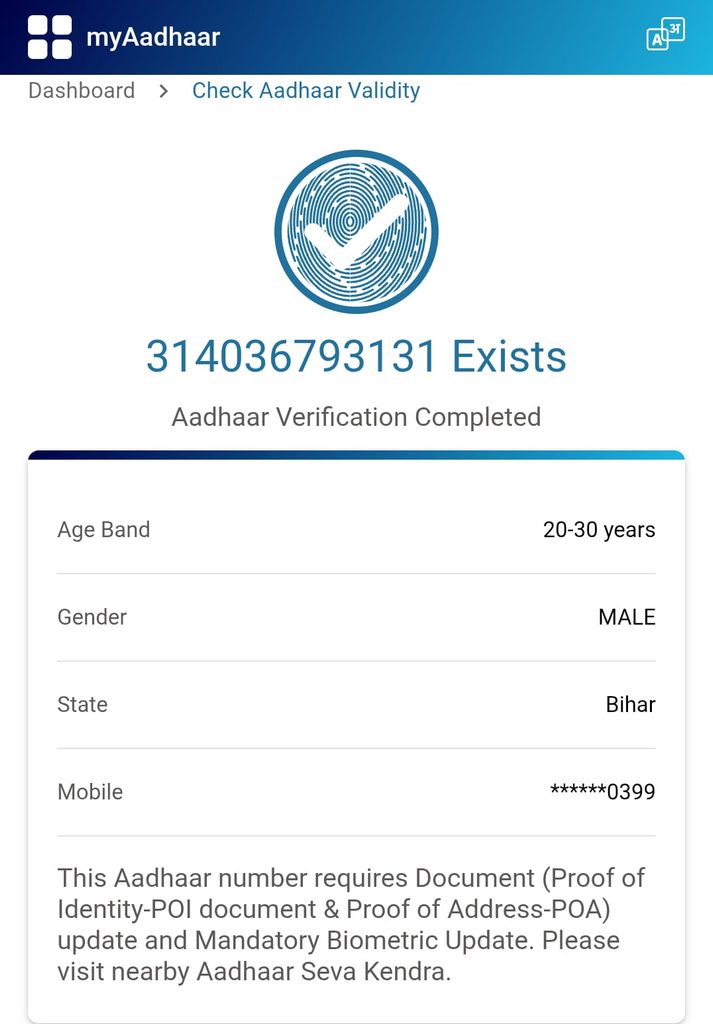
The UIDAI service is specifically designed to verify the mobile number declared during Aadhaar enrolment or during the latest Aadhaar update.
If the number is registered with your Aadhaar, the service will confirm the verification. If it is not registered, you will need to update your mobile number through the appropriate Aadhaar update facility.
Why Is a Registered Mobile Number Important for Aadhaar?
A registered mobile number is useful for several reasons:
- It enables OTP-based Aadhaar authentication.
- It helps you access various online Aadhaar services.
- It can be used for retrieving certain Aadhaar details.
- It provides an additional layer of security for Aadhaar-related services.
- It allows you to receive important OTPs related to Aadhaar transactions.
For example, UIDAI’s online services use the registered mobile number for authentication in services such as retrieving a lost or forgotten Aadhaar number.