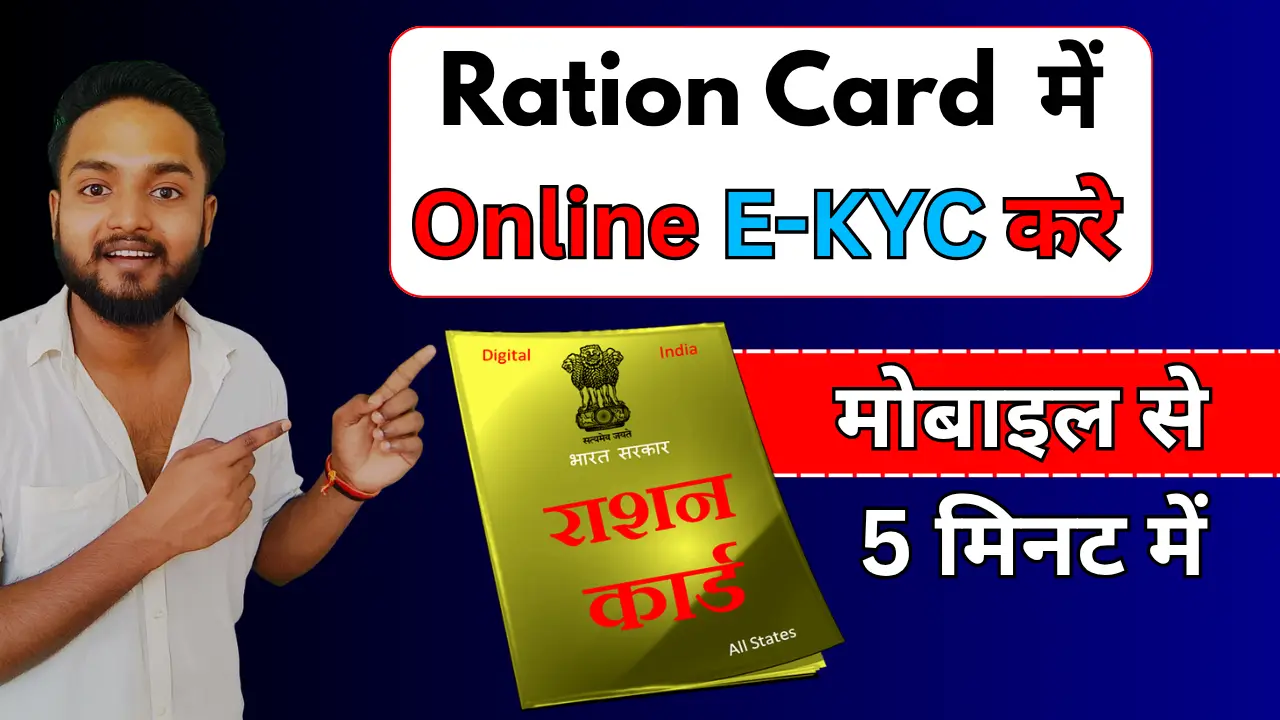
Ration Card eKYC is an important process used to verify the identity of ration card beneficiaries through Aadhaar-based authentication. If you are looking for how to do Ration Card eKYC online, this guide explains the complete process, documents required, Aadhaar OTP and biometric verification methods, how to check eKYC status, and what to do if your eKYC fails.
Prosses to Do Ration Card eKYC Online
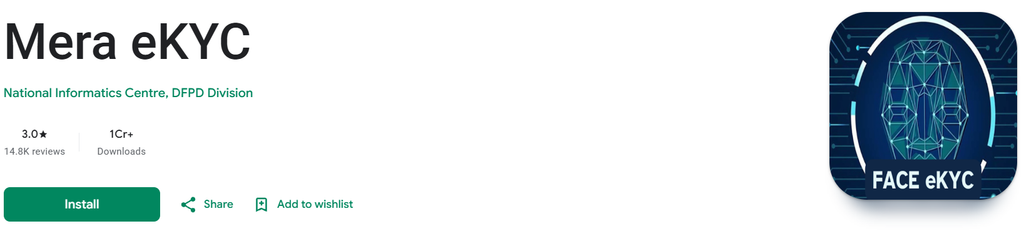
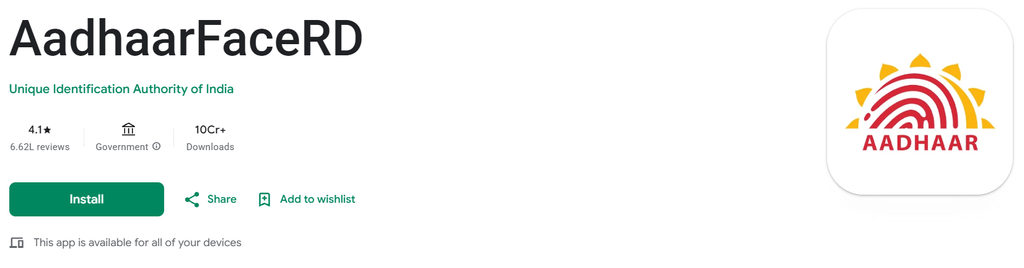
Step 1:- First, install the two apps mentioned above—‘Mera eKYC’ and ‘Aadhaar FaceRD’—on your phone from the Play Store.
Step 2:- Open my E-KYC app, select your state, and verify your location.
Step 3:- Now, enter your Aadhaar number, fill in the captcha, and verify by obtaining the OTP.
Step 4:- Select the ‘Face e-KYC’ option. Scan your face using the Aadhaar FaceRD app (you may need to blink your eyes).
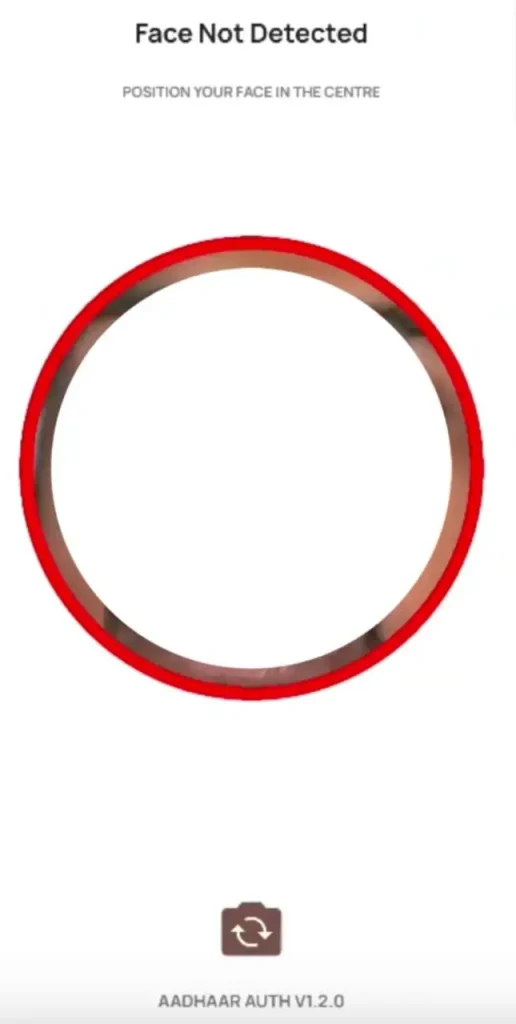
Step 5:- Now submit your photo; the KYC process will be completed, and you will receive a success message.
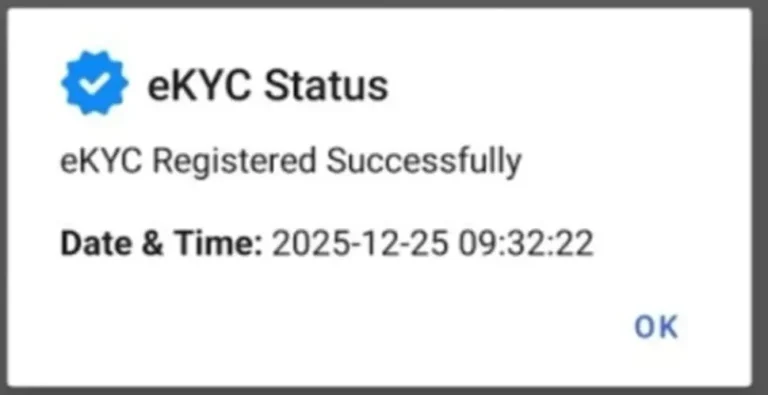
How to Check Ration Card eKYC Status
After completing eKYC, you should check whether your status has been updated.
The exact option depends on your state portal, but the general process is:
- Visit your state’s official ration card/PDS website.
- Open Ration Card Status, eKYC Status, Aadhaar Seeding Status, or a similar option.
- Enter your Ration Card Number or other requested details.
- Enter the captcha, if required.
- Submit the details.
- Check the eKYC or Aadhaar verification status.
Some government portals also provide a facility to search ration card details using the ration card number. The national NFSA portal currently provides a My RC Details service where users can search using their Ration Card Number.