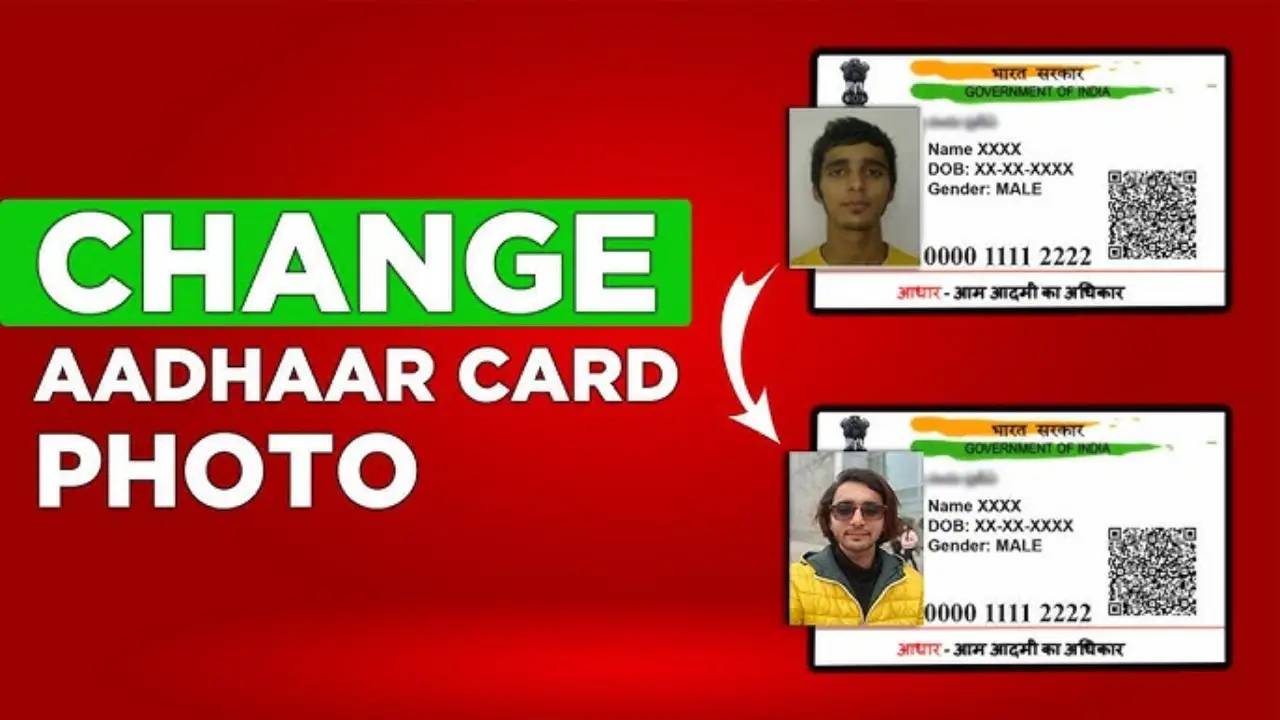
Aadhaar Card Photo Change Online :- There is only one method for updating—or changing—the photo on your Aadhaar card. First, you must visit the official UIDAI website to book an appointment and make a payment of ₹100. Once the appointment is booked, you will receive a receipt indicating the scheduled date and time. Simply visit your nearest Aadhaar center at that specific date and time, and your photo will be updated.

Step 1:- First, click on the link provided above to visit the official UIDAI website.
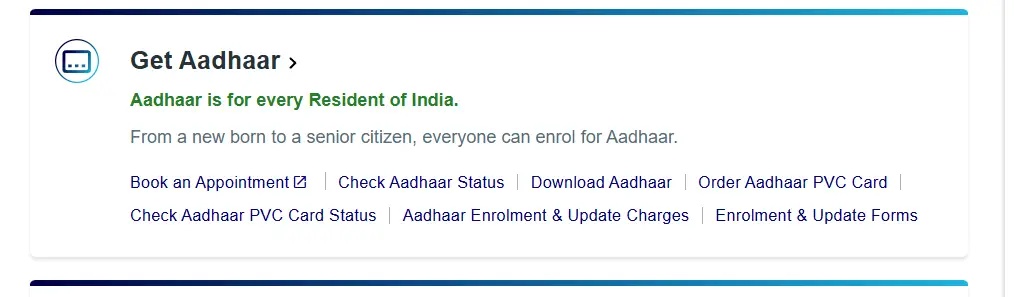
Step 2:- After accessing the official website, within the ‘Get Aadhaar’ section, you will find a ‘Book an Appointment’ option; please click on it.
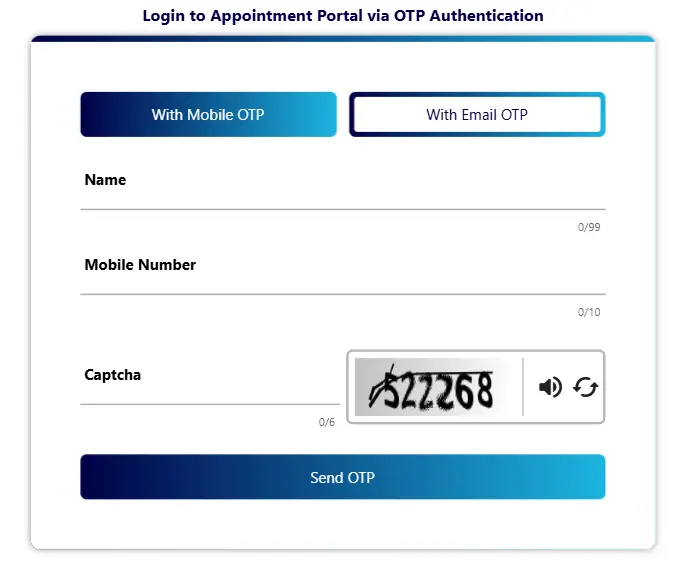
Step 3:- Next, a login interface will open, where you will need to enter your name, mobile number, and CAPTCHA to login using your Aadhaar card via OTP.
Step 4:- As soon as you login, the ‘Center Appointment’ option will appear, simply click on it.
Step 5:- A form will now appear on your screen, where you need to select your age group, specify your service type, and then click on the “Proceed for Center Selection” option.
Step 6:- Next, you will be asked for your area’s PIN code; enter your PIN code and click on Search.
Step 7:- Next, an option to book a slot will appear on your screen, where you can select your preferred time and date; once selected, simply click ‘Next’.
Step 8:- Finally, you will need to make a payment of ₹75. You can complete this payment via UPI or Net Banking. Upon doing so, you will receive a receipt containing all the necessary details, including where and when you need to report.
Important
Then, take your appointment slip and visit your nearest Aadhaar Center at your scheduled date and time. Within just 10 minutes, your entire process will be completed, and you will be sent home. Your photo will automatically be updated within 6 to 7 days, and you will also receive a notification via email confirming that your photo has been updated.