In today’s digital world, your Aadhaar card is more than just an identity proof; it is the key to accessing government subsidies, banking services, and various online verifications. Since most of these services require an OTP (One-Time Password), keeping your current mobile number linked to your Aadhaar is essential.
Can You Change Your Mobile Number Entirely Online?
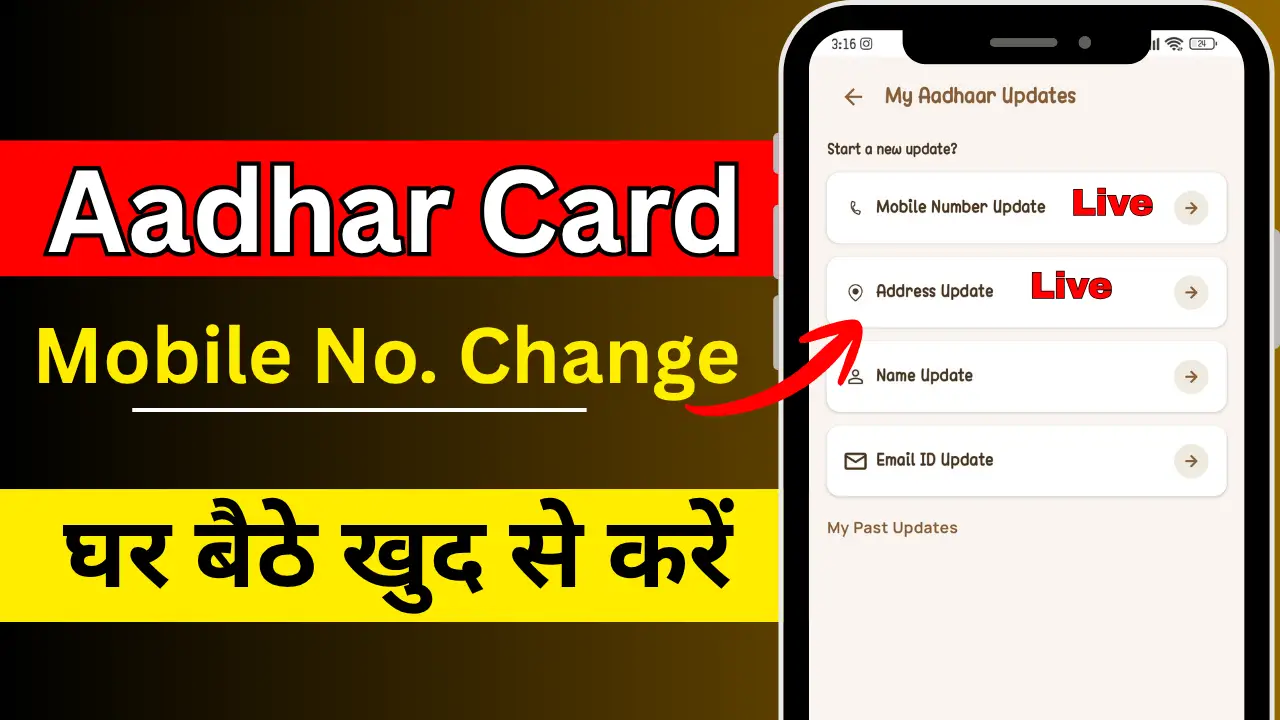
mportant Note: To prevent fraud and ensure high security, UIDAI (Unique Identification Authority of India) does not allow you to change your mobile number completely online from home without any physical verification.
However, you can use the official website or application portal to book an appointment, which saves you from standing in long queues.
Steps to Change Your Mobile Number (The Official Process)

Step 1:- Book an Appointment Online
To start the process, visit the official UIDAI portal or use the appointment booking feature:
- Go to the UIDAI official website (ask.uidai.gov.in).
- Select your City/Location.
- Click on ‘Book Appointment’.
- Enter your current mobile number and the Captcha code to receive an OTP.
- Once logged in, select the ‘Online Aadhaar Update’ option.
Step 2:- Fill in the Update Details
- Select ‘Mobile Number’ as the field you want to update.
- Enter the new mobile number you wish to link.
- Submit the details and proceed to the Appointment Booking page.
- Choose a date and time slot at your nearest Aadhaar Seva Kendra (ASK).
Step 3:- Visit the Aadhaar Seva Kendra
On the scheduled date:
- Carry your original Aadhaar card.
- You do not need any additional documents just to update your mobile number.
- The executive will take your biometric authentication (fingerprints or iris scan) to verify your identity.
Step 4:- Pay the Nominal Fee
There is a standard fee for updating biometrics and demographics:
- The fee for a mobile number update is usually ₹50 (including GST).
- Always ask for a digital or printed receipt after payment.
What Happens Next?
Once you complete the process at the center, you will receive an Update Request Number (URN). You can use this URN on the UIDAI website to track the status of your request.
Processing Time: It usually takes anywhere from 24 hours to 9 days for the new mobile number to be updated in the UIDAI database.
Quick Tips for a Smooth Process
- Avoid Third Parties: Never share your Aadhaar details or OTP with unofficial websites or individuals claiming to update your Aadhaar for a high fee.
- Check Status: Once updated, you will receive a confirmation SMS on your new mobile number.
- Verify Online: After a week, try logging into the mAadhaar app with your new number to confirm the change.
Conclusion
Updating your mobile number in your Aadhaar card is a simple but mandatory task for seamless digital transactions. By booking an appointment through the official application portal, you can finish the entire process in less than 15 minutes at the center.