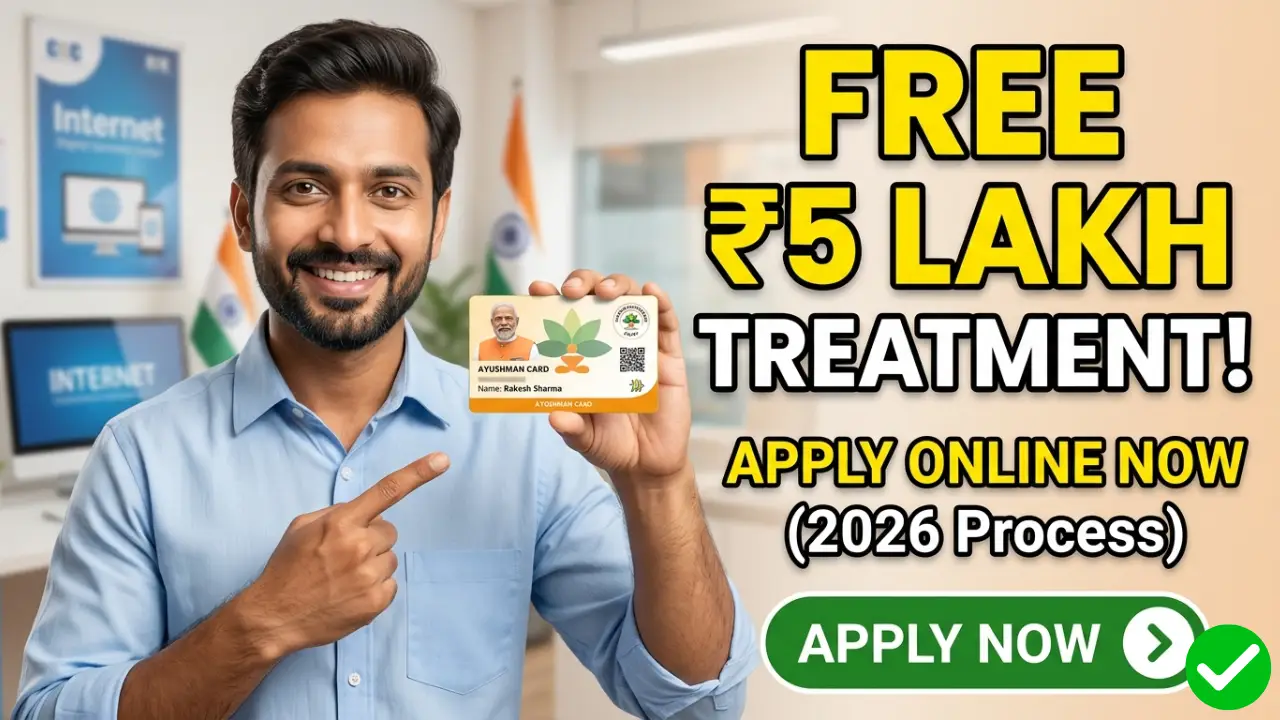
What is an Ayushman Card?
The Ayushman Card (also known as the PMJAY Golden Card) is a digital identity card issued to beneficiaries of the Ayushman Bharat scheme. It gives you cashless and paperless access to healthcare services at over 29,000 empaneled government and private hospitals across India.
Key Benefits of Ayushman Card:
- Comprehensive Coverage: Free medical treatment up to ₹5,000,000 per family per year.
- Pre and Post-Hospitalization: Covers up to 3 days of pre-hospitalization and 15 days of post-hospitalization expenses (including medicines and diagnostics).
- No Family Size Limit: All family members, regardless of age or gender, are covered under a single family folder.
- Pre-existing Diseases Covered: All medical conditions are covered from day one.
Documents Required for Ayushman Card Online Application
- Aadhaar Card (Mandatory – must be linked to your active mobile number for OTP verification).
- Ration Card (or any valid family ID document).
- Active Mobile Number.
Step-by-Step Process: How to Apply Ayushman Card Online
Step 1:- First, click on the link provided above to visit its official portal: beneficiary.nha.gov.in.
Step 2:- Login as a Beneficiary
- On the homepage, you will see a login section. Select the “Beneficiary” option.
- Enter your Mobile Number and click on Verify.
- You will receive an OTP on your mobile phone. Enter the OTP, fill in the Captcha code, and click Login.
Step 3:- Search for Your Family Details
Once logged in, a search dashboard will appear. Enter the following details carefully:
- State: Select your state (e.g., Bihar, Uttar Pradesh, etc.).
- Scheme: Select PMJAY.
- District: Choose your residential district.
- Search By: You can search using Aadhaar Number, Ration Card (Family ID), Name, or Location (Rural/Urban). (Tip: Searching by Aadhaar Number or Family ID is the fastest and most accurate method).
- Click the Search (Magnifying Glass) Icon.
Step 4:- Complete E-KYC for Your Family Members
- A list of family members matching your details will appear on the screen.
- Check the status next to the names. If it says “Unidentified” or “Not Generated,” you need to apply for it.
- Click on the “Action / E-KYC” button next to the name of the member you want to apply for.
- Choose the verification method: Aadhaar OTP, Fingerprint, or Iris Scan. (Select Aadhaar OTP for the easiest online process).
- Authenticate by entering the OTP sent to the Aadhaar-linked mobile number.
Step 5:- Take a Live Photo and Submit
- After successful OTP verification, the system will match your details with the Aadhaar database.
- You will be prompted to capture a live photograph using your webcam or mobile camera. Ensure your face is clearly visible.
- Fill in additional details like your Pin Code, Mobile Number, and Relationship with the head of the family.
- Click Submit.
Note: Once submitted, your application moves to the approval phase. In most cases, if the Aadhaar data matches perfectly, approval is instantaneous. If there is a mismatch, it might take 7 to 15 working days for the local authorities to verify and approve it.
How to Download Ayushman Card Online
- Log back into the beneficiary.nha.gov.in portal using your mobile number.
- Search your family details using your Aadhaar card or Family ID again.
- Look for the member whose card is approved. You will see a green “Download Card” button.
- Click on it, verify the Aadhaar OTP one last time, and save the PDF file of your Ayushman Card to your phone or computer. You can print this out and laminating it for physical use.