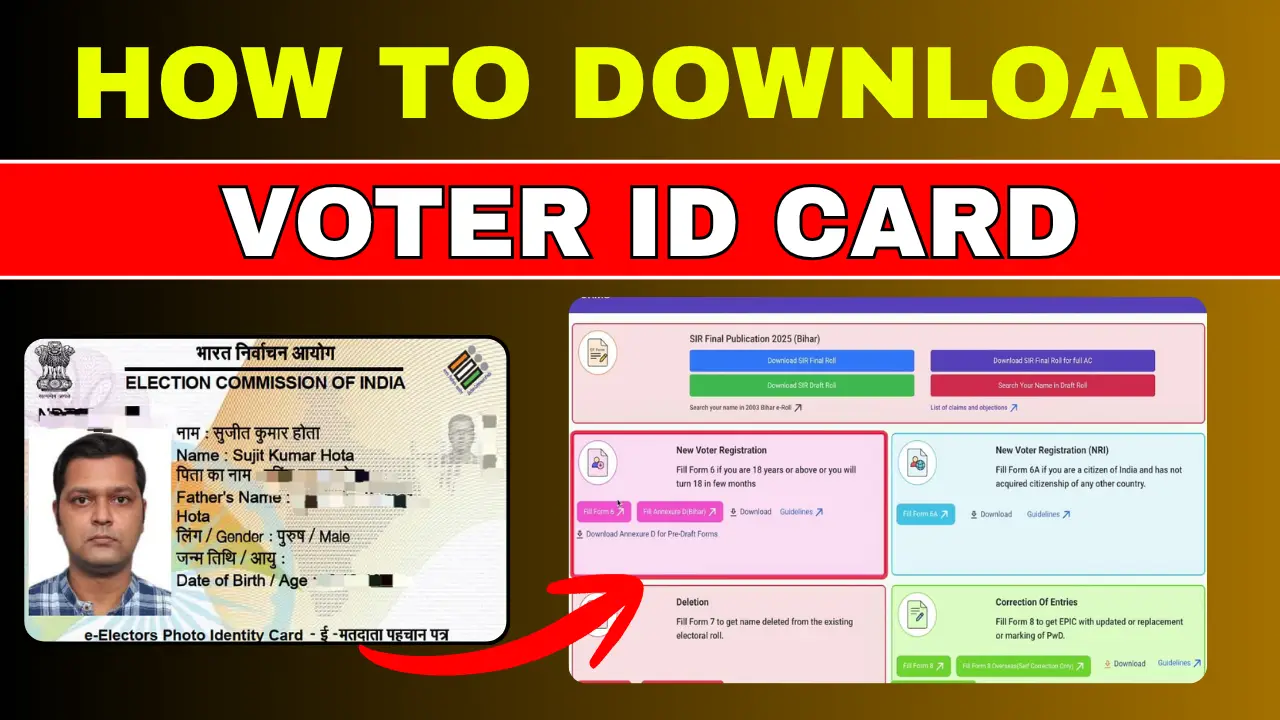
A Voter ID card is one of the most important identity documents for Indian citizens. It is issued by the Election Commission of India and is used for voting, identity verification, and government-related services.
If your physical voter card is lost, damaged, or delayed, you can easily download a digital Voter ID card online in PDF format. The digital version is called e-EPIC and can be downloaded within minutes using your mobile number and EPIC number.
In this article, you will learn the complete step-by-step process to download a Voter ID card online in 2026.
Step-by-Step Process to Download Voter ID Card Online
Step 1:- First, click on the link provided above to visit its official website.
Step 2:- Login or Create an Account
- Click on the Login button
- Enter your mobile number, email ID, or EPIC number
- Verify using OTP
- If you are a new user, create a new account
Step 3:- After login: Search Your Name in Electoral Roll
- Click on Search in Electoral Roll
- Enter: Name, State, District, Date of Birth
- Or directly enter your EPIC number
Step 4:- Select Your Voter ID
- Click on your profile
- Verify your information carefully
- Ensure your mobile number is linked
Step 5:- Download e-EPIC PDF
- Click on the Download e-EPIC option
- Verify OTP sent to your registered mobile number
- Your Voter ID PDF will download instantly
You can now save or print the card for future use.
Documents Required to Download Voter ID Card
- EPIC Number (Voter ID Number)
- Registered Mobile Number
- OTP Verification Access
- Internet Connection