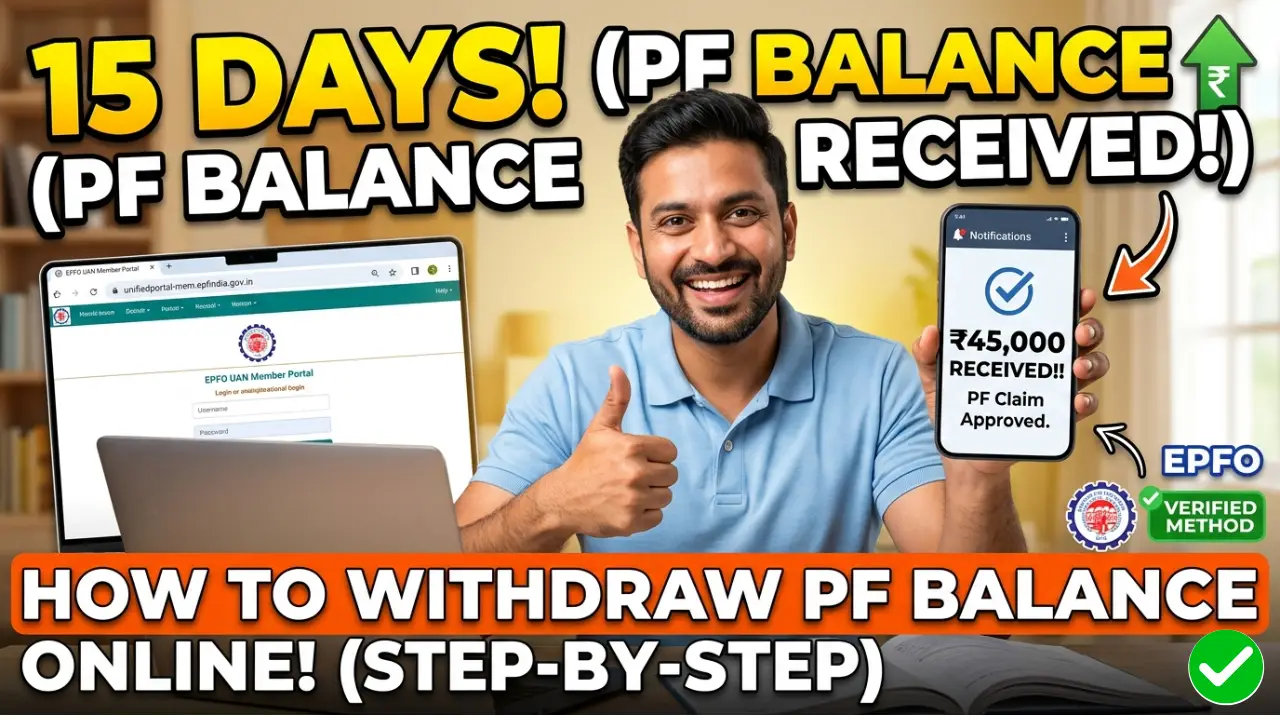
Withdrawing your Provident Fund (PF) balance has become a seamless digital process. Whether you need funds for a medical emergency, a wedding, or a home purchase, the EPFO (Employees’ Provident Fund Organisation) allows you to claim your money online without visiting the office.
In this guide, we will walk you through the latest 2026 process to withdraw your PF balance online, ensure your KYC is updated, and get your claim approved faster.
Prerequisites for Online PF Withdrawal
- UAN Status: Your Universal Account Number (UAN) must be activated.
- Aadhaar Linking: Your Aadhaar must be linked and verified with your UAN.
- Bank Details: Your latest Bank Account (with correct IFSC) must be seeded.
- Mobile Number: Your Aadhaar-linked mobile number must be active to receive OTPs.
Step-by-Step Process to Withdraw PF Balance Online
Step 1:- Visit the official EPF e-Sewa Portal. Enter your UAN, Password, and the Captcha code to sign in.
Step 2:- Go to the ‘Manage’ tab and click on ‘KYC’. Ensure your Aadhaar, PAN, and Bank details are marked as “Verified.” If not, update them first to avoid claim rejection.
Step 3:- Navigate to the ‘Online Services’ tab and select ‘Claim (Form-31, 19, 10C & 10D)’.
Step 4:- A screen will appear with your member details. You will be asked to enter the last 4 digits of your bank account number. Click ‘Verify’ and then click ‘Yes’ on the undertaking certificate.
Step 5:- Click on the ‘Proceed for Online Claim’ button at the bottom.
Step 6:- Choose Claim Type “I want to apply for,” select the type of withdrawal:
- PF Advance (Form 31): For partial withdrawal during service (medical, house construction, etc.).
- Only PF Withdrawal (Form 19): For full settlement (only after leaving a job).
- Only Pension Withdrawal (Form 10C): For withdrawing the pension amount.
Step 7:- Select the purpose of the advance, enter the amount required, and provide your address. You will need to upload a scanned copy of your cheque or bank passbook (ensure the name and account number are clearly visible).
Step 8:- Click on ‘Get Aadhaar OTP’. Enter the OTP received on your registered mobile number and click ‘Submit’.
How Long Does PF Withdrawal Take?
Once submitted, the claim is forwarded to the employer for approval (in some cases) and then processed by the EPFO office. Usually, the amount is credited to your bank account within 7 to 15 working days.
Common Reasons for PF Claim Rejection
- Mismatch in Name: Name on UAN must match Aadhaar and Bank records.
- Blurry Documents: If the uploaded cheque/passbook image is not clear.
- Incomplete KYC: Missing PAN (leads to higher TDS) or unverified Aadhaar.
- Incorrect Bank Account: Using a closed or inactive bank account.