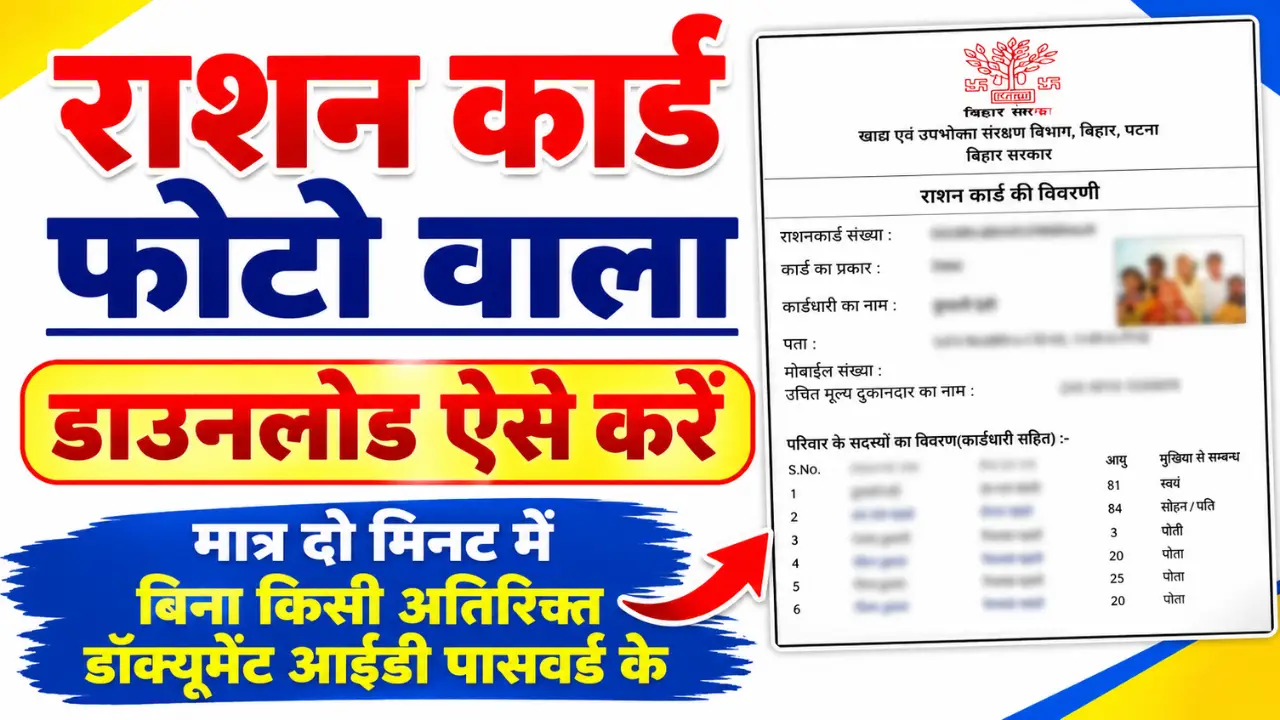
Downloading a photo-enabled ration card has become much easier than before. If your ration card has already been issued and you wish to download the PDF version to your mobile phone, you can do so online from the comfort of your home.
In this article, we will explain how to download the photo ration card online, which websites can be used for this purpose, the required documents, and what steps to take if you are unable to download it.
Prosses To download a ration card with a photo?
Step 1:- First, visit its official portal by clicking on the link provided below.
Step 2:- Then, the names of all the states will appear on your screen, from which you need to select your state.
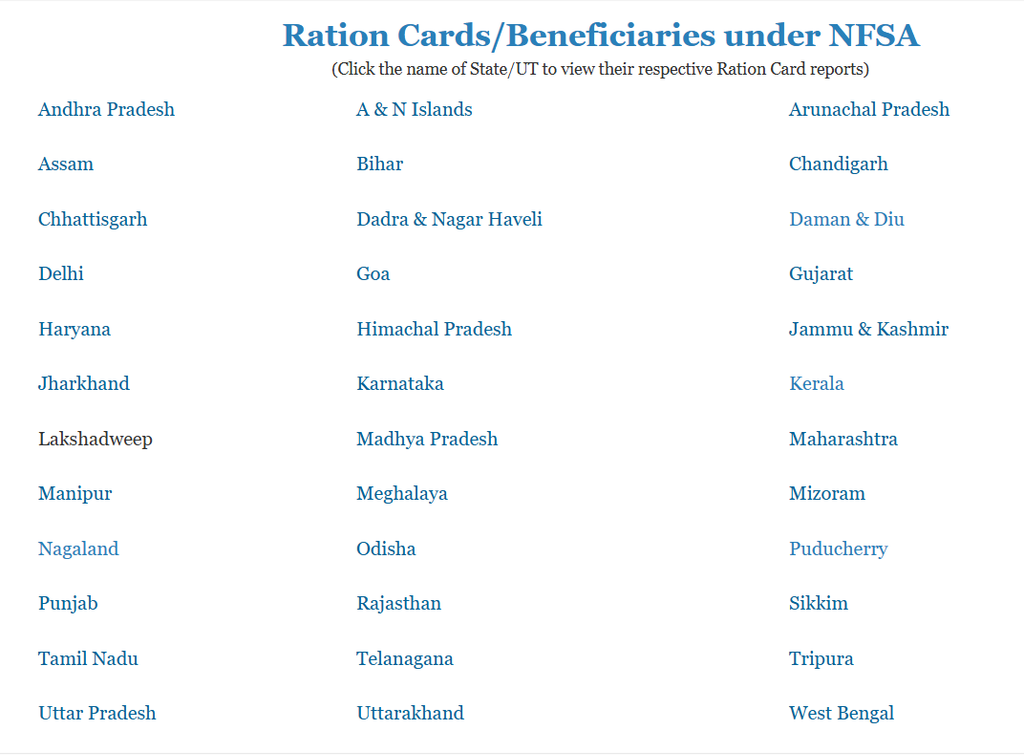
Step 3:- Then, a new page will open where you need to select your district.
Step 4:- A new page will now open where you need to select either the ‘RURAL’ or ‘URBAN’ option; choose ‘RURAL’ if you live in a rural area, or ‘URBAN’ if you live in a city.
Step 5:- Then, a new page will open on your screen where you need to select your block, panchayat, and village.
Step 6:- The complete ration card list will now open on your screen; click on your name in the list. Upon clicking, your ration card—complete with your photograph—will open, and you can download it by clicking on it.
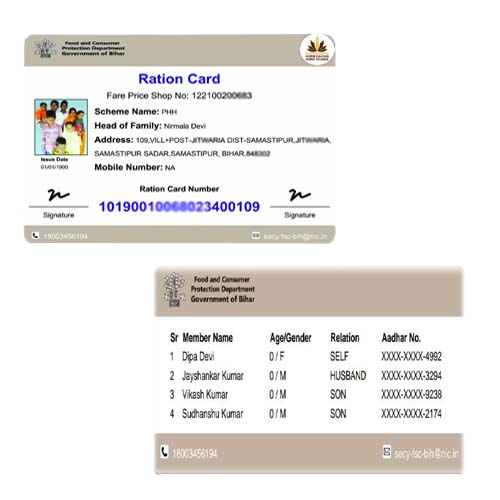
Benefits of downloading the photo-enabled ration card:
- It can be downloaded anytime, anywhere.
- Useful for collecting rations.
- Useful for government schemes.
- Can be easily downloaded again if lost.
- The PDF can be safely stored on your mobile phone.