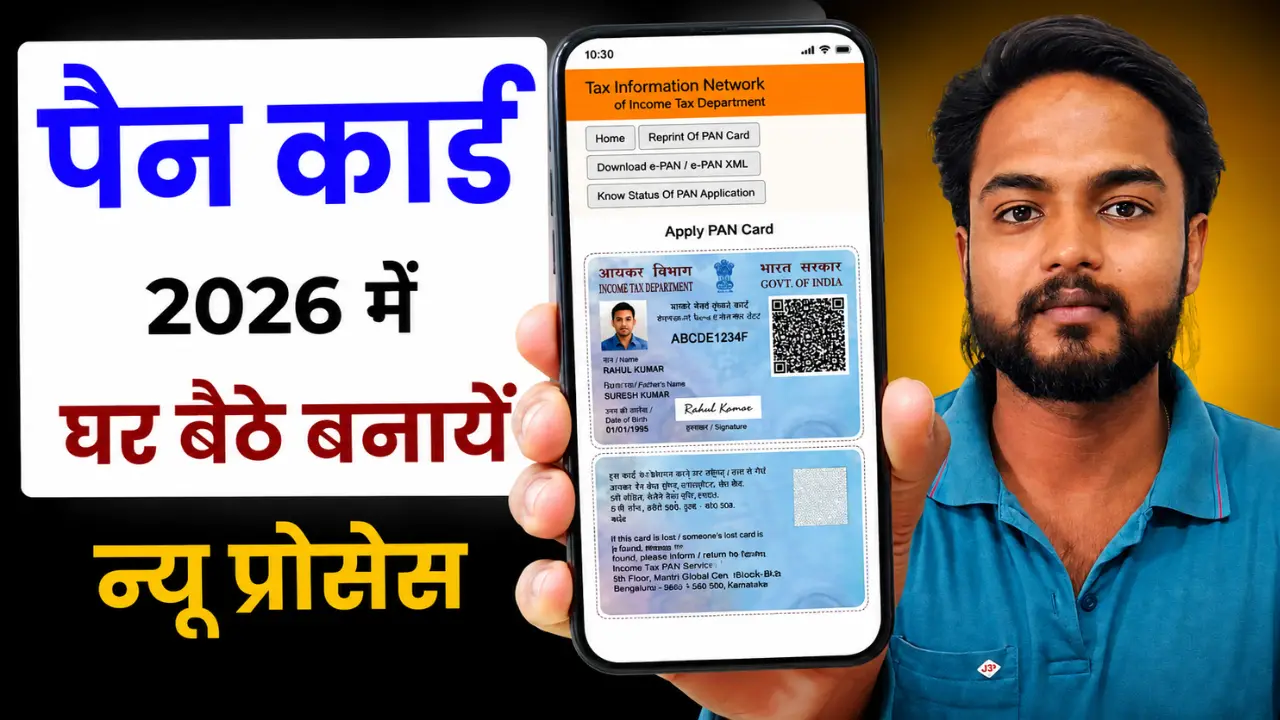
If you wish to get a new PAN card, applying online through NSDL (now Protean eGov Technologies) is the easiest method. The PAN (Permanent Account Number) is an essential document in India for filing taxes, opening bank accounts, making investments, and conducting various financial transactions.
In this guide, we will walk you through the entire process of applying for an NSDL PAN card online, including the required documents, fees, how to track your application status, and tips to avoid common mistakes.
NSDL PAN Card Apply Online – Step-by-Step Process
Step 1:- Visit the official website of Protean (formerly NSDL) for the PAN application:
Step 2:- Click on “Apply for New PAN Card.” Select the appropriate form for Indian citizens. Choose your category (e.g., Individual, HUF, Company, etc.).
Step 3:- Fill in basic details—full name, date of birth, mobile number, and email ID. You will receive a Token Number after submitting the form.
Step 4:- Complete the PAN Application Form—carefully fill in all details such as parents’ names, address, source of income, and AO Code (if applicable).
Step 5:- Upload documents—scan and upload the required documents.
If Aadhaar-based e-KYC is available, you can also complete digital verification.
Step 6:- Select the PAN Card delivery option – you can choose between two options:
- e-PAN
- Physical PAN Card + e-PAN
Step 7:- The application fee can be paid online via:
- UPI
- Debit Card
- Credit Card
- Net Banking
Step 8:- If Aadhaar-based e-Sign is selected, complete the verification using the OTP received on your mobile.
- The application will be submitted once the OTP is successfully verified.
How to Check PAN Application Status Online?
After submitting a regular PAN application, keep your acknowledgement or application reference number safely.
You can use the relevant authorised PAN service provider’s tracking facility to check the current status of your application.
For an Instant e-PAN request, the Income Tax e-Filing portal provides an option to check the status and download the e-PAN.
How to Download e-PAN Online?
If your PAN has already been allotted, you can download your e-PAN through the applicable official online service.
For Instant e-PAN users, the Income Tax Department provides a Check Status / Download e-PAN facility. You may need to enter your Aadhaar number and complete OTP verification using the mobile number linked with Aadhaar.