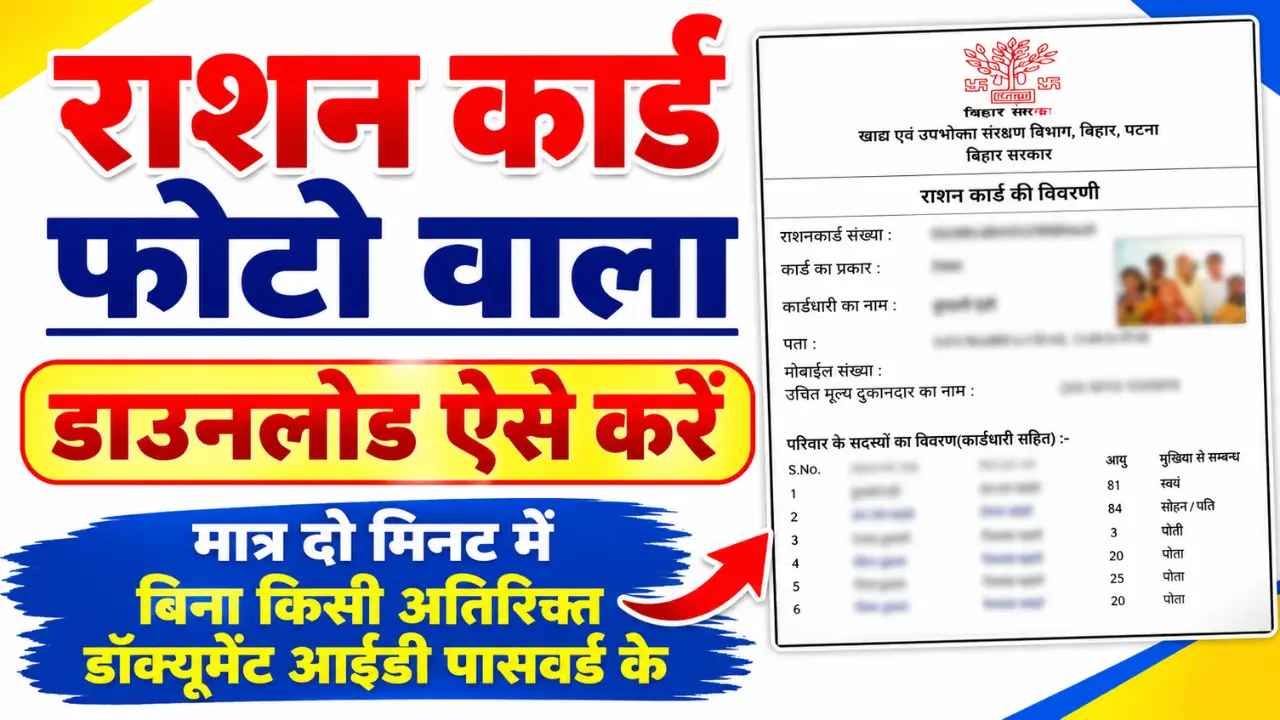
If you want to download your ration card online, you can usually get a digital copy from your State Food and Civil Supplies Department’s official website. The online process can save time because you may not need to visit a government office just to access your ration card details.
The exact procedure may be different from one state to another. The National Food Security Act (NFSA) portal provides links and information for State and Union Territory food departments and their ration card/PDS systems.
Prosses to Download Ration Card Online
Step 1:- First, visit the official portal by clicking on the link provided above.
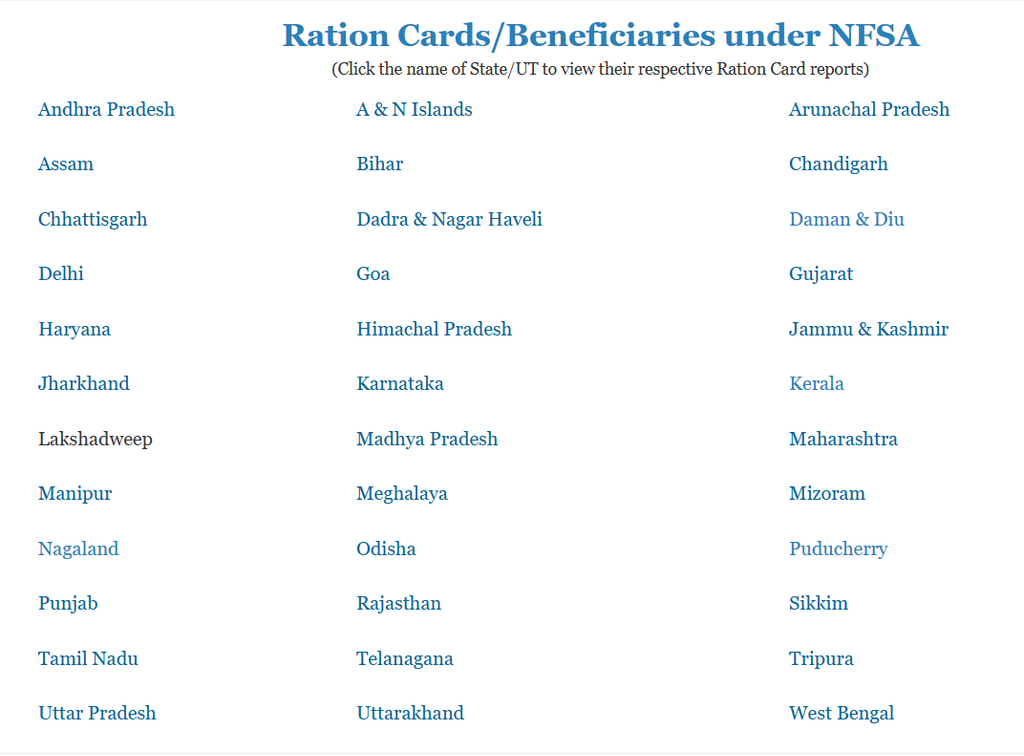
Step 2:- Then, the names of all the states will appear on your screen, from which you need to select your state.
Step 3:- Then, a new page will open where you need to select your district.
Step 4:- A new page will now open where you need to select either the ‘RURAL’ or ‘URBAN’ option; choose ‘RURAL’ if you live in a rural area, or ‘URBAN’ if you live in a city.

Step 5:- Then, a new page will open on your screen where you need to select your block, panchayat, and village.
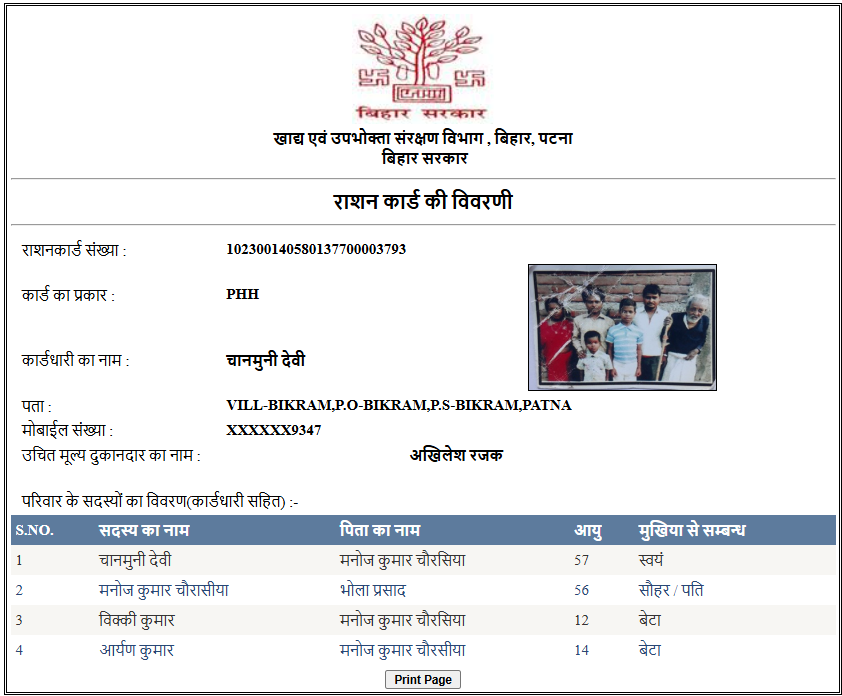
Step 6:- The complete ration card list will now open on your screen; click on your name in the list. Upon clicking, your ration card—complete with your photograph—will open, and you can download it by clicking on it.
What Is a Digital Ration Card?
A digital ration card is an electronic version of your ration card or ration card details that can be accessed through an official government portal or supported digital service.
Depending on your state, you may be able to view or download information such as:
- Ration Card Number
- Name of the Head of Family
- Names of family members
- Address
- Ration Card Category
- Family member details
- FPS or Fair Price Shop information
- Other beneficiary details
The availability and format of the downloadable document can vary by state.