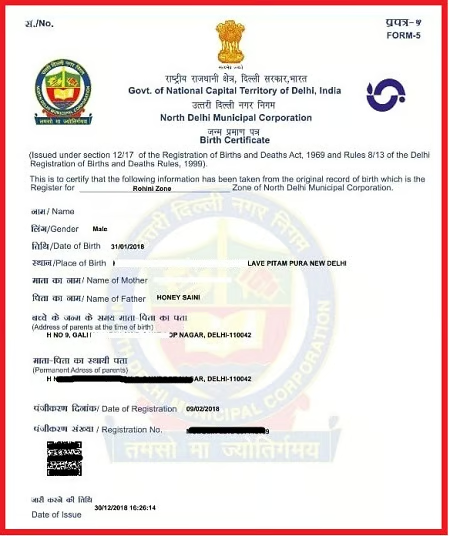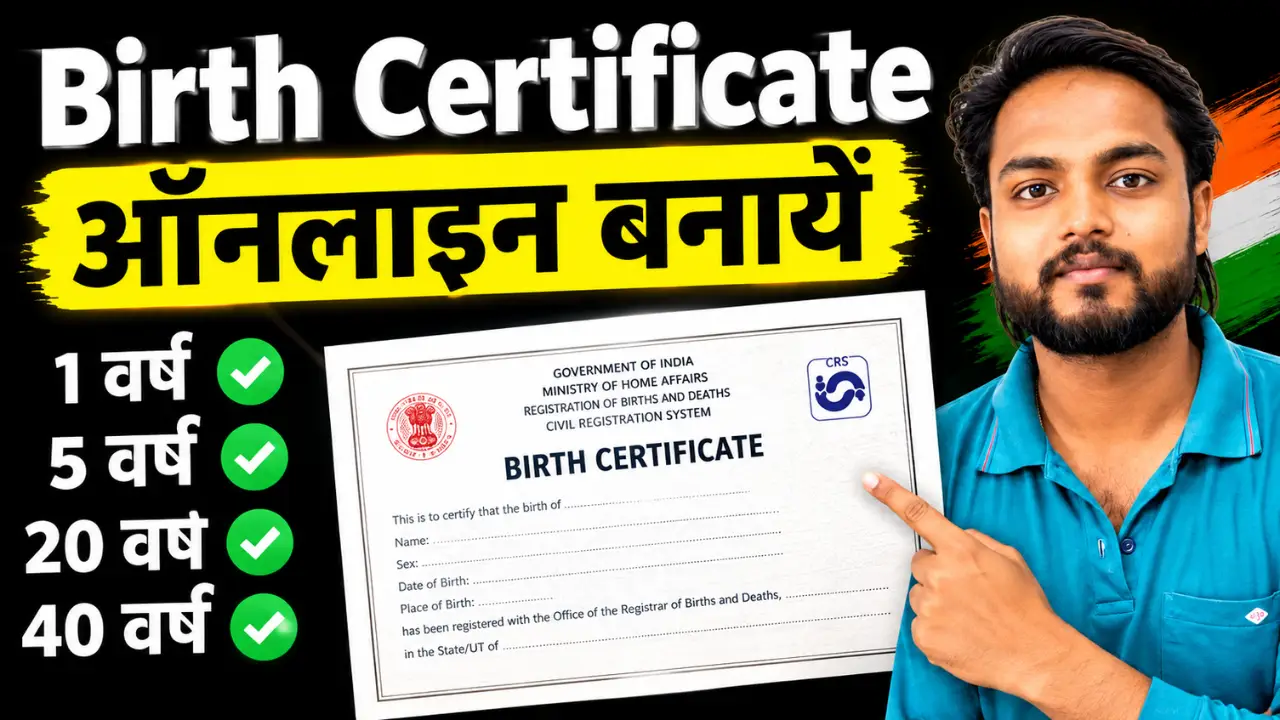
In today’s digital age, most government services are available online. You no longer need to make repeated visits to government offices to obtain a birth certificate; instead, you can apply online from the comfort of your home.
A birth certificate is a crucial government document used for school admissions, passports, Aadhaar cards, government schemes, and various other purposes. If you do not yet have a birth certificate, this article will provide a detailed explanation of the online application process.
How to Apply Birth Certificate Online?
Step 1:- First, visit the official website by clicking on the link provided above.
Step 2:- If online registration is available in your area, you may need to create an account using the required details.
Depending on the portal, you may be asked to provide information such as:
- Mobile number
- Email address
- Applicant details
- Address
- Other identification or login information
If you already have an account, log in using your existing credentials.
Step 3:- After registration:
- Log in using your User ID and password.
- Select the ‘Birth Registration’ option.
Step 4:- Now, enter the following details in the application form: child’s name, date of birth, place of birth, mother’s name, father’s name, permanent address, and hospital name.
Step 5:- Scan and upload the required documents: Aadhaar card, hospital report, identity proof, and proof of residence.
Step 6:- After verifying all the information, click the ‘Submit’ button.
Step 7:- You will receive an Application Number after submitting the form. Keep it safe for future reference.
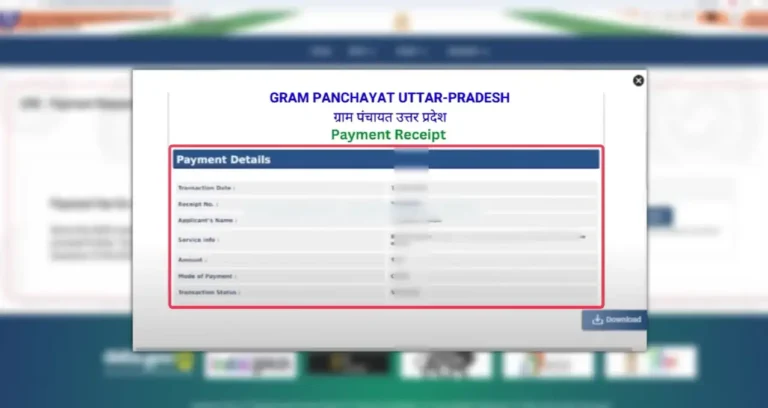
How to Check Birth Certificate Application Status Online?
If the concerned portal provides an application-status facility, applicants can check the status using details such as:
Step 11:-
- Application number
- Registration number
- Acknowledgement number
- Mobile number
- Other information requested by the portal
Open the official portal and select the relevant Application Status, Birth Certificate Status or similar option.
Enter the required details and submit them to view the current status.
How to Download Birth Certificate Online?
After the birth has been registered and the certificate is available electronically, applicants can generally follow these steps:
- Visit the official birth-registration portal.
- Select the birth certificate or certificate download option.
- Enter the required registration/application details.
- Verify the information.
- Download the certificate.
- Save a digital copy for future use.
- Print a copy if required.
The exact download process may differ between portals.