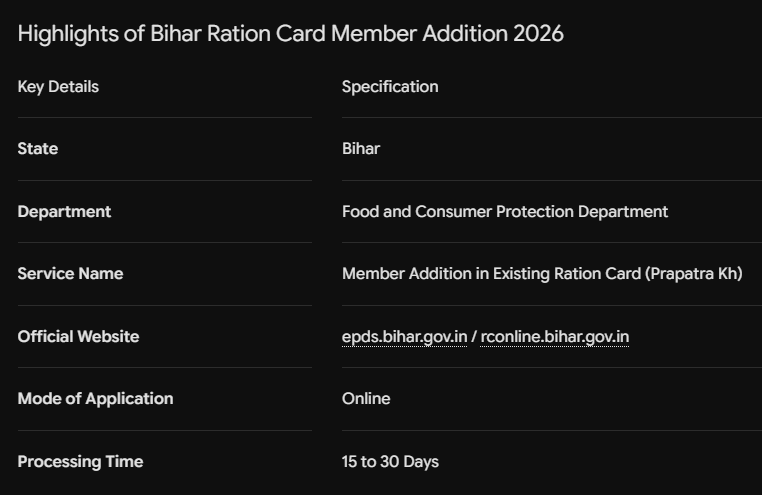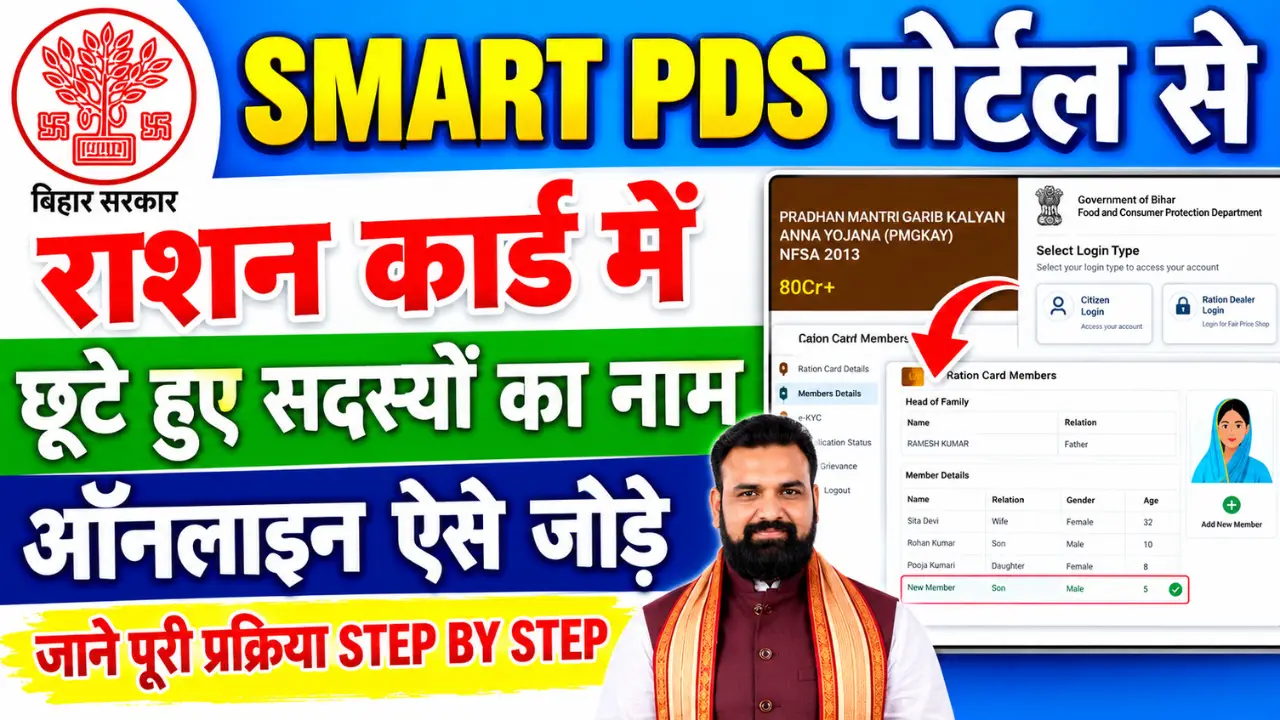
Adding a new family member—such as a newborn baby or a newly married daughter-in-law—to your Bihar Ration Card has become faster and completely digital. The Food and Consumer Protection Department, Bihar, allows cardholders to update their ration card details online through the official portal (EPDS / Smart PDS Portal) without visiting government offices.
If you want to ensure your application gets approved smoothly without rejection, here is a complete step-by-step guide on how to add a new member online, required documents, eligibility, and how to check your status.
Step-by-Step Process to Add New Member Online in Bihar
Step 1:- First, visit the official website by clicking on the link provided above.
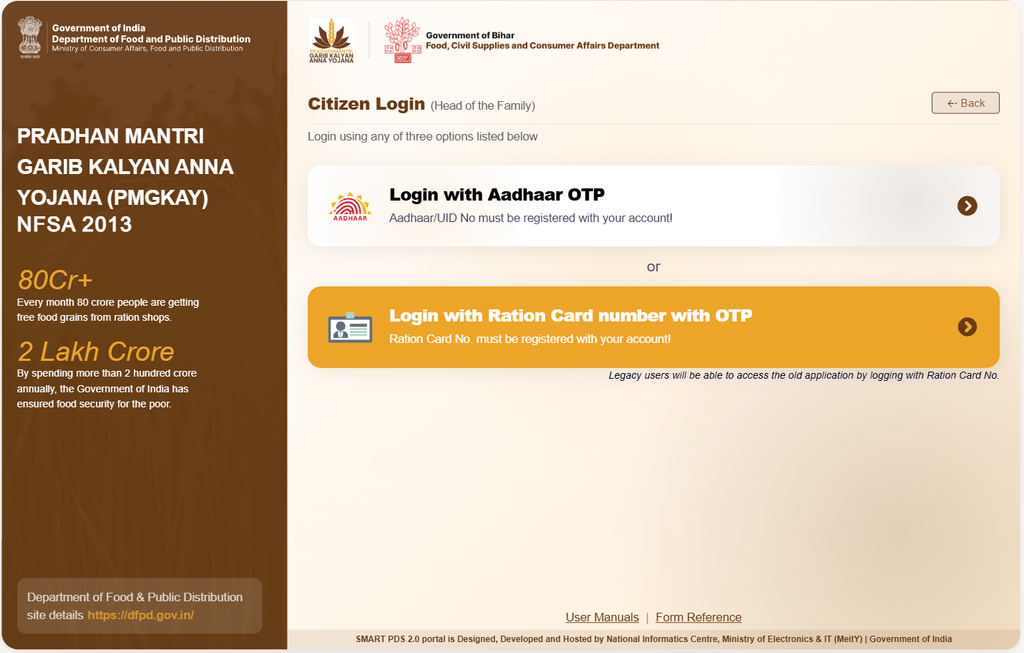
Step 2:- Next, click on ‘Citizen Login’.
Step 3:- Upon clicking, a new page will open, appearing something like this.
Step 4:- Now, enter your Aadhaar number and generate an OTP.
Step 5:- As soon as you click, the next step will appear, looking something like this.
Step 6:- A window will then open for the Bihar Ration Card 2026 application.
Step 7:- Next, click on the ‘Proceed’ option.
Step 8:- Upon clicking, the new ration card application form will open, appearing something like this.
Step 9:- Fill in all the required details in the form.
Step 10:- Then, scan and upload the necessary documents.
Step 11:- Finally, click on the ‘Submit’ option.
Step 12:- This concludes the online process.
How to Check Bihar Ration Card Application Status
After submitting the application, you can track its verification progress online:
- Visit rcms.bihar.gov.in or the EPDS homepage.
- Click on “Application Status”.
- Select your District and Sub-Division.
- Enter your Application ID / RTPS Number and click Show.
- The current status (Pending, Approved, or Rejected) will be displayed.