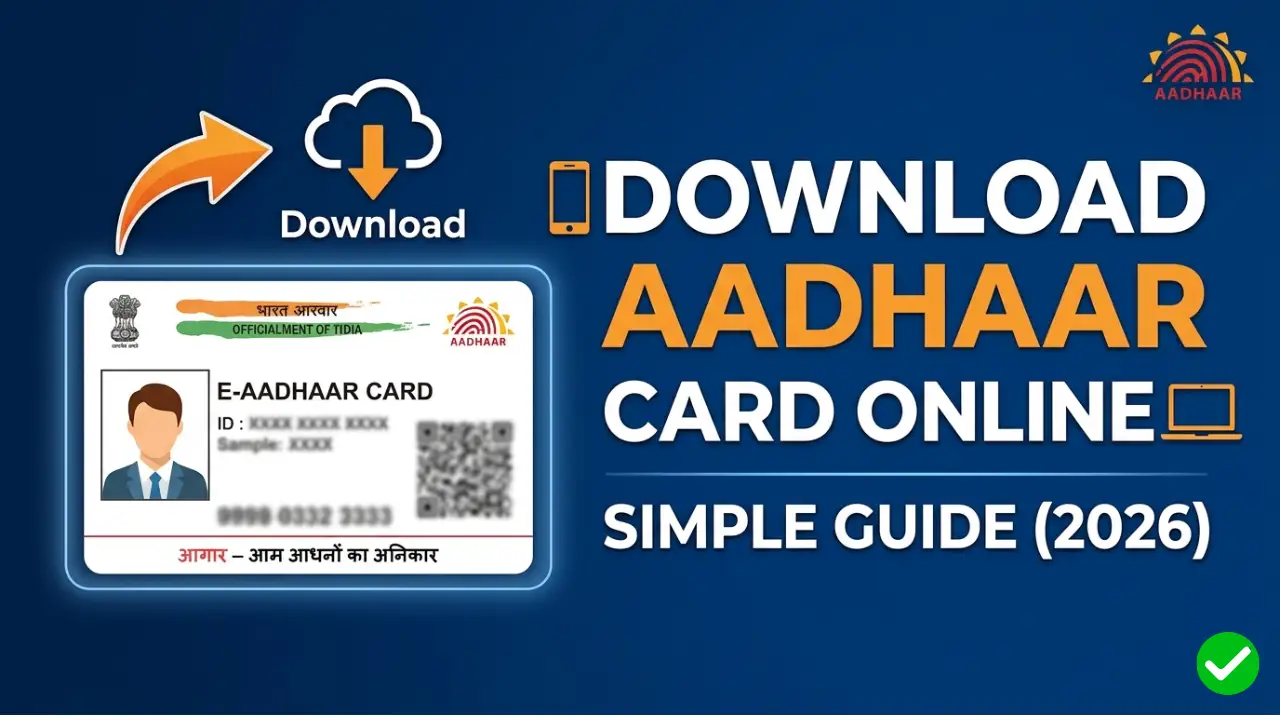
The Aadhaar card, issued by the UIDAI (Unique Identification Authority of India), is one of the most critical identity documents for Indian residents. Whether you have lost your physical card or simply need a digital copy for a quick application, downloading an e-Aadhaar is fast, secure, and legally valid.
Prerequisites for Downloading e-Aadhaar
Before you begin, ensure you have the following:
- Aadhaar Number, Enrolment ID (EID), or Virtual ID (VID).
- Registered Mobile Number: You must have access to the mobile number linked to your Aadhaar to receive the OTP (One-Time Password).
Step-by-Step Process to Download Aadhaar Card

Step 1:- First, click on the link provided above to visit its official portal.
Step 2:- Select the “Download Aadhaar” Option
On the homepage, look for the “Download Aadhaar” tile under the “Get Aadhaar” section. Click on it to proceed.
Step 3:- Enter Your Details
You will be given three options to verify your identity. Choose the one you have available:
- Aadhaar Number: Enter your 12-digit UID.
- Enrolment ID (EID): Enter the 28-digit EID found on your enrolment slip.
- Virtual ID (VID): Enter your 16-digit VID.
After entering the ID, type the Captcha code exactly as shown on the screen.
Step 4:- Request an OTP
Click on the “Send OTP” button. A 6-digit one-time password will be sent to your registered mobile number.
Step 5:- The “Masked Aadhaar” Choice
Before entering the OTP, you will see a checkbox asking: “Do you want a masked Aadhaar?”
- Masked Aadhaar: Only shows the last 4 digits of your ID (for extra privacy).
- Regular Aadhaar: Shows all 12 digits.
Select this only if you specifically need a masked version for security reasons.
Step 6:- Verify and Download
Enter the OTP you received and click “Verify & Download.” Your e-Aadhaar PDF will be downloaded to your device automatically.
How to Open the e-Aadhaar PDF File
The downloaded file is password-protected to ensure your data stays safe. The password follows a specific format:
Password Format:- The first four letters of your name (in CAPITAL letters) followed by your Year of Birth (YYYY).
Example:-
- Name: ANISH KUMAR
- Year of Birth: 1995
- Password: ANIS1995
Benefits of e-Aadhaar
- Validity: According to the Aadhaar Act, an e-Aadhaar is just as valid as the physical card.
- Convenience: You can carry it on your smartphone or DigiLocker.
- Instant Access: No need to wait for the postman; you can get it anytime, anywhere.
Important Safety Tip
Always download your Aadhaar from a private device and avoid using public computers (like cyber cafes). If you must use a public computer, ensure you delete the downloaded file and clear the browser history before leaving.
Conclusion
Downloading your Aadhaar card online is a simple process that takes less than five minutes. By following the steps above, you can always have a digital backup of your most important ID.