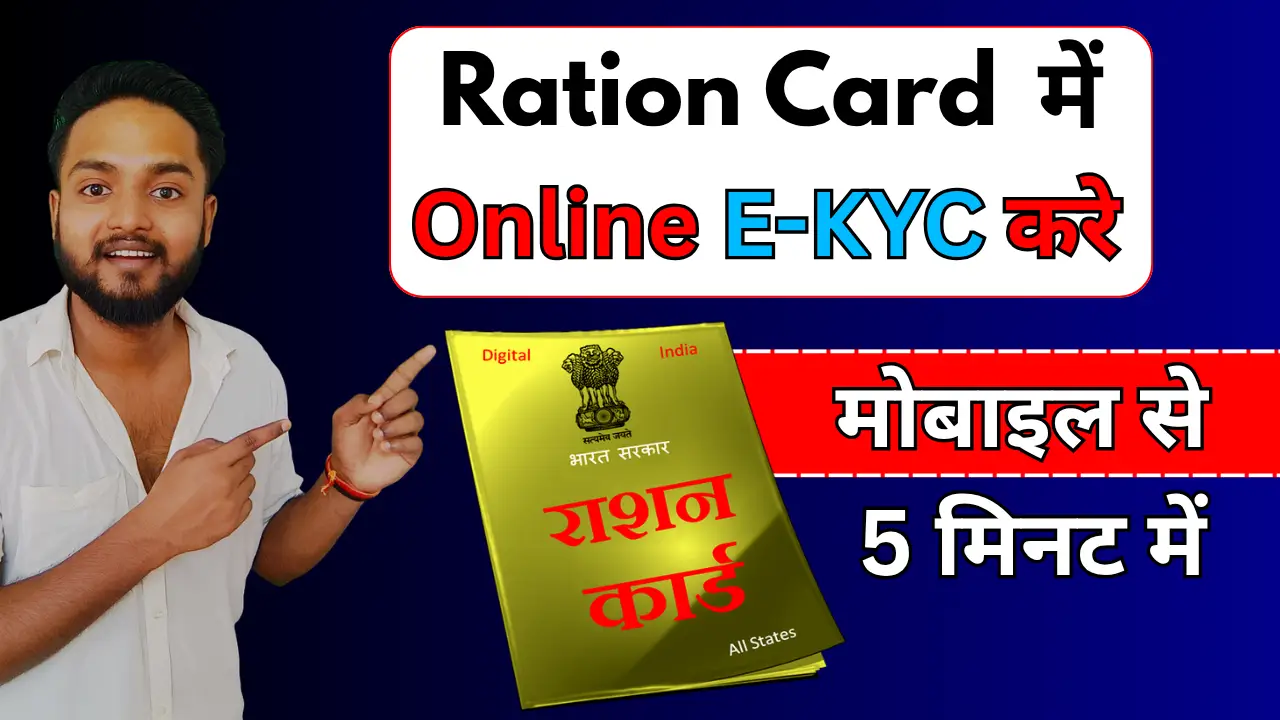
In an effort to ensure transparency and prevent fraud, the Indian government has made e-KYC mandatory for all Ration Card holders. If you haven’t linked your Aadhaar with your Ration Card or updated your KYC details yet, your monthly rations could be at risk of being suspended.
This guide provides a clear, SEO-friendly walkthrough on how to complete your Ration Card e-KYC quickly and easily.
Steps to Complete e-KYC via App
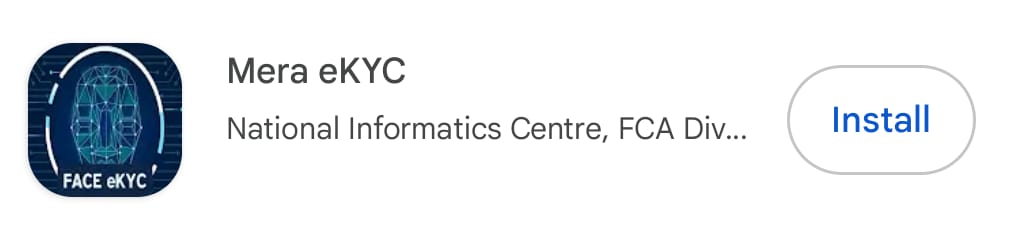
Step 1:- First of all, you will need to download both of the applications mentioned above onto your phone: ‘Mera Face RD’ and ‘Mera eKYC’.
Step 2:- Login and Authentication:
- Open the Mera eKYC app.
- Enter your Aadhaar Number and select your state.
- You will receive an OTP on your Aadhaar-linked mobile number. Enter the OTP to log in.
Step 3:- Perform Face Authentication:
- Once logged in, your ration card details will appear. Look for the e-KYC or Face Auth button next to your name.
- The app will open your front camera. Ensure you are in a well-lit area with a plain background.
- Keep your head straight. The app may ask you to blink or hold still to capture the image.
Step 4:- Submission and Verification:
- After the scan is successful, submit the details.
- Your status will usually update to “Successful” or “Pending for Approval.” It typically takes 24–48 hours for the records to update in the PDS (Public Distribution System) database.
Why is Ration Card e-KYC Important?
The primary goal of e-KYC (Electronic Know Your Customer) is to verify the identity of every beneficiary listed on a Ration Card. By linking Aadhaar cards to the Ration Card database, the government can:
- Eliminate “ghost” or duplicate beneficiaries.
- Ensure that food grains reach the rightful citizens.
- Keep the beneficiary database updated for future government schemes.
Documents Required for e-KYC
- Original Ration Card.
- Aadhaar Card of all family members.
- Mobile number linked to your Aadhaar Card (for OTP).
- Copy of the Bank Passbook (in some states).