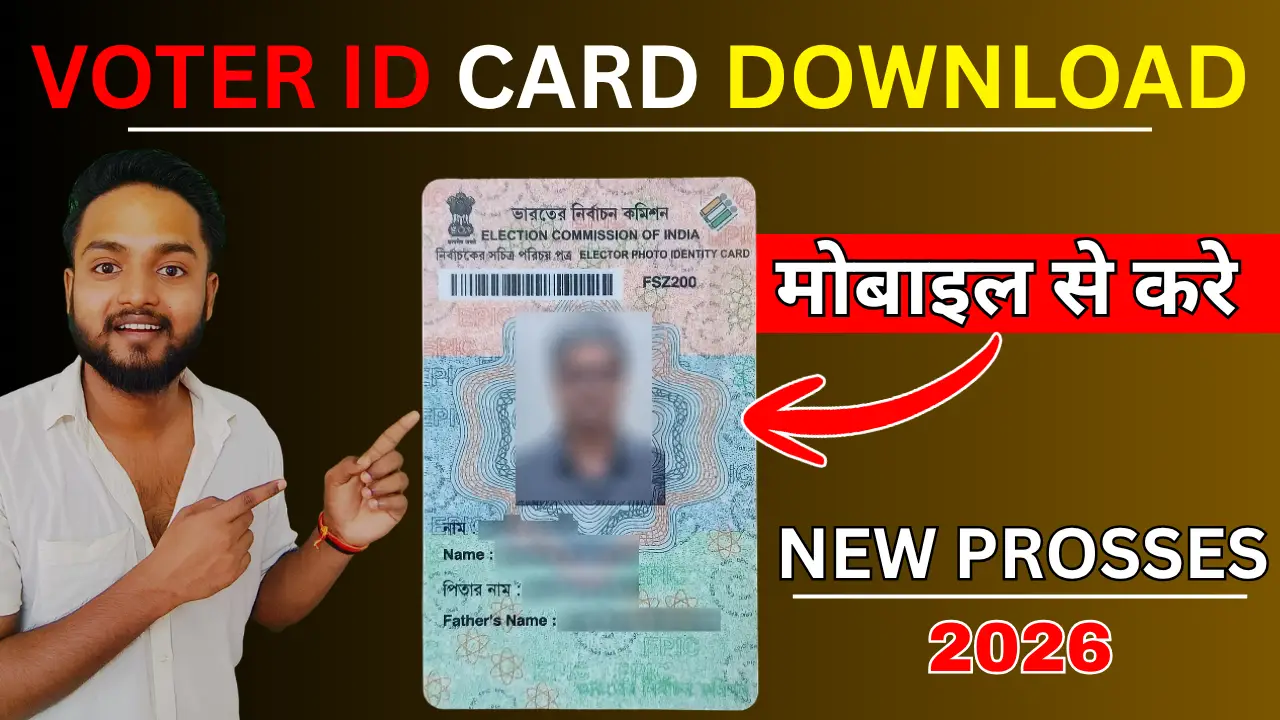
A Voter ID card (also known as the Electors Photo Identity Card or EPIC) is one of the most critical identity and address proofs for Indian citizens. To make things incredibly convenient, the Election Commission of India (ECI) allows citizens to download a secure, digital version of their Voter ID called the e-EPIC.
The e-EPIC is a non-editable PDF version of your physical Voter ID card that carries a secure QR code and is equally valid for all official purposes—including casting your vote.
If you have lost your physical card, applied for a new one, or simply want a digital backup on your smartphone, here is a complete, step-by-step guide on how to download your Voter ID card online.
Step-by-Step Guide: How to Download Voter ID Card Online
Step 1:- Visit the Official Portal Election Commission website: voters.eci.gov.in (formerly NVSP).
Step 2:- Login or Sign Up
- If you already have an account, click on Login and enter your registered mobile number/email, password, and the Captcha code.
- If you are a new user, click on Sign Up, register your mobile number, and create a password.
Step 3:- Once logged into your dashboard, click on the green “E-EPIC Download” tab prominently visible on the home page.
Step 4:- You will see two options to search for your details:
- EPIC No: Select this if you already know your Voter ID card number.
- Form Reference No: Select this if you are a newly registered voter and have an acknowledgment slip.
Enter the number, select your respective State from the dropdown menu, and click Search.
Step 5:- Your voter details (Name, EPIC number, Assembly Constituency) will appear on the screen.
- Click on the “Send OTP” button.
- An OTP will be sent to your registered mobile number. Enter the OTP and click Verify
Step 6:- After successful verification, click on the “Download e-EPIC” button. Your digital Voter ID card will be downloaded instantly to your device in PDF format.
Method 2: Download Voter ID via the Voter Helpline Mobile App
If you prefer using your smartphone, you can easily access your digital card using the official mobile app.
- Download and install the Voter Helpline App from the Google Play Store or Apple App Store.
- Open the app and log in using your credentials or register as a new user.
- Tap on the “Download e-EPIC” or “Personal Vault” icon on the home screen.
- Choose whether you want to search by EPIC Number or Reference Number.
- Enter the details, request the OTP, and enter it to verify.
- Tap Download to save the e-EPIC directly into your phone’s internal memory.