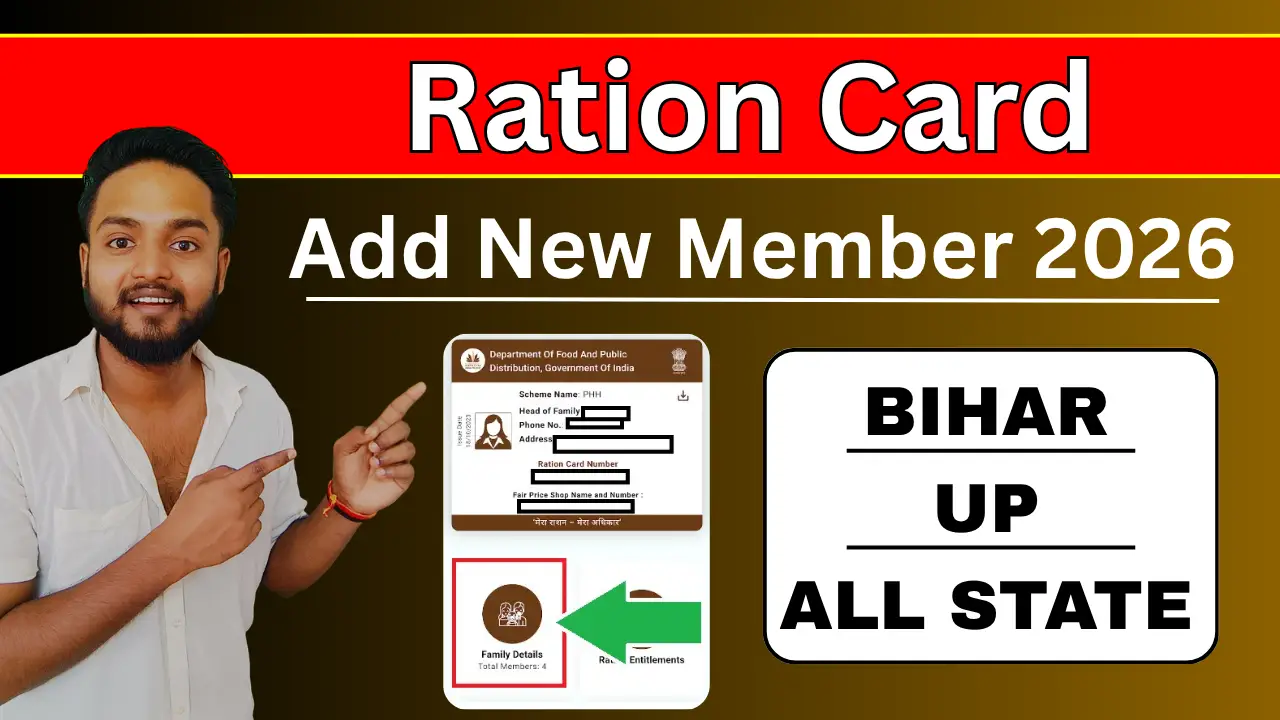
Having an updated ration card is crucial for every Indian household to avail themselves of the benefits of government subsidized food grains and various welfare schemes under the NFSA (National Food Security Act). Whether you have a newborn baby in the family or a newlywed bride, keeping your ration card updated is highly important.
Traditionally, adding a new member’s name involved long queues at government offices. However, with the launch of the Mera Ration App by the Ministry of Consumer Affairs, Food and Public Distribution, managing your ration card details has become incredibly easy.
In this comprehensive guide, we will walk you through the exact process of how to add a new member in a ration card using the Mera Ration App, the documents required, and eligibility criteria.
How to Add New Member Full Prosses.
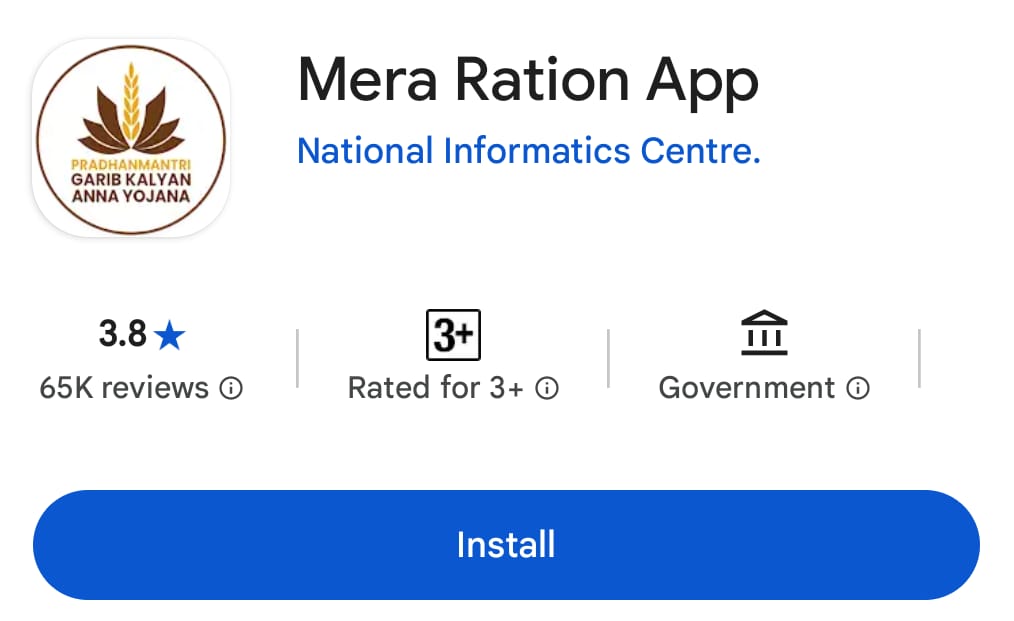
Step 1:- First, download the ‘Mera Ration’ application by clicking on the link provided above.
Step 2:- Before adding a member, it is vital to know if your current family members are fully verified.
- Click on the Aadhaar Seeding option on the app dashboard.
- Enter your Ration Card Number or Aadhaar Number of any existing member.
- Click Submit. You will see a list of all active members. Ensure all existing members have “Yes” under the Aadhaar Seeding column.
Step 3:- Note: Ration Cards are managed directly by state governments, the Mera Ration App routes the structural updates through your state’s digital food portal.
- On the app home screen, look for State-Specific Services or Registration/Correction.
- Select your respective state (e.g., Bihar, Uttar Pradesh, Maharashtra, etc.).
- The app will securely redirect you to your state’s official EPDS (Electronic Public Distribution System) portal.
Step 4:- Fill Out the New Member Details
- Log in to your state portal using your Ration Card Number and the registered mobile number (via OTP verification).
- Click on the “Add New Member” or “Addition of Name” option.
- Fill in the required details of the new member carefully:
Step 5:- Upload Documents & Submit
- Upload the clear digital copies of the mandatory documents (Birth Certificate/Marriage Certificate).
- Double-check all details to avoid rejection.
- Click on the Submit button.
- You will receive an Acknowledgement Number / Reference ID on your screen and via SMS. Keep this safe for future tracking.
How to Track Your Application Status?
The verification process usually takes 15 to 30 days depending on your local food department. You can easily track the status using your Reference ID:
- Open the state portal link via the app or your browser.
- Click on “Track Application Status” or “Check Ration Card Status”.
- Enter your Reference ID or Ration Card number.
- The screen will display whether your application is Pending, Approved, or Rejected.