
Linking your Aadhaar card with your Permanent Account Number (PAN) is mandatory for all eligible taxpayers in India. Failing to link these two crucial identity documents results in an inoperative PAN card, which can disrupt banking transactions, mutual fund investments, and Income Tax Return (ITR) filing.
Whether you have already submitted a linking request or want to verify if your documents are connected, here is a complete, step-by-step guide on how to check your Aadhaar-PAN linking status online in under two minutes.
How to Check Aadhaar PAN Link Status Online
Step 1:- First, you need to visit the official website by clicking on the link provided above.
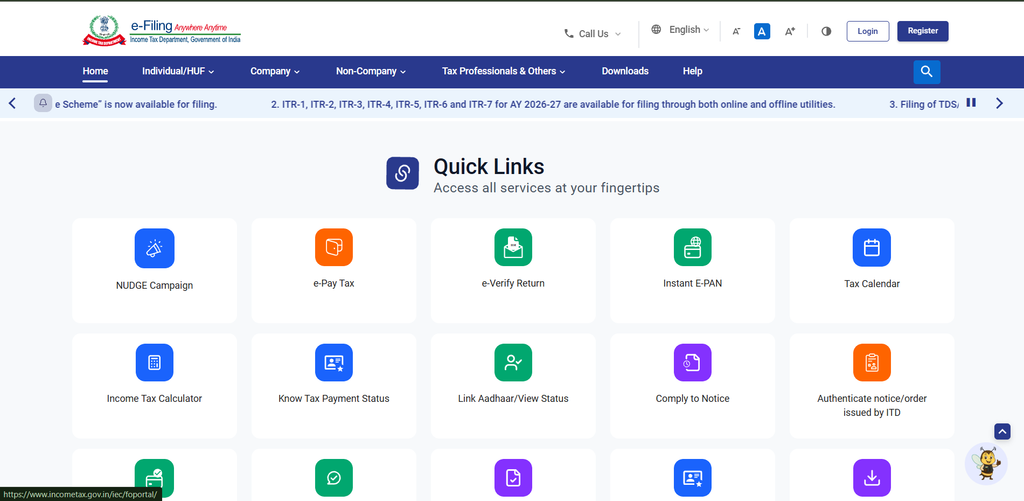
Step 2:- On the homepage: Scroll down slightly Click on “Link Aadhaar Status”
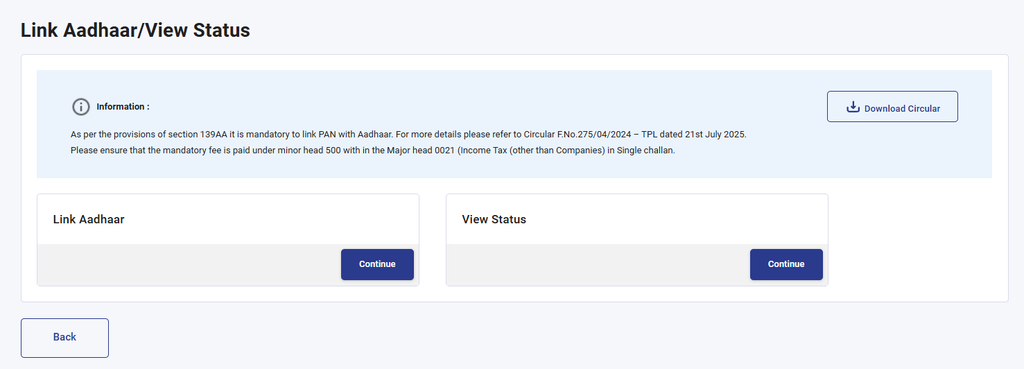
Step 3:- You will now see two options there: ‘Link Aadhaar’ and ‘View Status’. Since we want to check the status, we will click on the ‘View Status’ option.
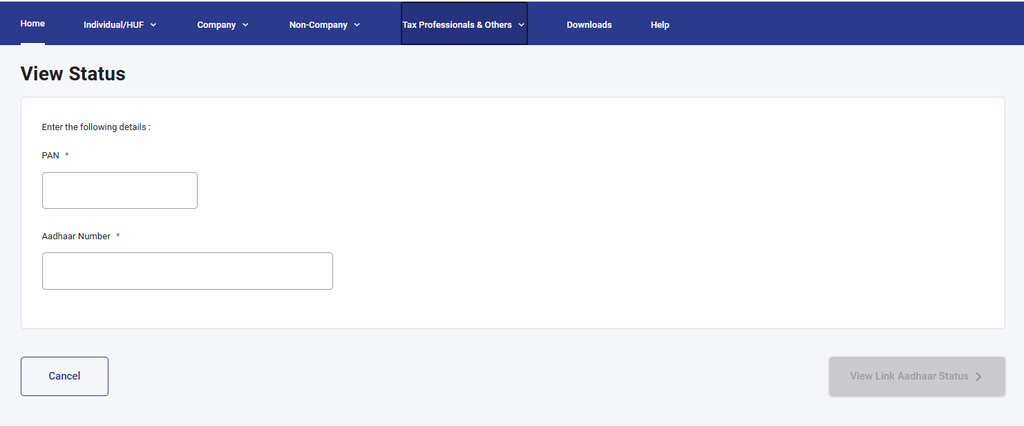
Step 4:- A new page will open where you need to enter your Aadhaar card number and PAN card number, and then click on the ‘View Link Aadhaar Status’ option.
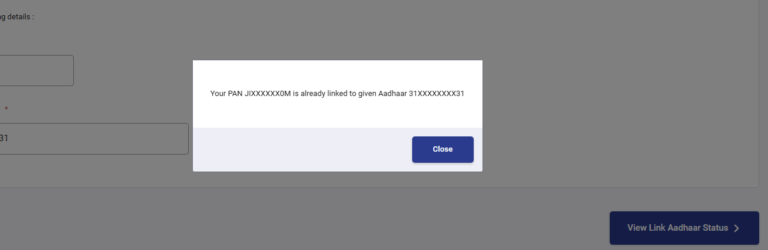
Step 5:- If your Aadhaar card and PAN card are already linked, a message box will appear on your screen clearly stating that they are already linked; conversely, if they are not linked, a similar message box will appear indicating that they are not linked and prompting you to link them.
If you want to link your Aadhaar card and PAN card, I have provided a link to an article below; by clicking on it, you can learn how to link them.