In today’s times, the Aadhaar card is one of the most important documents in India. It is required for a wide range of activities, including opening a bank account, availing benefits of government schemes, purchasing a SIM card, securing admission to schools and colleges, and various other tasks.
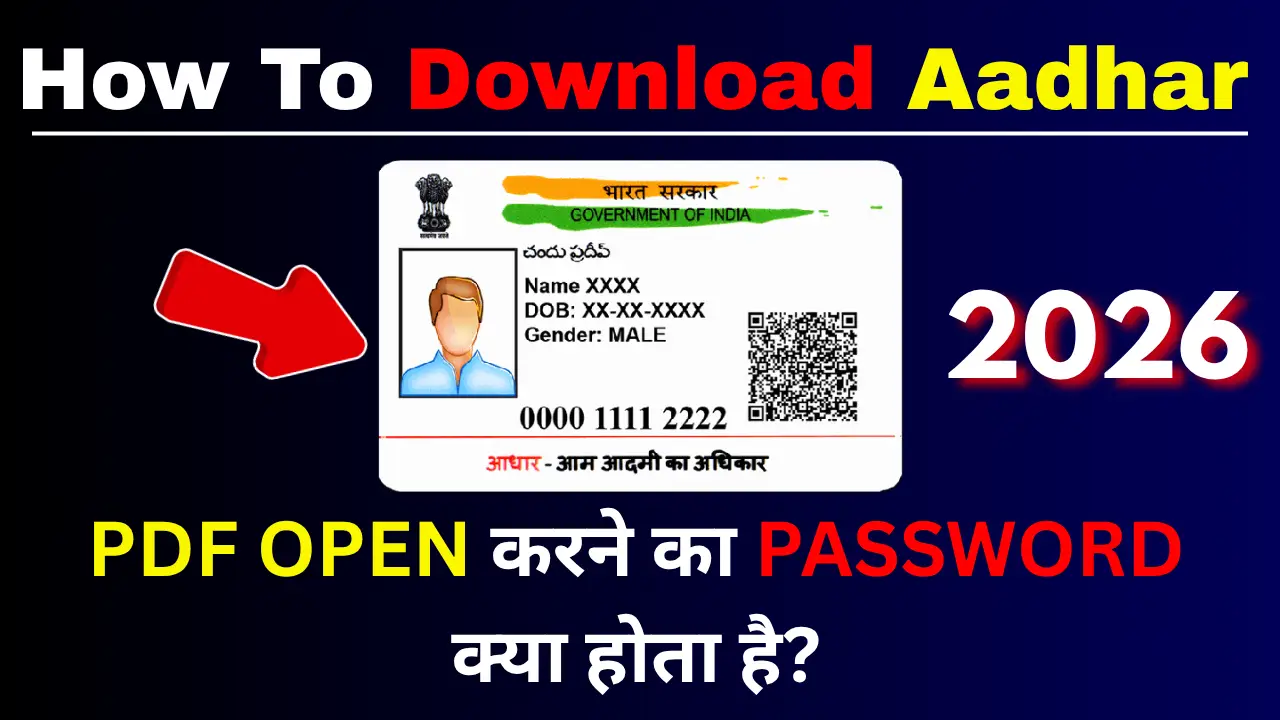
If your Aadhaar card is lost or torn, or if you do not have a hard copy of it, there is no need to worry. You can download the e-Aadhaar (digital Aadhaar card) in just a few minutes using your mobile phone or computer from the comfort of your home.
How to download an Aadhaar card using a mobile phone?
Step 1:- First, visit the official website by clicking on the link provided above.
Step 2:- After visiting the official website, you will find a ‘Download Aadhaar’ option; simply click on it.
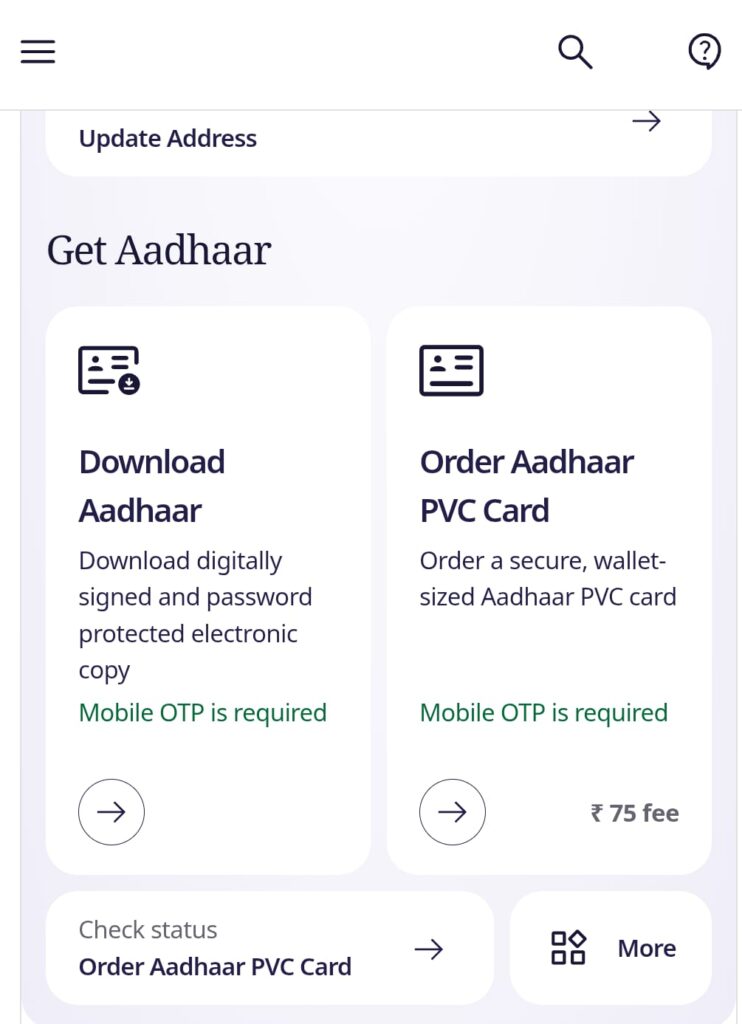
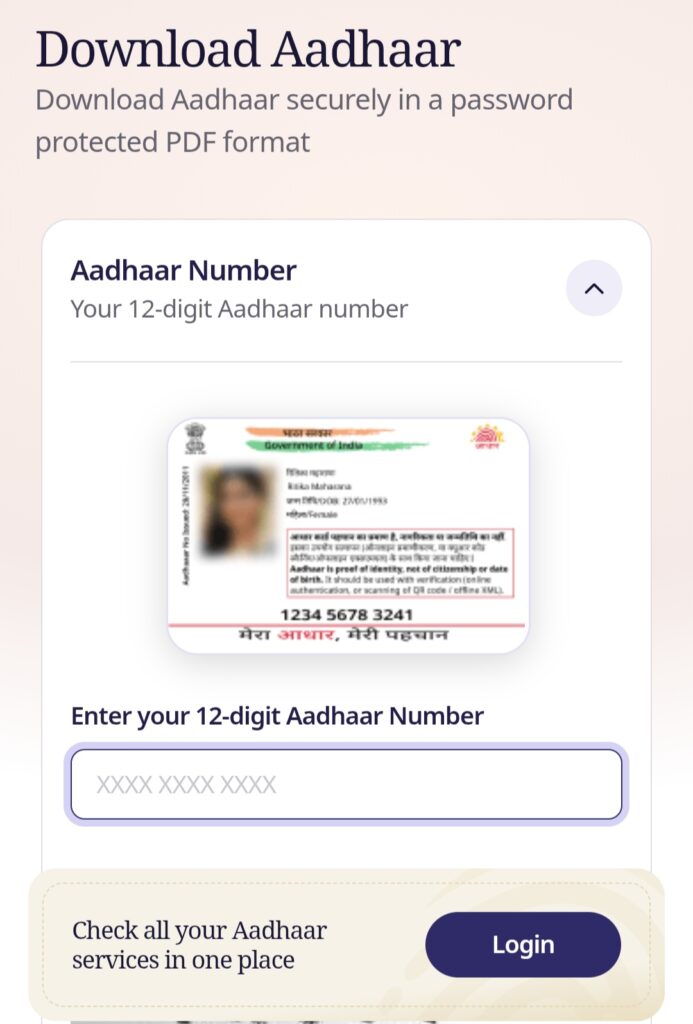
Step 3:- Now, you need to enter your 12-digit Aadhaar number—which is printed on your Aadhaar card—fill in the captcha code, and click on the ‘Get OTP’ option.
Step 4:- An OTP will then be sent to the mobile number linked to your Aadhaar card; enter that OTP and click on ‘Download aadhaar’.
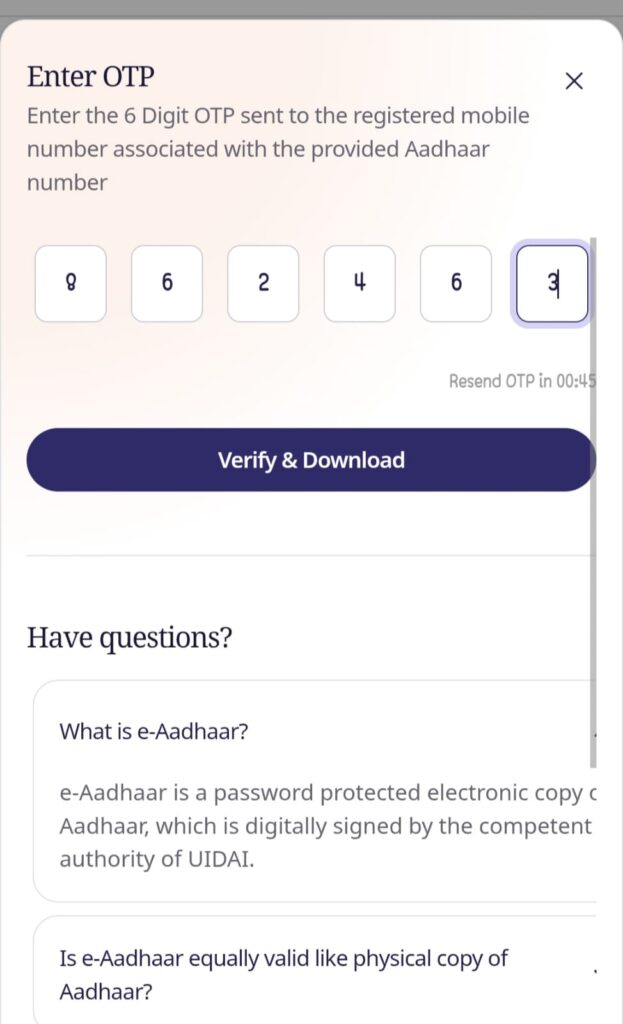
Step 5:- Your Aadhaar card will now be downloaded to your mobile in PDF format; you can open it, take a printout, and use it anywhere.
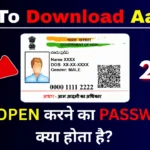
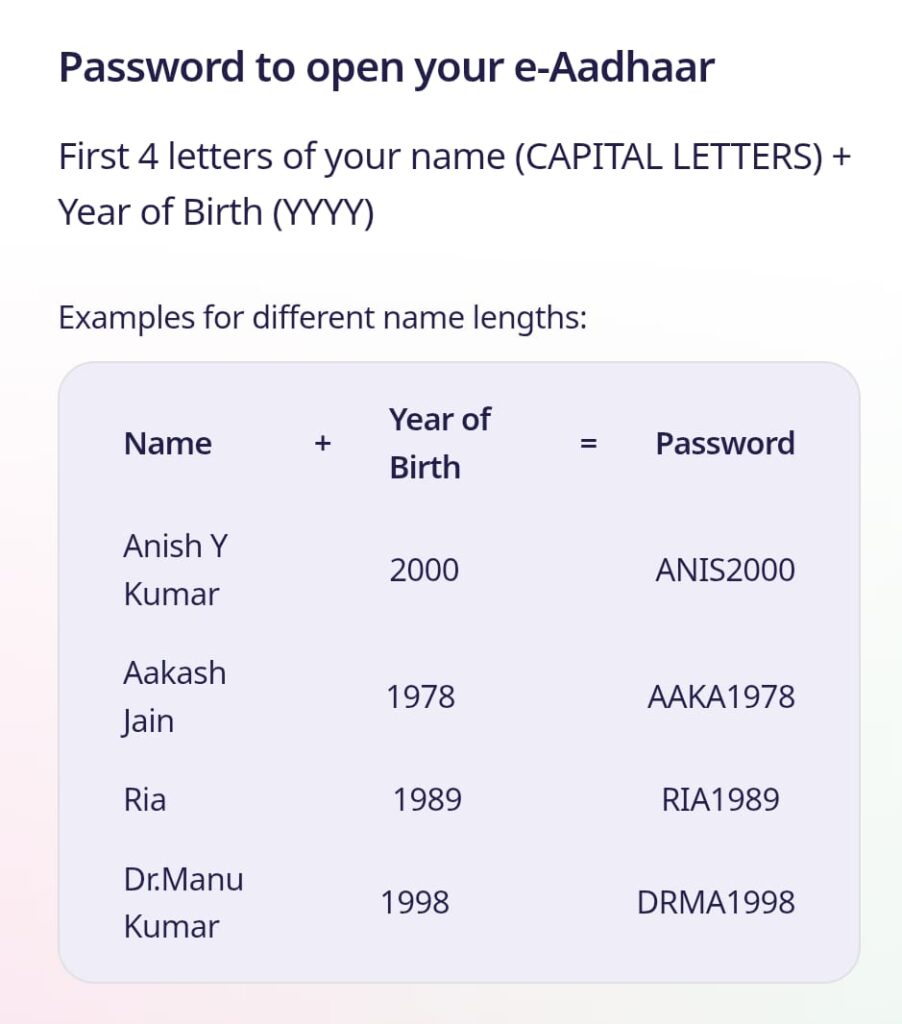
What Is the Password of the e-Aadhaar PDF?
If your name is SURESH KUMAR and your year of birth is 1990, your password will be:
SURE1990
Can I Download Aadhaar Without a Registered Mobile Number?
For online e-Aadhaar downloading, UIDAI states that the OTP is sent to the mobile number registered with Aadhaar.
Therefore, if you do not have access to the mobile number registered with your Aadhaar, you may not be able to complete the normal online download process.
UIDAI also provides other options in certain situations. For example, Aadhaar holders can visit an Aadhaar Enrolment Centre and use the Print Aadhaar service after authentication. UIDAI states that this service is chargeable.
If your mobile number is not registered or needs to be updated, visit an authorised Aadhaar centre for the applicable update service.