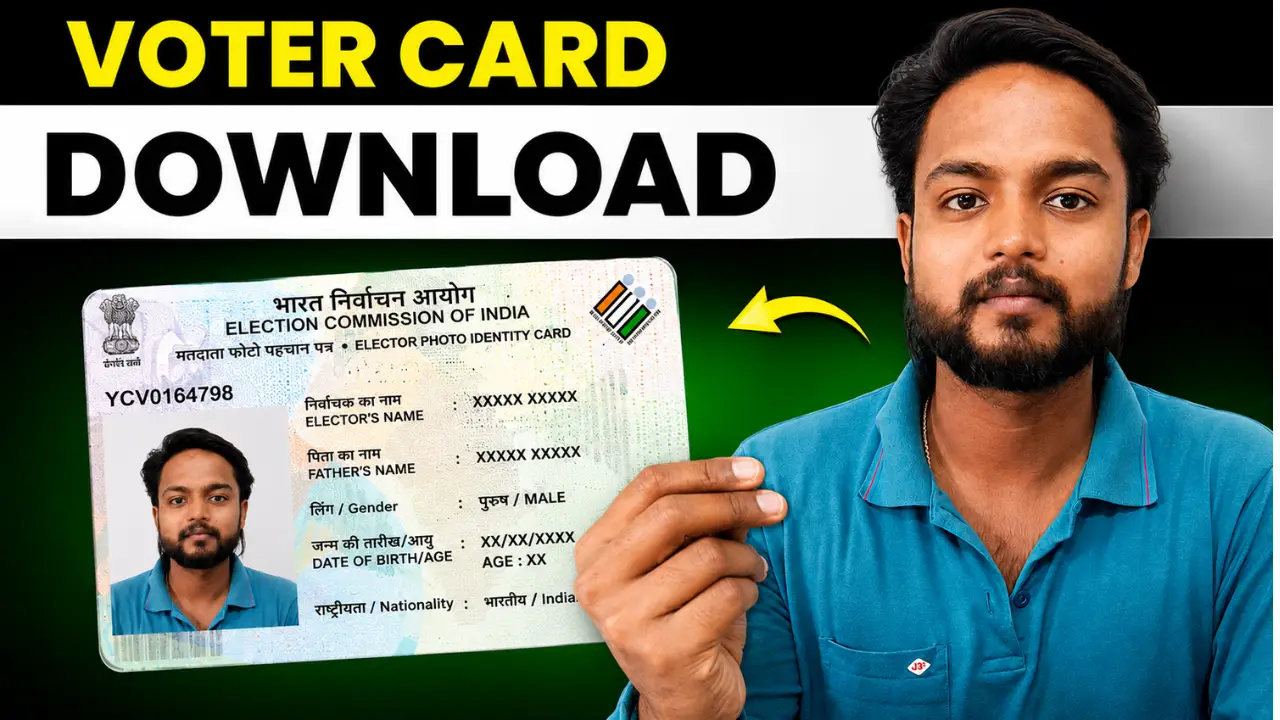
A PVC Voter ID card is a durable physical version of the Electors’ Photo Identity Card (EPIC).
You can download the digital E-EPIC version of your Voter ID card from the official Election Commission of India voter services portal.
Voter ID Card Download Prosses
Step 1:- First, visit the official website by clicking on the link provided above.
Step 2:- Log in to the portal using your ID and password. If you are visiting for the first time, click the ‘Sign-Up’ button to register your mobile number.
Step 3:- After logging in, you will see the “E-EPIC Download” button on the homepage; click on it.
Step 4:- You will now have two options. Enter your EPIC Number and select your state. Then, click the ‘Search’ button.
Step 5:- Your details will appear on the screen. Click the ‘Send OTP’ button below. A 6-digit code will be sent to your registered mobile number; enter it and click ‘Verify’.
Step 6:- Once verification is successful, the ‘Download e-EPIC’ option will become active. Clicking on it will download your digital voter ID card.
How to Download Voter ID Card Without EPIC Number
If you do not remember your EPIC number, first try to search for your name in the electoral roll.
The official Voters’ Service Portal provides a Search Your Name in Voter List service that can help voters check electoral details and polling-related information.
- Visit the official voter portal.
- Select the voter search service.
- Search using the details requested on the portal.
- Find your electoral record.
- Note your EPIC number.
- Return to the E-EPIC download service.