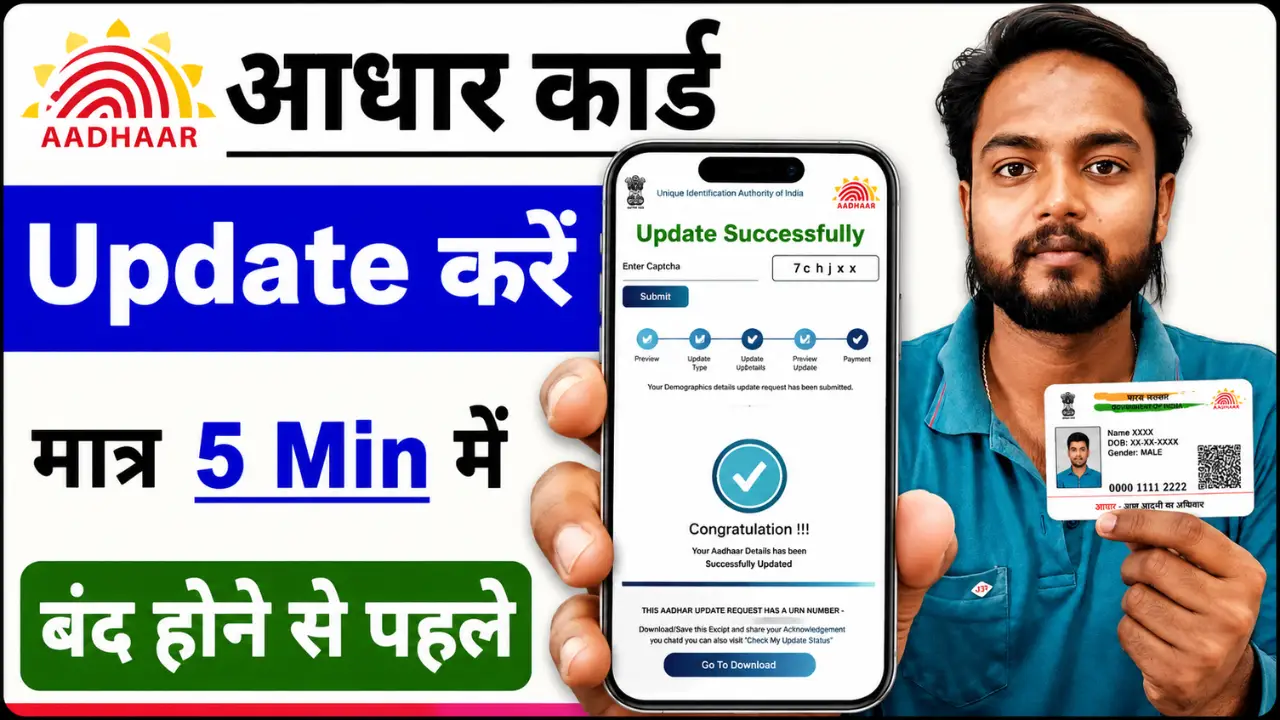
If details such as your name, address, mobile number, date of birth, or other information on your Aadhaar card are incorrect, they can now largely be updated online. The UIDAI has made several services available online through the MyAadhaar portal, reducing the need for people to visit Aadhaar Seva Kendras.
In this article, we will explore how to update your Aadhaar card online, which details can be modified online, in which cases a visit to an Aadhaar Seva Kendra is mandatory, and what the entire process entails.
Process for updating the Aadhaar card
Step 1:- First, visit the official portal by clicking on the link provided below.
Step 2:- After visiting the official website, you will see a login option; click on it, enter your 12-digit Aadhaar number and the captcha code, and log in using the OTP.
Step 3:- After logging in, you will see an ‘Update Document’ section; you need to click on it.
Step 4:- Your Aadhaar card details will now appear; simply tick the check box and click ‘Next’.
Step 5:- A new document update page will now open, where you will need to upload two documents: one for proof of address and the other for proof of identity.
Step 6:- After successfully uploading both documents, click ‘Next’.
Step 7:- Now, as a final step, click on the ‘Submit’ option; your request will be successfully submitted, and you will be provided with an acknowledgment slip. You can also download your acknowledgment slip by clicking on the ‘Download Acknowledgment’ option.
Step 8:- Your part of the process is now 100% complete; your Aadhaar card will be updated within 5 to 6 days. You can also track the status right here to see whether the Aadhaar card has been updated.
How to check Aadhaar update status?
If you have submitted an application, follow these steps to check the status:
- Open the MyAadhaar portal.
- Click on ‘Check Update Status’.
- Enter the SRN.
- The status will appear on the screen.