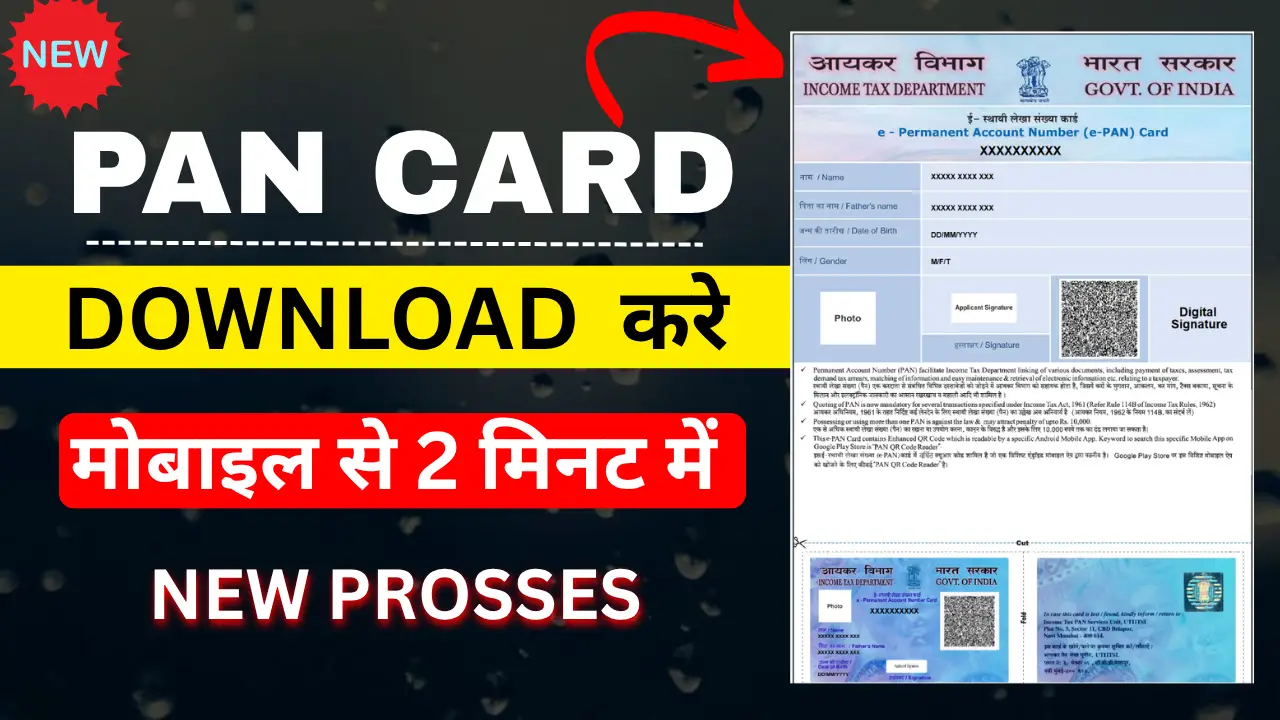
A PAN card is one of the most important financial documents in India. It is required for various financial transactions, income tax-related activities, opening certain bank accounts, investments and other services.
If you have already been allotted a PAN and need a digital copy, you may be looking for an easy way to download your PAN card online. The Income Tax Department provides an online facility to view and download an e-PAN in PDF format.
Prosses to Download PAN Card Online
Step 1:- First, click on the link corresponding to the company that issued your PAN card; for example, my PAN card was issued by NSDL.
Step 2:- A form will open where you need to enter your PAN number, Aadhaar number, and date of birth, and then submit it.
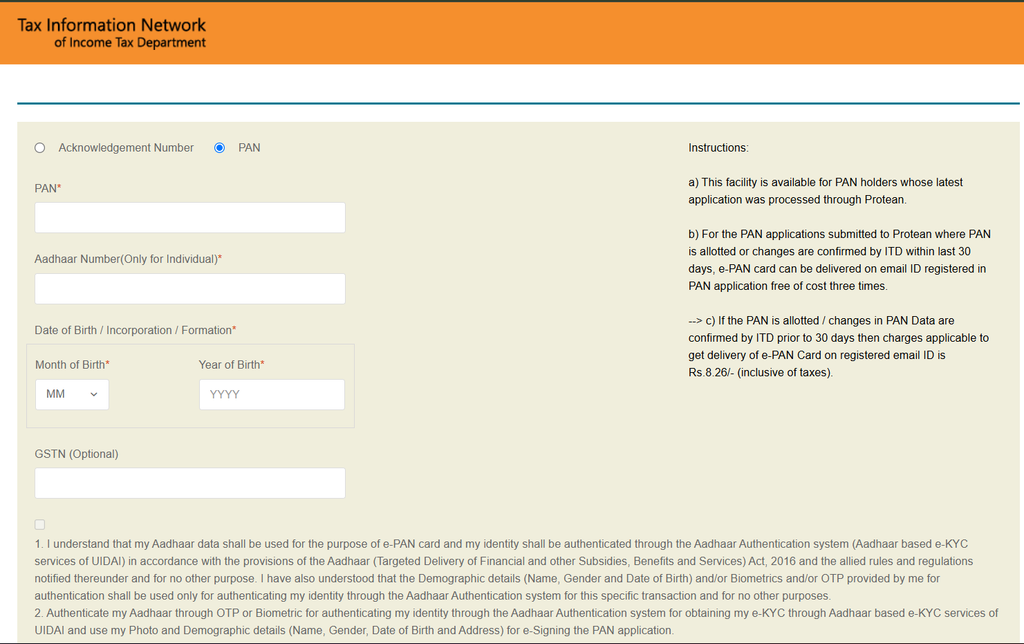
Step 3:- Then, you will have to make a payment of ₹8.26, and your PAN card will be downloaded.
What is the password for the e-PAN PDF?
The downloaded PDF is password-protected.
In most cases, the password format is—
- Your date of birth (DDMMYYYY)
- Example:
- If your date of birth is 15 August 1998, the password will be:
- 15081998
Is e-PAN Valid?
Yes. An e-PAN is a digitally signed electronic form of PAN and is a valid form of PAN.
The Income Tax Department describes the Instant e-PAN as a digitally signed PAN issued in electronic format.
Therefore, you can keep the electronic copy securely on your smartphone, computer or other safe storage.