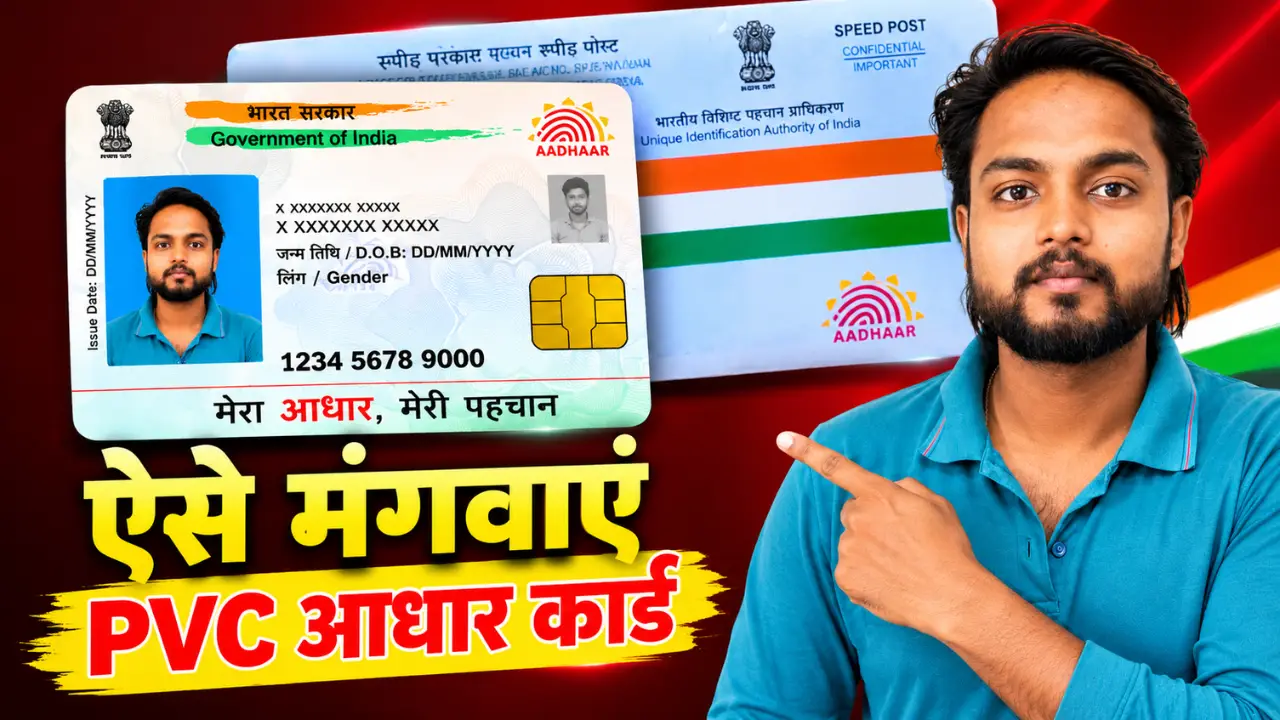
In today’s times, the Aadhaar card has become one of the most important documents. However, since many people hold the paper version, it often tears or gets damaged easily, and carrying it around can be inconvenient. To address this, the government has introduced the PVC Aadhaar Card facility.
If you too wish to get a durable, attractive PVC Aadhaar card that fits easily into your wallet, then this article is for you.
In this article, we will explain how to order a PVC Aadhaar card online, the associated fees, the required documents, and the time it takes for the card to be delivered to your home.
How to order a PVC Aadhaar card online? (Step-by-step)
Step 1:- First, visit the official website of UIDAI.
Step 2:- Go to the ‘My Aadhaar’ section on the home page and click on the ‘Order Aadhaar PVC Card’ option.
Step 3:- Enter Aadhaar Number: Aadhaar Number or VID or EID, Captcha Code
If your mobile number is not linked to Aadhaar, you can enter a new mobile number by selecting the “My Mobile Number Is Not Registered” option.
After that, click on “Send OTP”.
Step 4:- Enter the OTP received on your mobile number and verify it.
Step 5:- Your name, photo, and some essential information will appear on the screen. Proceed if the information is correct.
Step 6:- Pay ₹75 now.
- UPI
- Debit Card
- Credit Card
- Net Banking
You will receive a Service Request Number (SRN) after the payment is successful.
Step 7:- All the formalities are now complete; your new Aadhaar PVC card will be sent to your home address via the post office within 6 to 7 days.
How to check the status of a PVC Aadhaar card?
If you have already placed an order, you can easily check its status as well.
- Process
- Open the UIDAI website.
- Select the ‘Check Aadhaar PVC Card Status’ option.
- Enter the SRN number.
- Enter the captcha.
- Click on ‘Submit’.
After this, you will see the full status.