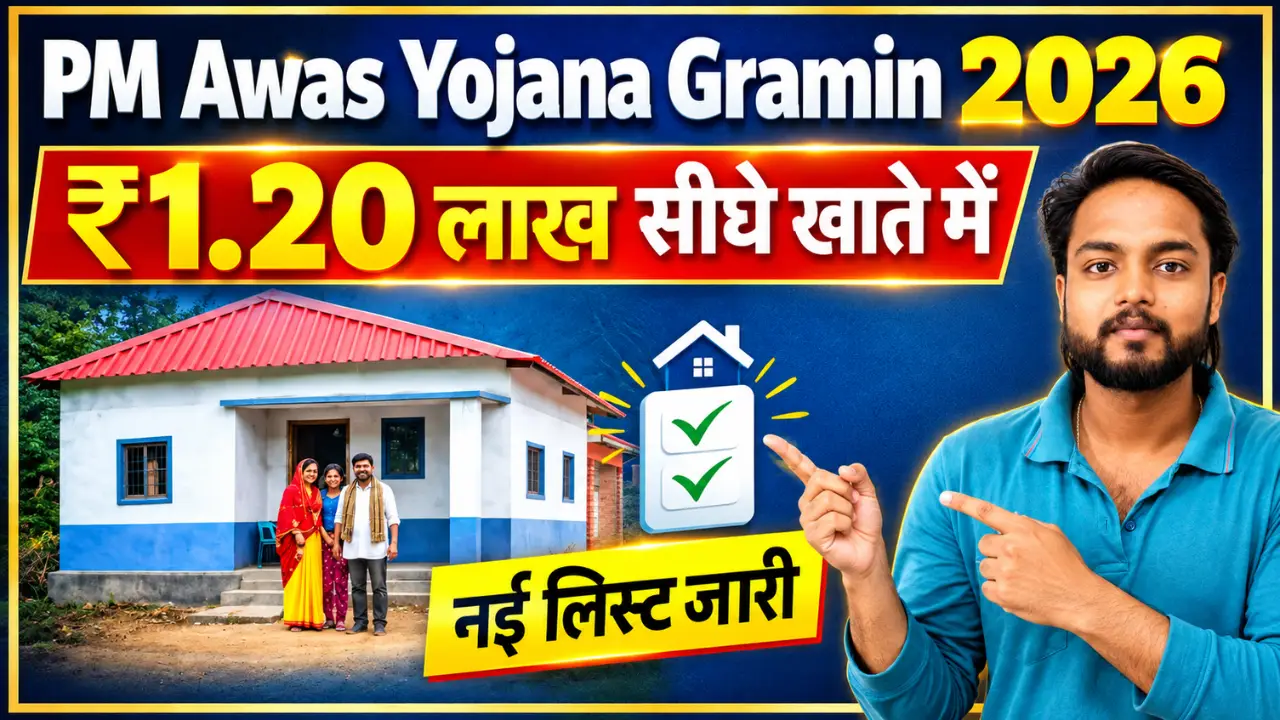
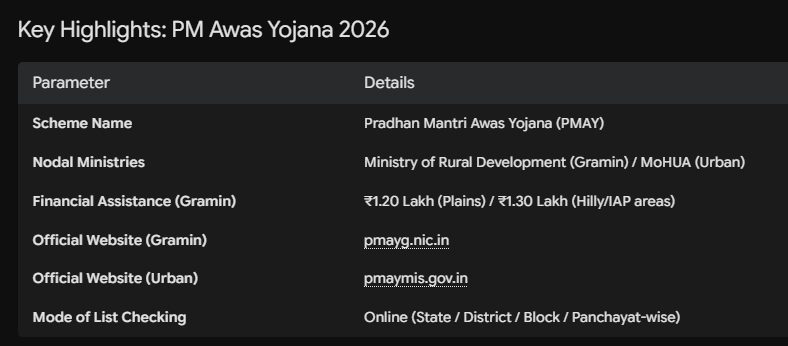
The Government of India has released the updated Pradhan Mantri Awas Yojana (PMAY) New List for 2026. Under this flagship housing welfare initiative, millions of eligible rural and urban households across all Indian states are receiving financial assistance to construct or purchase permanent (pucca) houses.
If you have submitted an application or were surveyed under the ongoing Awaas+ drive, you can now verify your beneficiary status directly from your smartphone. You do not need to visit government offices or Panchayat centers to check your status.
This complete guide explains how to check and download the PM Awas Yojana Gramin and Urban Beneficiary List 2026 step-by-step.
How to Check PM Awas Yojana Gramin List 2026
Step 1:- First, visit the official website by clicking on the link provided above.
Step 2:- Next, you need to select your state, district, village, and block, and then click on the submit option.
Please note that this list will be released online only after October 31st; if you try to download it before that date, the download will not work, and a “Record Not Found” message will appear.
Financial Assistance Breakdown in PMAY 2026
Financial aid is directly credited via Direct Benefit Transfer (DBT) into the beneficiary’s Aadhaar-seeded bank account in three structured installments linked to construction milestones:
- Gramin Plain Regions: ₹1,20,000
- Gramin Hilly / North-East / Tribal Belts: ₹1,30,000
- Toilet Construction Support: Extra ₹12,000 under Swachh Bharat Mission (SBM)
- Employment Support: 90–95 days of unskilled labor wages under MGNREGA
What to Do If Your Name Is Missing from the 2026 List?
If your family is eligible but your name does not appear in the latest list:
- Contact Gram Panchayat / Panchayat Secretary: Inquire whether your family details are captured in the ongoing Awaas+ Survey database.
- Verify Bank & Aadhaar Linkage: Ensure your bank account is active and linked with NPCI mapping to prevent payment rejection.
- Check Rejection Reason: On the pmayg.nic.in report section, view the “Rejection Details” list to correct errors in name spelling or document numbers.