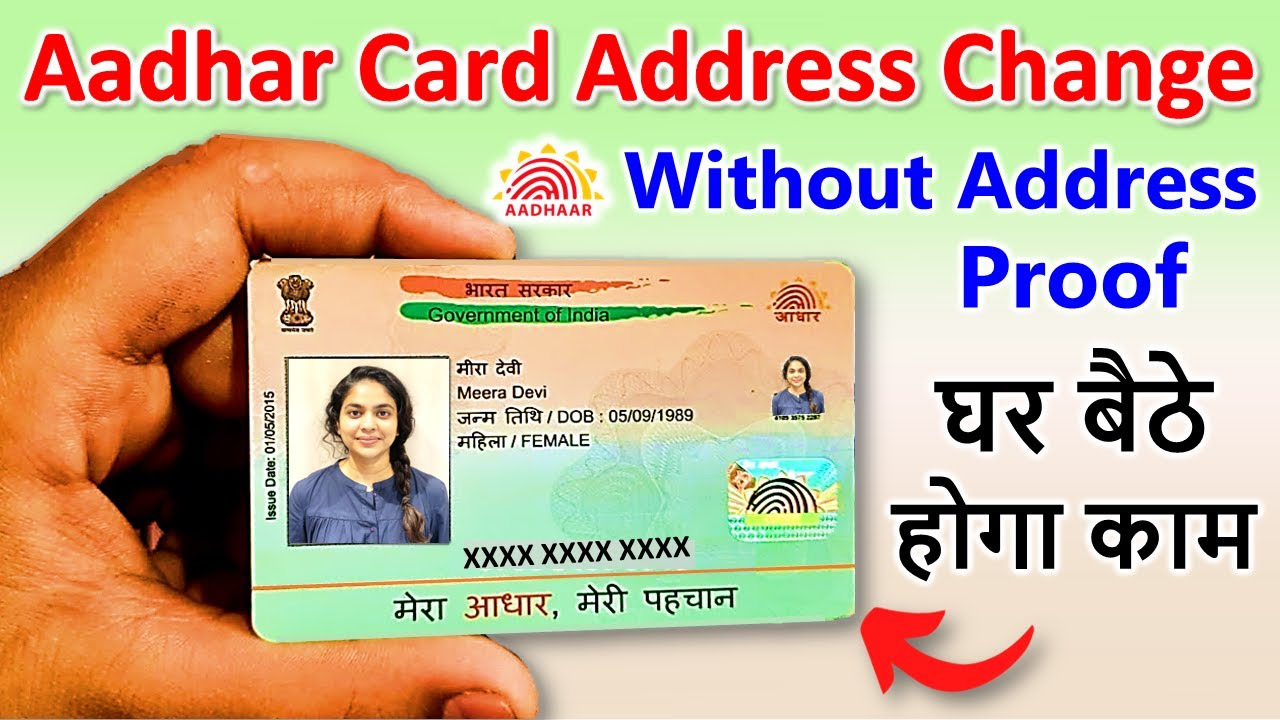
Aadhaar Card Correction :- Correcting details in your Aadhaar card has now been made significantly easier than before. For instance, if your father’s name, Address is incorrect on your Aadhaar card, you can easily Change it. Alternatively—if you are a woman who has recently married and wishes to update your address to that of your husband instead of your father’s—you can also perform this update yourself online from the comfort of your home using the HOF (Head of Family) option.
Aadhar card address change (step-by-step) prosses
Step 1:- First, click on the link provided below to install the new Aadhaar app on your phone.
Step 2:- After installation, you need to log in to this application using your Aadhaar number, OTP, and face authentication.
Step 3:- After logging in, you will find a ‘Services’ option on your screen; click on it, and then click on the ‘Address Update’ option.
Step 4:- Now you will find the “Family Members Aadhaar” option; click on it, and then click on the “Continue to Update Address” option.
Step 5:- Now, there is one thing you must keep in mind here: if you wish to replace your father’s name with your husband’s name, you must enter your husband’s Aadhaar number; conversely, if you wish to correct the spelling of your father’s name, you must enter your father’s Aadhaar number. In other words, you must enter the Aadhaar number of whichever individual serves as your Head of Family.
After that, you need to make an online payment of ₹75. As soon as the payment is made, your selfie camera will open; you must position your face in front of the screen and blink your eyes twice to complete the face authentication process. Immediately upon making the payment, you will receive a receipt containing your SRN number.Step 6:-
Step 7:- Now, you need to take the phone of your Head of Family member, open this very application on their device, and—after logging in with their Aadhaar card—navigate to the ‘Services’ section. There, you will find an option labeled “Review Families Request”; click on it.
Step 8:- A new page will now open on your screen, where you need to enter the SRN—the number you received on your slip—and then click on the “Continue Request” option.
Step 9:- Within 1 days, the address on your Aadhaar card will be changed and updated to match the address listed on your father’s Aadhaar card.
So friends, in this way, you too can change the address on your Aadhaar card, correct the spelling of your father’s name, or replace your father’s name with your husband’s name.