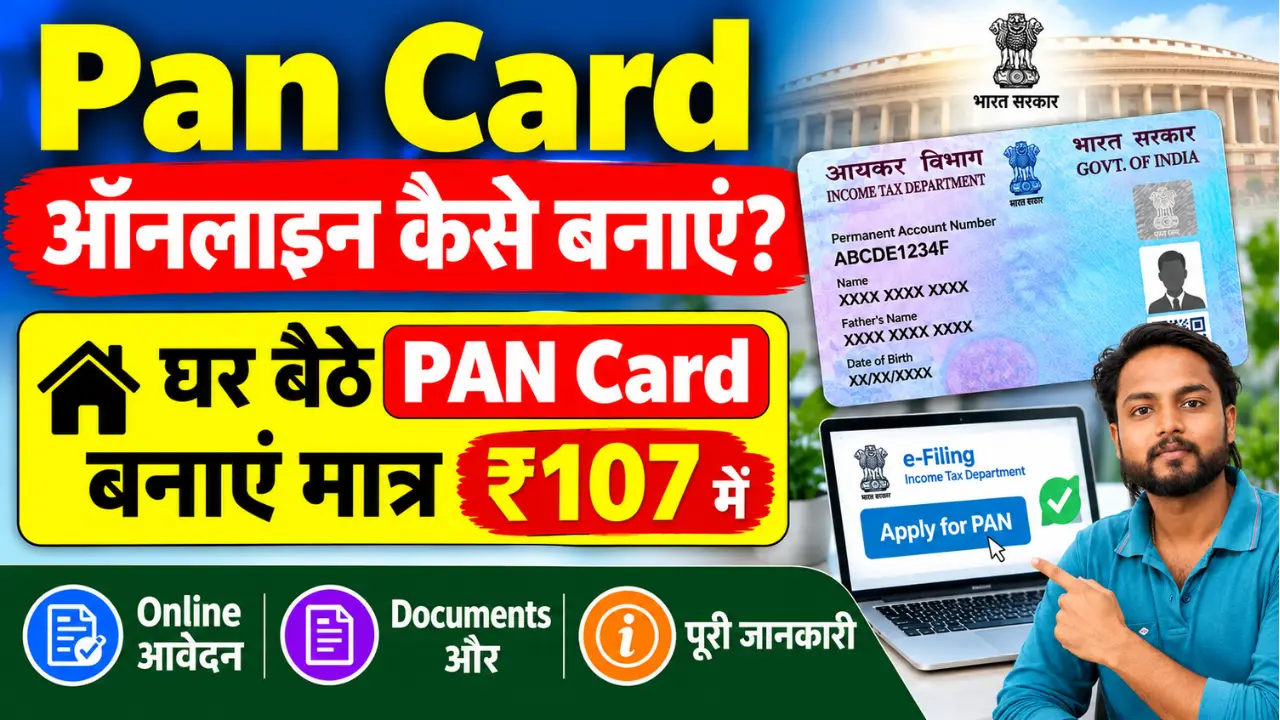
How to Get a PAN Card in 2026: How to Apply for a PAN Card from Home? Friends, if you do not yet have a PAN Card, you can apply for one online from the comfort of your home using a mobile phone or laptop. The full form of PAN is Permanent Account Number. This card is issued by the Income Tax Department and features a unique 10-digit alphanumeric number.
If you wish to get your PAN card made from the comfort of your home, be sure to read this article to the end. This article provides detailed information on how to apply for a PAN card online and how to check its status. Additionally, all important links related to the application are provided at the end.
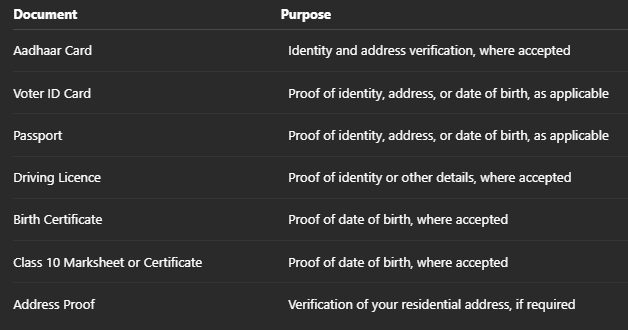
Documents Required for a PAN Card
You may need the following documents for a regular PAN application, depending on your application method and eligibility:
NSDL PAN Card Apply Online – Step-by-Step Process
Step 1:- Visit the official website of Protean (formerly NSDL) for the PAN application:
Step 2:- Click on “Apply for New PAN Card.” Select the appropriate form for Indian citizens. Choose your category (e.g., Individual, HUF, Company, etc.).
Step 3:- Fill in basic details—full name, date of birth, mobile number, and email ID. You will receive a Token Number after submitting the form.
Step 4:- Complete the PAN Application Form—carefully fill in all details such as parents’ names, address, source of income, and AO Code (if applicable).
Step 5:- Upload documents—scan and upload the required documents.
If Aadhaar-based e-KYC is available, you can also complete digital verification.
Step 6:- Select the PAN Card delivery option – you can choose between two options:
- e-PAN
- Physical PAN Card + e-PAN
Step 7:- The application fee can be paid online via: BrowseReference
- UPI
- Debit Card
- Credit Card
- Net Banking
Step 8:- If Aadhaar-based e-Sign is selected, complete the verification using the OTP received on your mobile.
- The application will be submitted once the OTP is successfully verified.
How to Check PAN Card Status 2026 – How to Apply for a PAN Card
Friends, if you wish to check the status of your PAN Card, please carefully follow the steps outlined below.
- To begin checking your PAN Card status, you need to visit the Protean PAN Status Tracking Portal, where you will see a page similar to the one shown here.
- Next, select the ‘PAN Card’ option under the ‘Application Type’ section.
- After that, enter your 15-digit Acknowledgement Number.
- Then, accurately enter the Captcha code displayed on the screen.
- Finally, click the ‘Submit’ button.
- Once submitted, the status of your PAN Card application will appear on the screen.