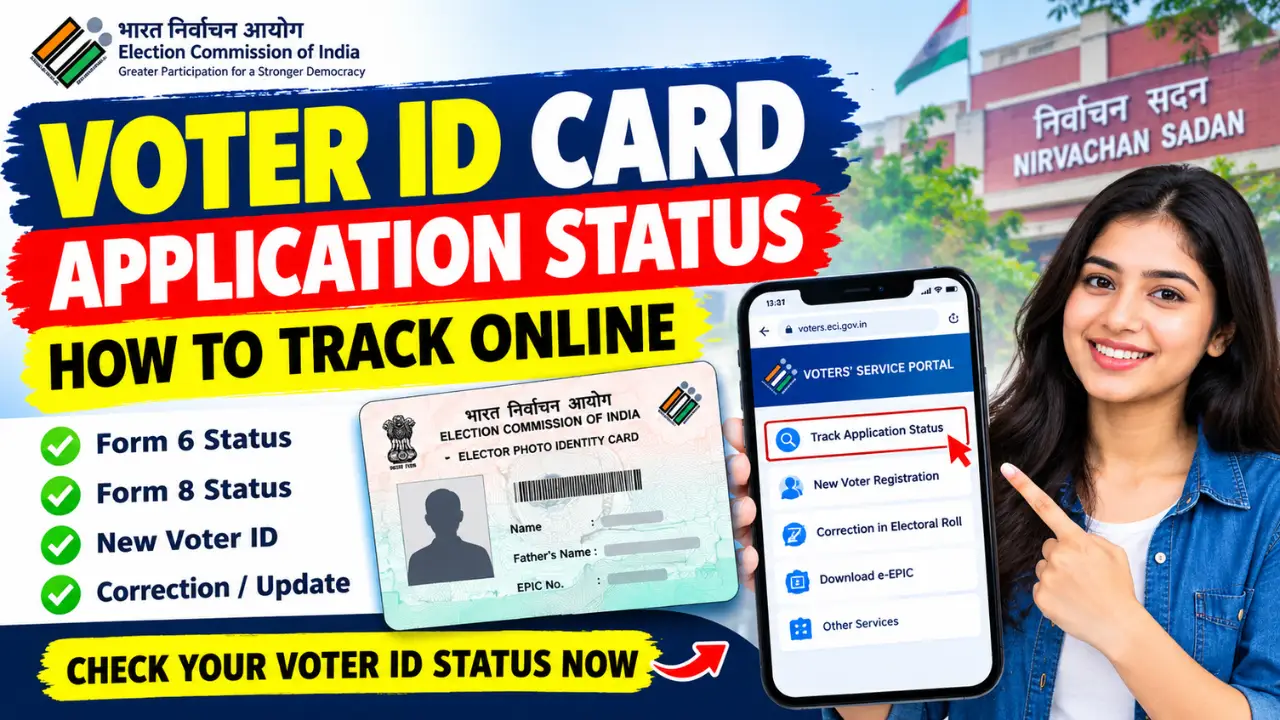
Have you applied for a new Voter ID card and want to know whether your application has been approved? You can check your Voter ID card application status online through the official Election Commission of India (ECI) Voters’ Services Portal. The online facility allows applicants to track the progress of their voter registration and other voter-related applications.
If you have submitted Form 6 for new voter registration or Form 8 for correction, shifting, or replacement of your existing Voter ID card, you can use the official portal to check your application status.
In this article, you will learn how to track your Voter ID card application status online, which details you may need, how to understand the status displayed on the portal, and what to do if your application is still pending.
How to Track Voter ID Card Application Status Online
Step 1:- First, visit the official website by clicking on the link provided above.
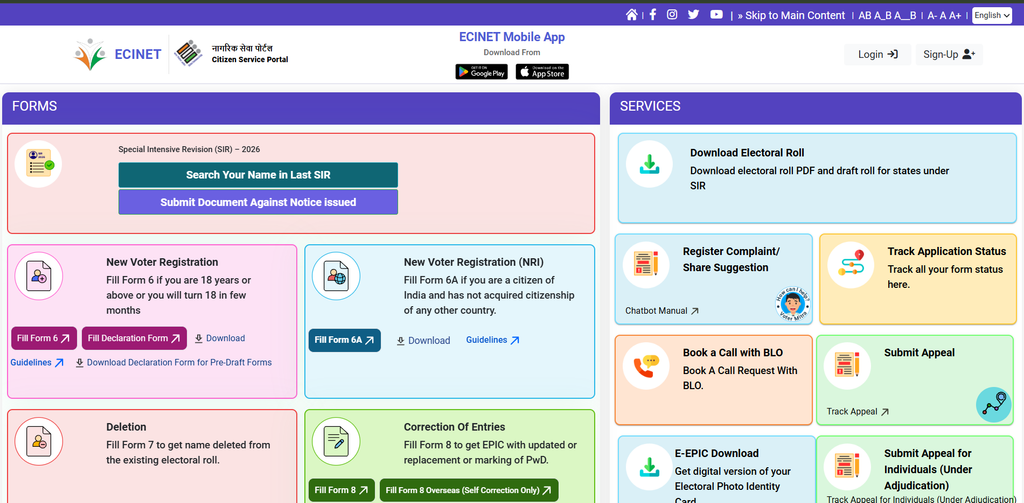
Step 2:- You will see a ‘Login’ option there; click on it, enter your mobile number and the CAPTCHA code, and log in using the OTP. However, if you are visiting the website for the first time and do not yet have a login ID, click on the ‘Sign Up’ option, fill in the required details—such as your name, mobile number, date of birth, and the CAPTCHA code—to create an account, and then log in.
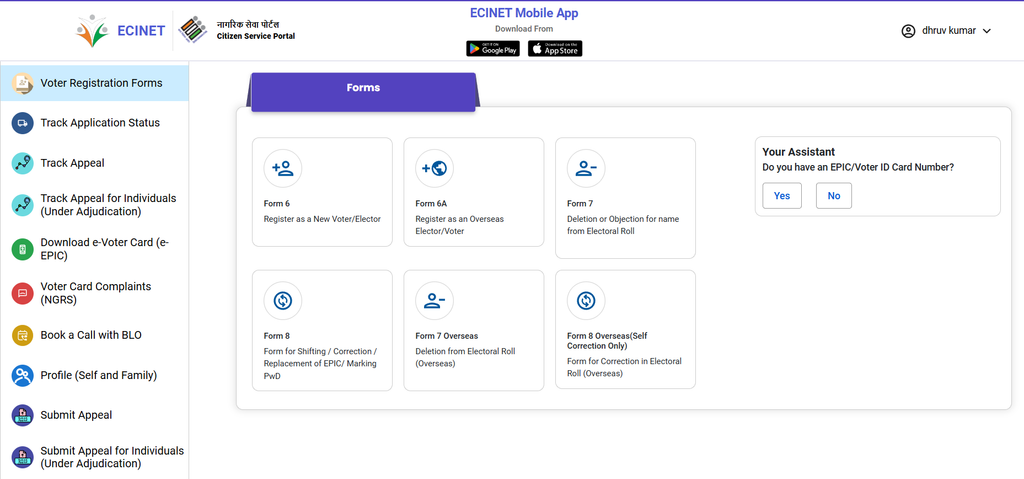
Step 3:- After logging in, you will see an option to ‘Track Application Status‘; simply click on it.
Step 4:- Next, you need to enter your reference number—the one you received via message or that is mentioned on your slip.
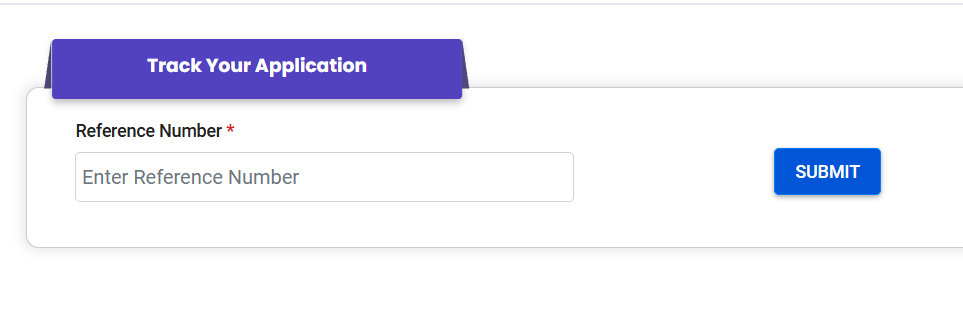
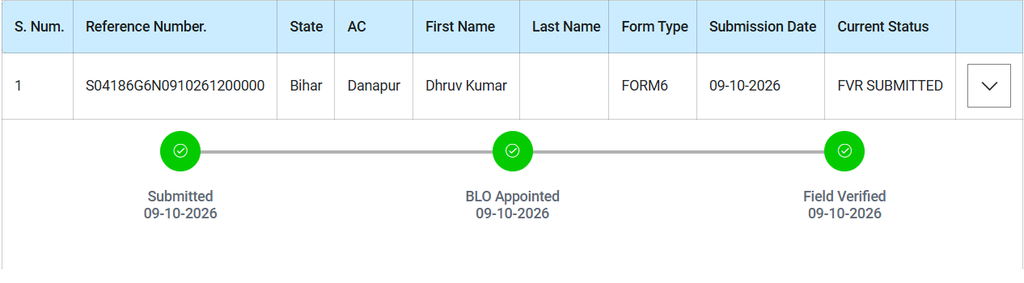
Step 5:- Once you submit your reference number, the system will display the current status of the voter ID card application you submitted, showing you which stage of the process it has reached.