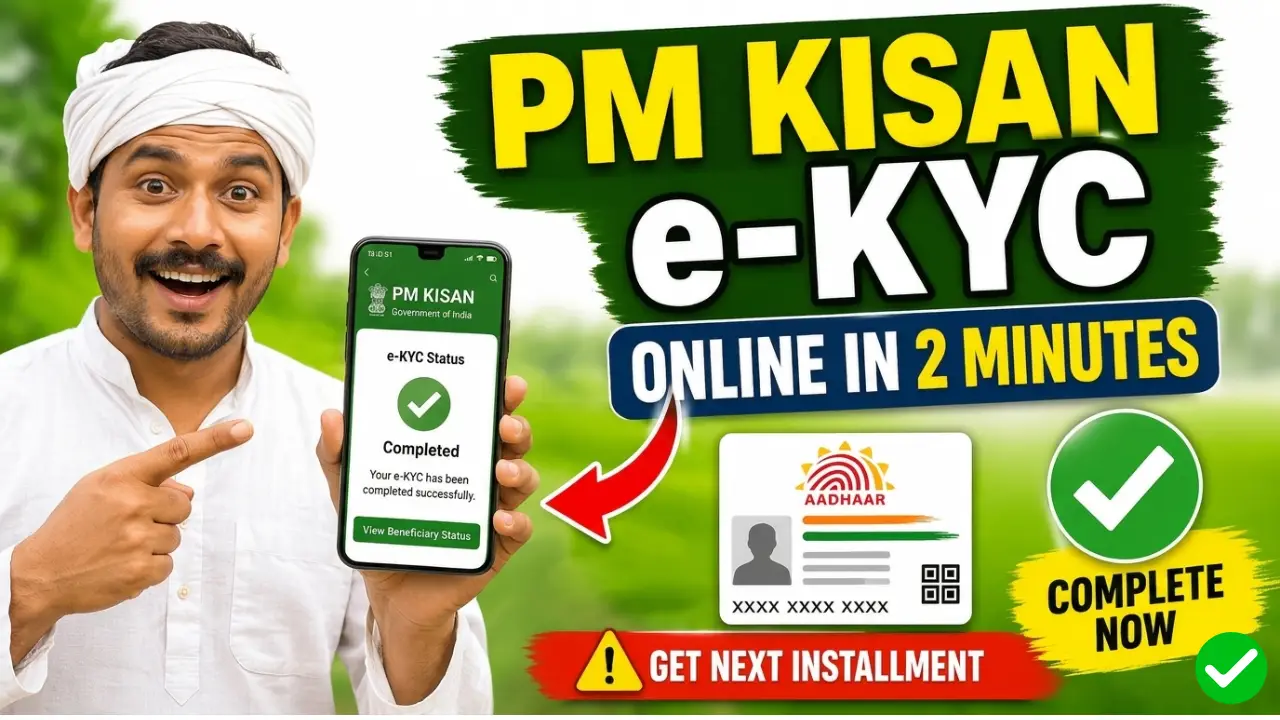
The Pradhan Mantri Kisan Samman Nidhi (PM-KISAN) scheme provides financial assistance of ₹6,000 per year to eligible farmers across India. To continue receiving PM Kisan installments, completing e-KYC is mandatory. Farmers who do not complete their e-KYC may face delays or suspension of PM Kisan benefits.
The good news is that you can now complete PM Kisan e-KYC online using the official PM Kisan mobile application from your smartphone. The government has also introduced Face Authentication technology, allowing farmers to complete verification without visiting a Common Service Centre (CSC).
In this guide, you will learn how to do e-KYC in PM Kisan online with the PM Kisan app, required documents, eligibility, and troubleshooting tips.
How to Do e-KYC in PM Kisan Online with PM Kisan App
Step 1:- First, you need to download both of the applications mentioned above onto your mobile phone.
Step 2:- Open the PM Kisan App and log in using your Aadhaar number and OTP.
Step 3:- On the dashboard, tap on the “e-KYC” or “Face Authentication” option.
Step 4:- Enter your Aadhaar number and verify the information displayed on the screen.
Step 5:- Complete Face Authentication Allow camera permission and position your face inside the frame.
- Keep your face clearly visible.
- Sit in a well-lit area.
- Follow on-screen instructions.
- Blink your eyes if prompted.
Step 6:- After successful facial recognition, your details will be verified automatically with Aadhaar records.
Step 7:- Once the process is completed, you will see a message confirming that PM Kisan e-KYC has been completed successfully.
Why PM Kisan e-KYC is Mandatory in 2026
The Government of India continues to make e-KYC mandatory for beneficiaries to receive PM Kisan payments and ensure proper identity verification. Farmers who fail to complete e-KYC may face delays in future installments.