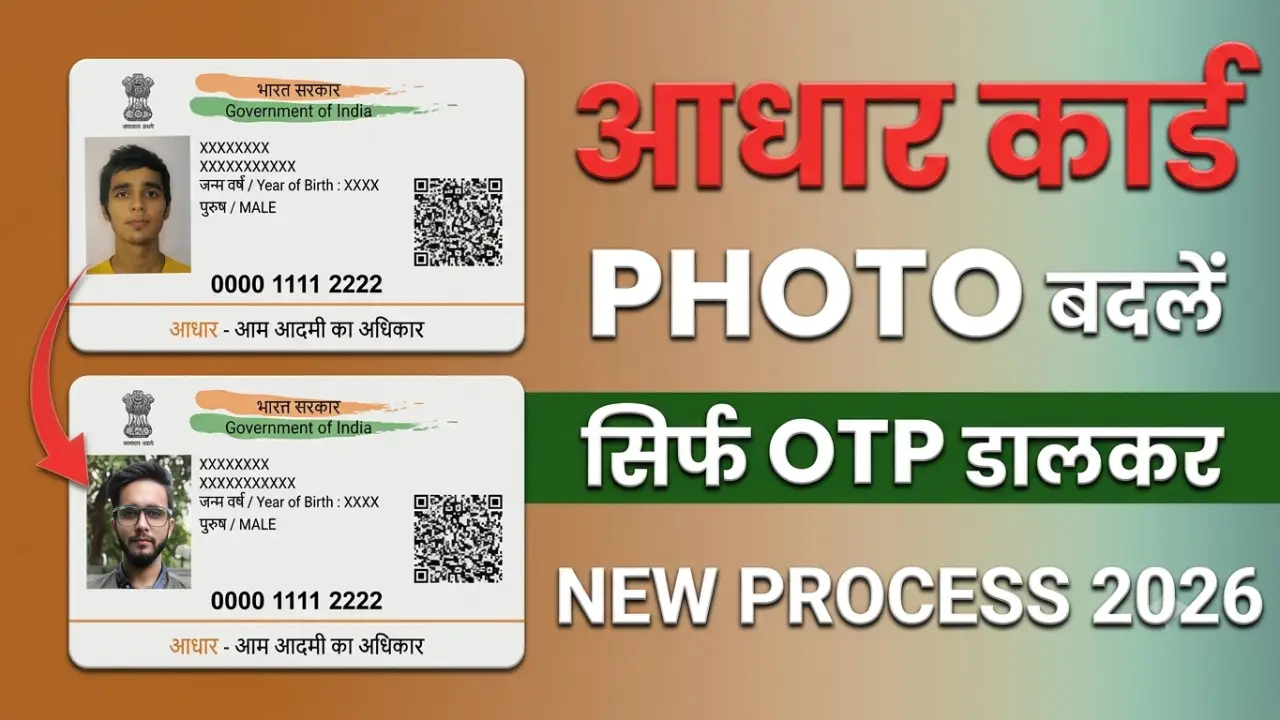
If the photograph on your Aadhaar card is outdated, blurry, or unrecognizable, you can now easily get it updated. An old photograph can often cause difficulties when opening a bank account, applying for a passport, availing benefits from government schemes, or undergoing other KYC procedures.
In this article, we will explain how to change the photograph on your Aadhaar card, the required documents, the applicable fees, the time involved, and whether the process can be completed online.
How to change the photo on an Aadhaar card
Step 1:- First of all, click on the link provided above to visit the official UIDAI website.
Step 2:- After visiting the official website, you will find the ‘Book an Appointment’ option in the ‘Get Aadhaar’ section; please click on it.
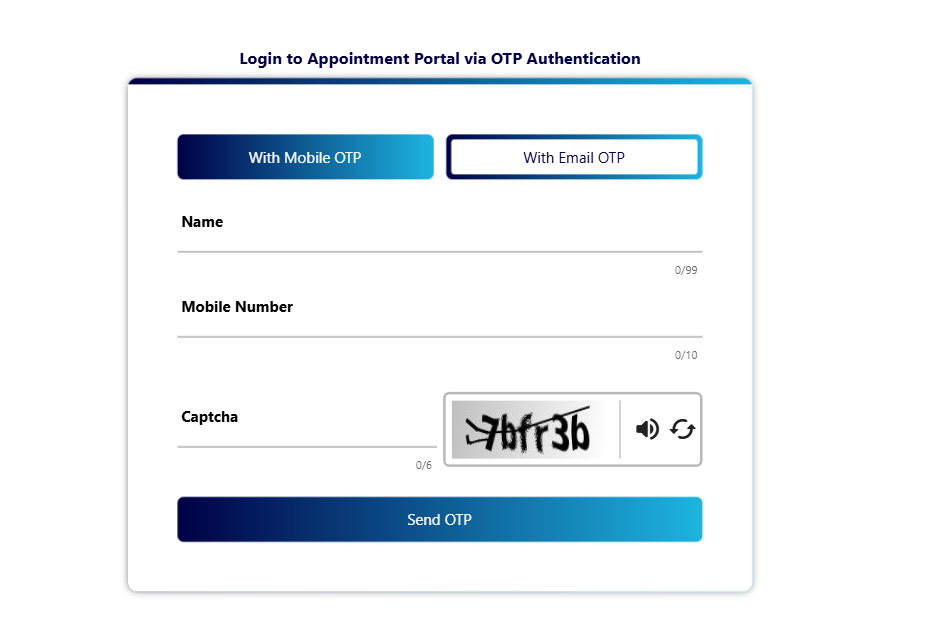
Step 3:- After this, a login interface will open, where you will need to enter your name, mobile number, and CAPTCHA to log in using your Aadhaar card via OTP.
Step 4:- As soon as you log in, the ‘Center Appointment’ option will appear; simply click on it.
Step 5:- Now a form will appear on your screen, in which you will have to select your age group, indicate your service type and then click on the “Proceed for Center Selection” option.
Step 6:- Next, you will be asked for your area’s PIN code; enter your PIN code and click on ‘Search’.
Step 7:- After this, you will see an option on your screen to book a slot, where you can select your preferred time and date; once selected, simply click on ‘Next’.
Step 8:- Finally, you will need to make a payment of ₹75. You can make this payment via UPI or net banking. Upon doing so, you will receive a receipt containing all the necessary information, such as where and when you need to report.
How to check the Aadhaar photo update status?
You can check the status of the update online using the URN (Update Request Number) provided after getting your photo updated.
To check the status, you need to visit the official UIDAI website and use the ‘Check Update Status’ option.