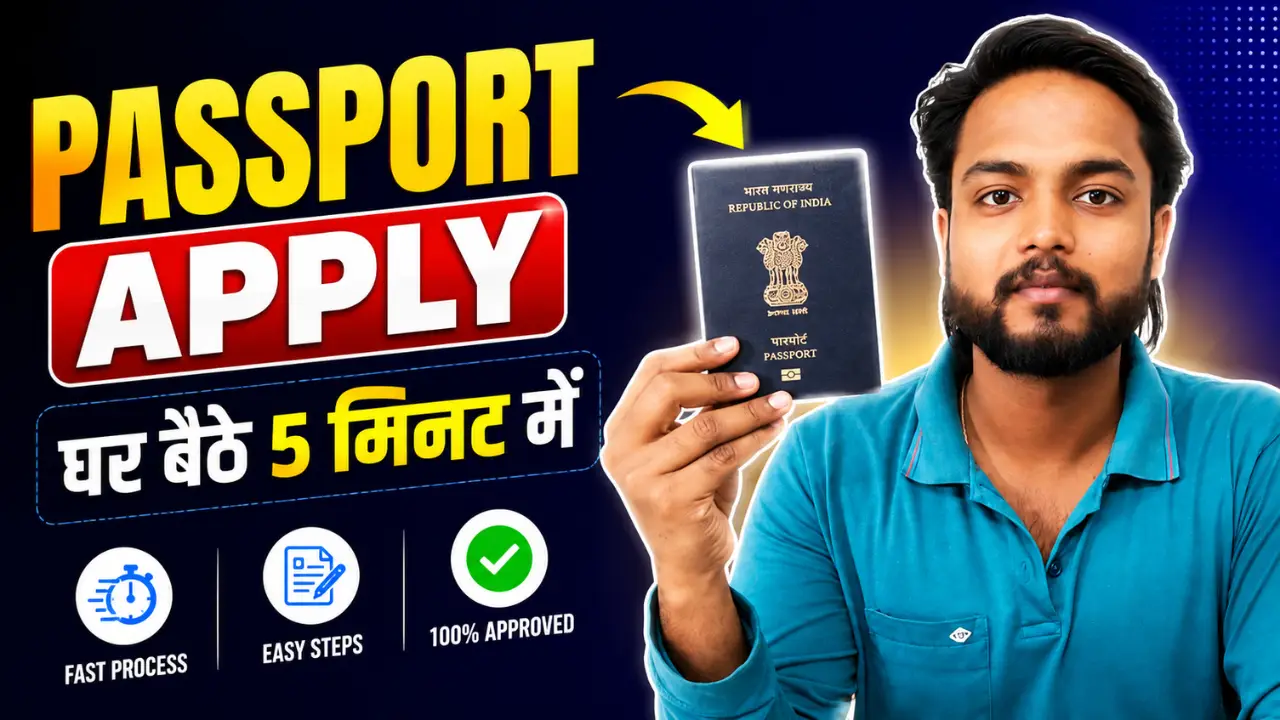
Apply for a Passport: To apply for a passport in India, first register on the Passport Seva Online Portal. Then, log in and select the “Fresh/Re-issue of Passport” option. Fill out the form carefully, pay the fees online, and schedule an appointment at a Passport Seva Kendra (PSK/POPSK). Finally, visit the center in person on the scheduled date for document verification.
Steps to Apply for a Passport:
Step 1:- First, visit the official portal by clicking on the link provided above.
Step 2:- After visiting the official portal, you must first register by clicking on the “Apply for New Passport” option; to do this, click on “Register,” enter the required details and your Gmail ID, and create a password, as you cannot apply without registering.
Step 3:- Log in, click on ‘Apply for Fresh Passport’, and fill out the form.
Step 4:- The form will now open; you need to complete it in a total of six steps. Carefully read all the details and fill them in accurately, ensuring they match the information on your Aadhaar card.
Step 5:- Next, you will be asked for some information about yourself—such as your qualifications, your occupation, and payment details—so fill in all the details accurately and then click ‘Next’.
Step 6:- In the next step, you will be asked for the details of a family member—such as your father, brother, or mother—including information like their Aadhaar number and mobile number.
Step 7:- In the final step, you will be asked a few questions that require only a ‘Yes’ or ‘No’ answer—such as whether there are any legal cases or FIRs against you. Please answer all questions accurately and submit the form.
Step 8:- Upon submission, a preview of the first page of your passport will be displayed on your screen, showing how the passport will look when issued to you; please review it and then proceed by clicking ‘Next’.
Step 9:- Now, you need to submit a single document as proof of birth. There is a list of various documents available; simply select the one you possess, upload a photo of it, and proceed to the next step.
Step 10:- As soon as you click ‘Next’, you will receive your reference number; be sure to write it down somewhere, as you will need it to track your status.
Step 11:- Now, select your nearest Passport Seva Kendra, choose an appointment date, and proceed.
Step 12:- Now, for the final step, you need to pay the fee; you can make this payment via UPI or by scanning the barcode.
Step 13:- All your work is now complete, and you will be issued an acknowledgment slip; you can print this slip and visit your passport office to complete the verification process.
Please ensure that you carry all your original documents with you when you go for verification—such as your Aadhaar card, birth certificate, and the acknowledgment slip for whatever you submitted.
Required Documents:
- Aadhaar Card
- PAN Card
- Voter ID Card
- Birth Certificate (or educational documents)
- Proof of Address (e.g., electricity bill, bank passbook)