How to add a new member to a ration card online? Many families in India need to update their ration cards after the birth of a child, marriage, or other family changes. Depending on the state, eligible applicants can request the addition of a family member through an online ration card portal or the relevant food and civil supplies department.
The Mera Ration 2.0 app provides digital ration card services, but the availability of the member-addition facility may vary. In this guide, we explain how to check the available options, the documents you may need, and how to apply online for a ration card update.
How to Add a New Member to a Ration Card Online?

Step 1:- First of all, install Mera Ration in your mobile by clicking on the application given above.
Step 2:- Download and open the application, grant all the necessary permissions, select your language, and tap ‘Next’; the login interface will then appear.
Step 3:- After that, select the ‘Beneficiary User’ option, enter the Aadhaar number of the family member who holds the ration card, enter the captcha code, and log in using the OTP.

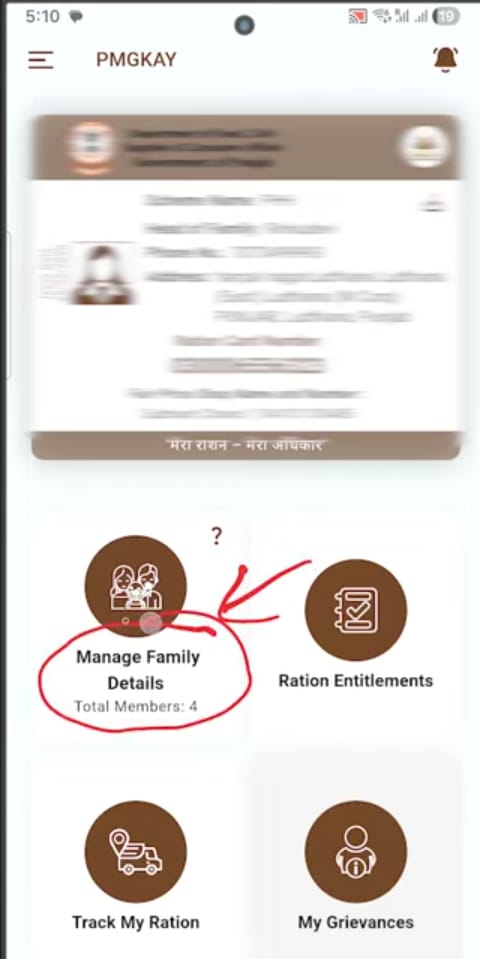
Step 4:- As soon as you log in, all details regarding your ration card will appear on your screen; you will see an option for ‘Manage Family Details’—simply click on it.
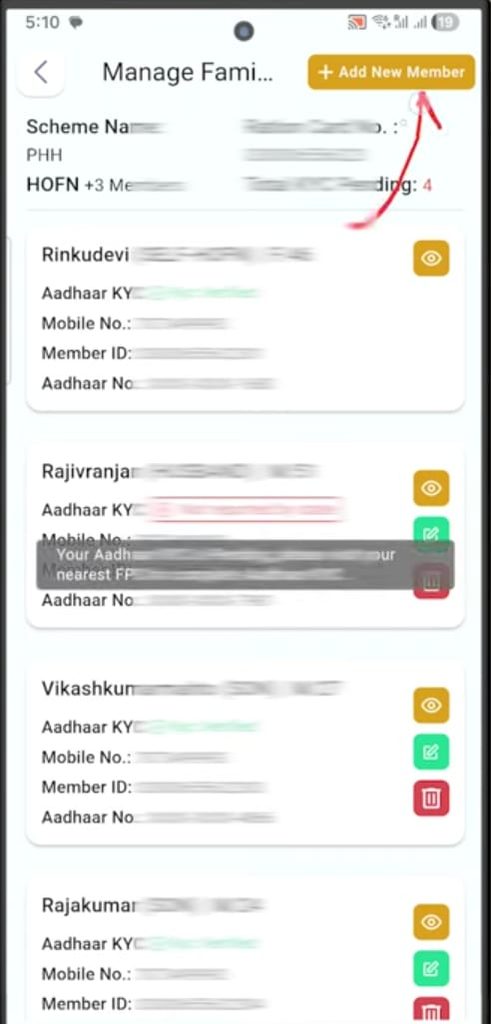
Step 5:- As soon as you click, the details of all family members already listed on your ration card will be displayed; if you wish to add a family member, you will see an “Add New Member” option that you need to click.
Step 6:- A form will now open on your screen, where you will need to properly fill in all the details of the family member you wish to add.

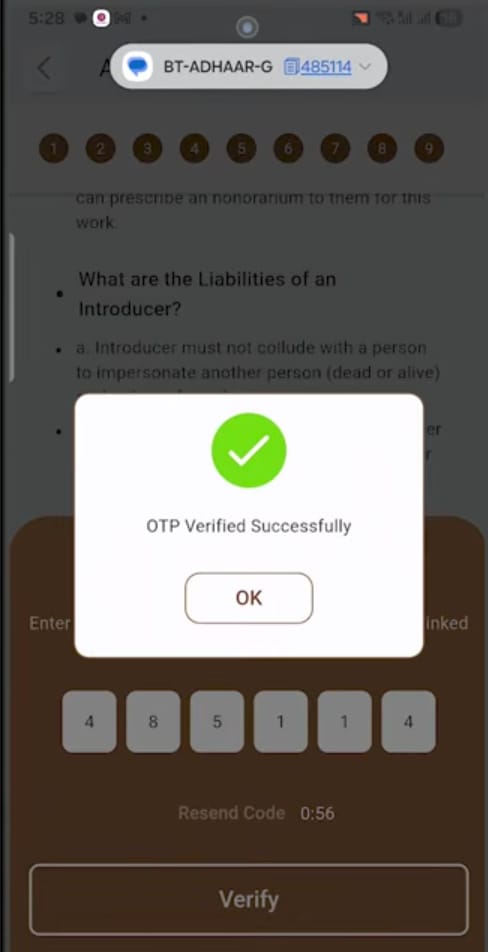
Step 7:- Now, for the final step, an OTP will be sent to your mobile number; simply enter that OTP and submit it. Upon submission, a reference number will be generated and displayed on the screen; you can take a screenshot of it to track your status later.
So, friends, you have fully completed your part of the process; now, all you need to do is wait for approval. If all your documents and details are found to be correct, the new family member will be added.