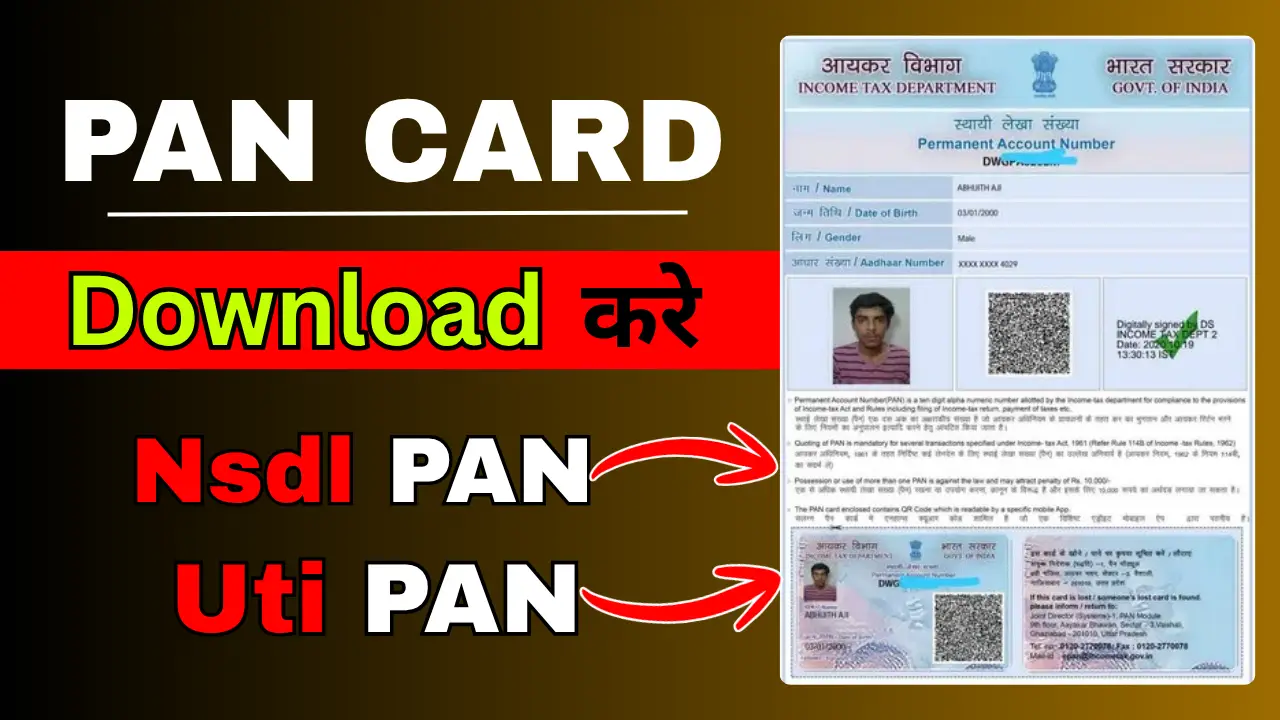
How to download PAN card online: If you have a PAN card but cannot find your physical card, you can download your electronic PAN card (e-PAN) online through the official portal. The e-PAN is a digitally signed electronic document and is a valid form of PAN. The download process depends on how your PAN was originally issued.
In this guide, we explain how to download a PAN card online using the Income Tax e-Filing portal, Protean and UTIITSL, along with the details you may need to complete the process.
Prosses to Download PAN Card Online
Step 1:- First, click on the link corresponding to the company that issued your PAN card; for example, my PAN card was issued by NSDL.
Step 2:- A form will open where you need to enter your PAN number, Aadhaar number, and date of birth, and then submit it.
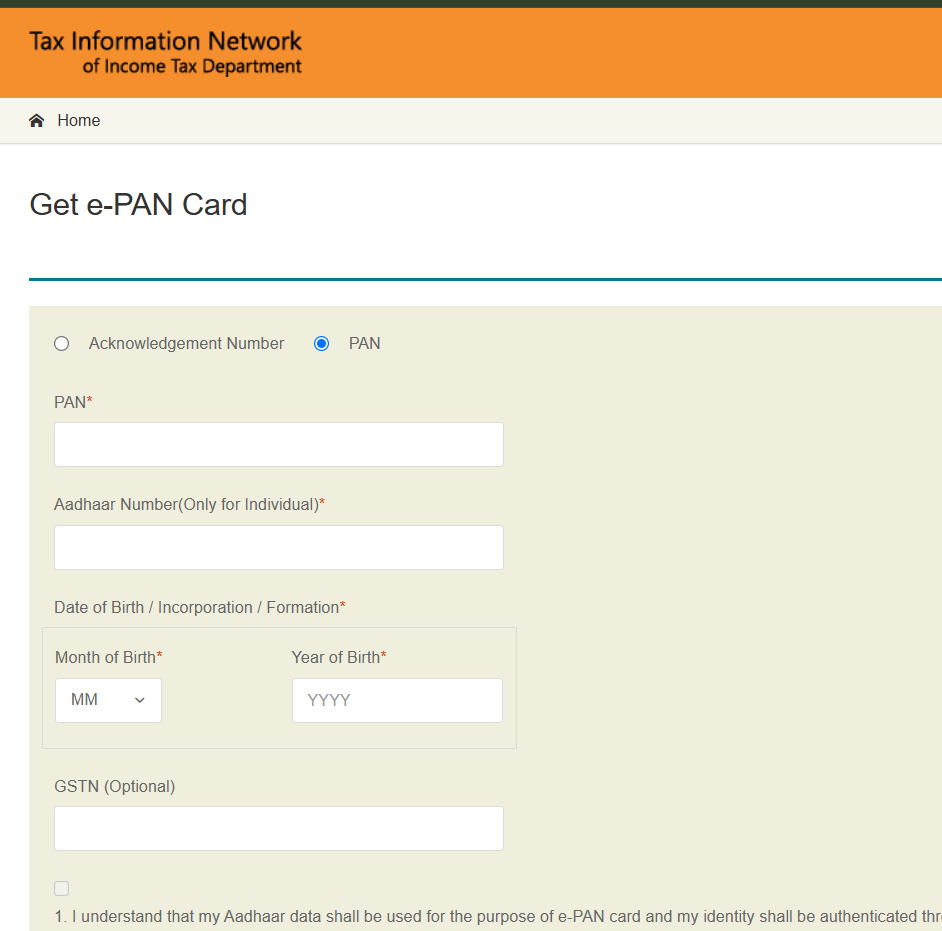
Step 3:- Then, you will have to make a payment of ₹8.26, and your PAN card will be downloaded. PANcard download
What is the password for the e-PAN PDF?
The downloaded PDF is password-protected.
In most cases, the password format is—
- Your date of birth (DDMMYYYY)
- Example:
- If your date of birth is 15 August 1998, the password will be:
- 15081998
What Is an e-PAN Card?
An e-PAN is an electronic version of your Permanent Account Number (PAN). It contains your PAN details in digital format and can be downloaded as a PDF when the relevant service makes it available.
The Income Tax Department offers a free Instant e-PAN facility for eligible individuals who do not already have a PAN. If you already have a PAN, you should use the appropriate download service instead of applying for another PAN.
What Details Are Required to Download a PAN Card?
Depending on the portal and type of PAN service, you may need:
- Your PAN number or acknowledgement number
- Your Aadhaar number, where applicable
- Your date of birth or date of incorporation
- Access to your Aadhaar-registered mobile number for OTP verification
- Other information requested by the official portal
Not every service requires all these details. Follow the instructions for your specific application.