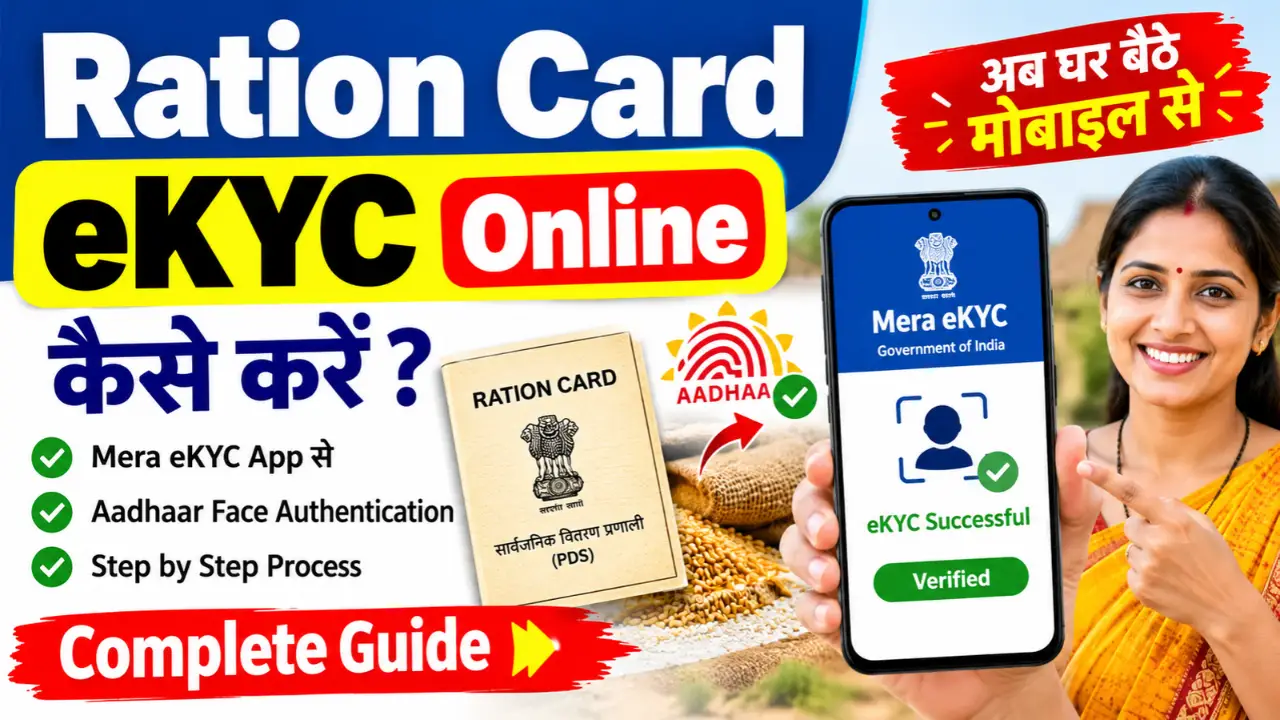
Ration card eKYC is an Aadhaar-based verification process used to verify the identity of ration card beneficiaries. It helps government authorities maintain accurate beneficiary records and improve the delivery of food subsidies under the Public Distribution System (PDS).
If you want to complete your ration card eKYC online, you may be able to use the official Mera eKYC mobile app, which supports Aadhaar-based face authentication. However, the available process and requirements may vary depending on your state or Union Territory.
In this article, you will learn how to complete ration card eKYC online, what documents and facilities you may need, how to check your eKYC status, and what to do if the process fails.
How to Do Ration Card eKYC Online Using the Mera eKYC App
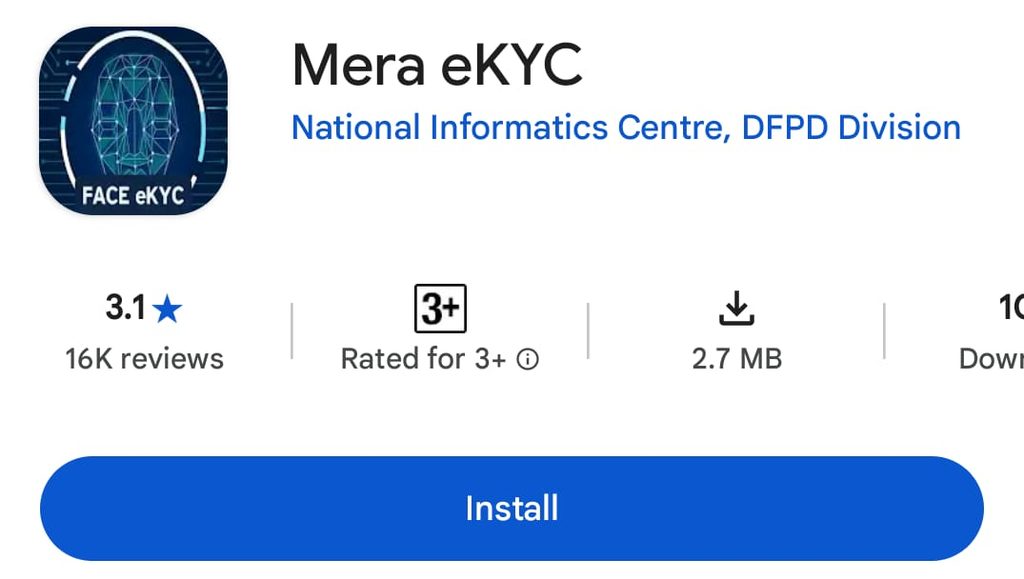
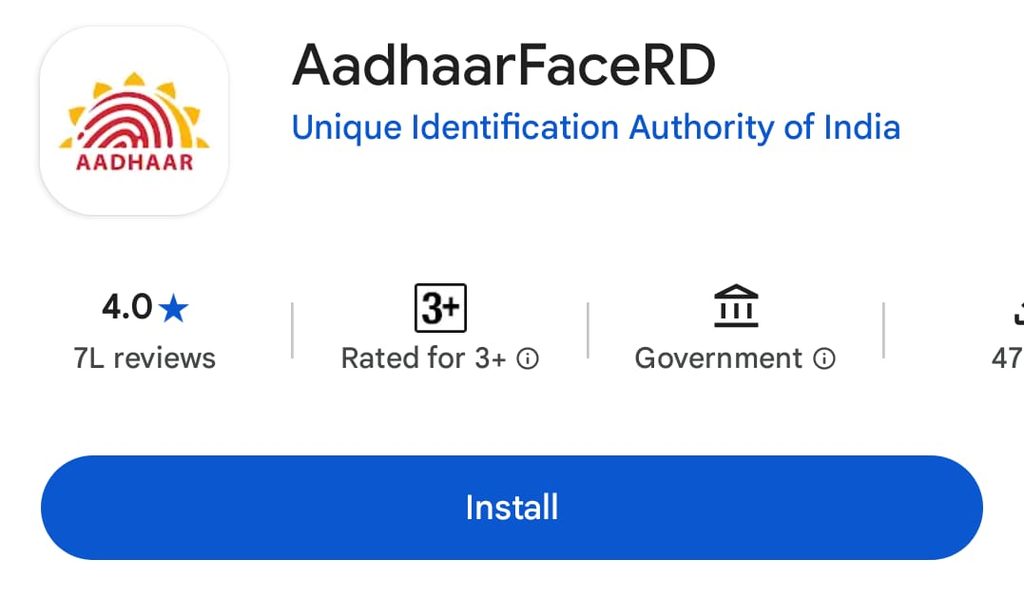
Step 1:- First, you need to download the two applications mentioned above—‘Mera e-KYC’ and ‘Aadhaar FaceRD‘—onto your mobile phone.
Step 2:- Next, you need to open my e-KYC application. Upon opening it, you will see an interface where you must select your current State and home state, and then click on ‘Verify Location’.
Step 3:- To verify your location, you need to enter the 12-digit number from your Aadhaar card and click on the ‘Request OTP’ option. An OTP will be sent to the mobile number linked to your Aadhaar card; enter the OTP, fill in the captcha code, and then submit.
Step 4:- Once the OTP is verified, the beneficiary’s details—such as their name, state, and card number—will appear on the screen. You will also be able to see the status of their e-KYC. Right there, you will find an option for ‘Face e-KYC’; simply click on it.
Step 5:- Click on ‘Face e-KYC’; this will open the ‘Aadhaar Face RD’ application. Grant the requested permissions, agree to the terms and conditions, and then click on the ‘Face Scan’ option.
Step 6:- Your phone’s selfie camera will open; position your face within the camera frame and blink your eyes twice. A green checkmark will appear automatically, and you will receive a notification confirming that your e-KYC has been successfully registered.
So friends, this is how you too can complete the e-KYC for your ration card from the comfort of your home, using your mobile phone—all within 5 minutes.
Is Ration Card eKYC Mandatory?
Aadhaar-based verification is an important part of India’s Public Distribution System, but the specific requirements, deadlines, and procedures can vary according to official instructions and the state concerned.
Do not rely on unverified social media posts claiming that every ration card will be cancelled on a particular date. Check the latest notification published by your state’s Food and Civil Supplies Department or contact your local ration dealer for applicable requirements.
If you face an authentication problem, ask the relevant authority about the approved alternative procedure rather than assuming that you are automatically ineligible for ration benefits.