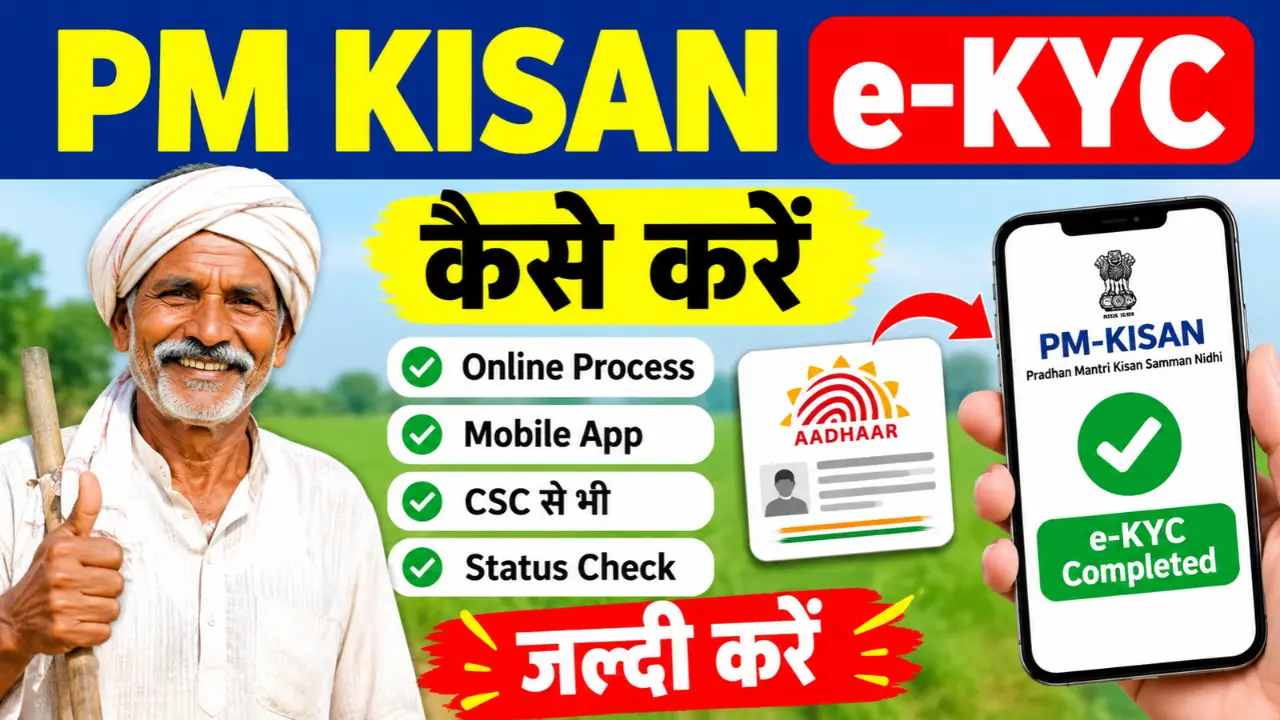
PM Kisan e-KYC Online 2026: Farmers registered under the Pradhan Mantri Kisan Samman Nidhi (PM-KISAN) scheme must complete their e-KYC to comply with the scheme’s verification requirements. The process can be completed through the official PM-KISAN portal, mobile-based face authentication, or an authorized Common Service Centre (CSC), depending on the available verification option.
In this article, you will learn how to complete PM Kisan e-KYC online, use the PM-KISAN mobile app, check your e-KYC status, and resolve common verification problems.
How to Do PM Kisan e-KYC Online in 2026
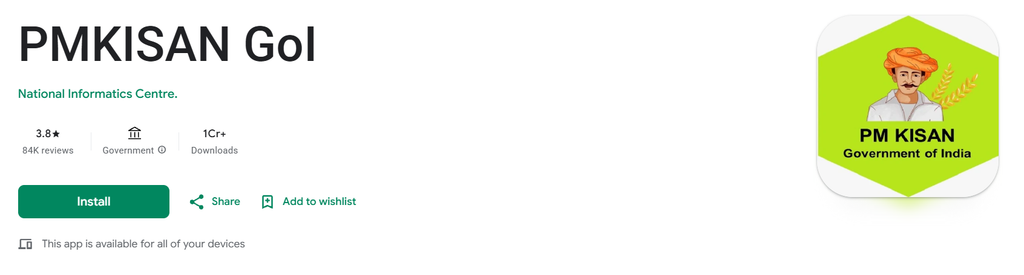
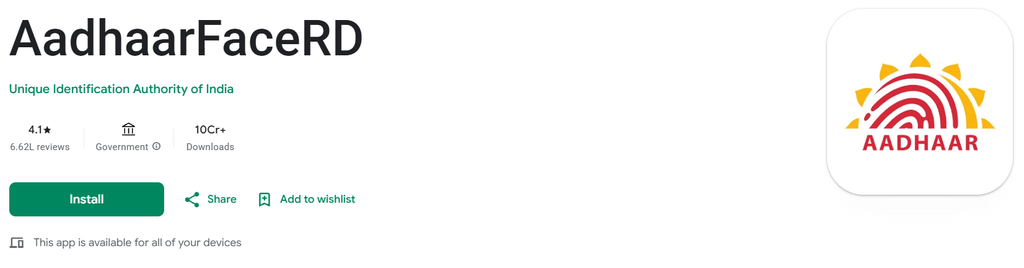
Step 1:- First, you need to download the two applications mentioned above—the PM Kisan application and the Aadhaar Face RD application—onto your mobile phone.
Step 2:- Now, open the PM Kisan application, proceed to the next step, select your preferred language (English or Hindi), and submit.
Step 3:- You will now see two options; click on the ‘Update Mobile Number’ and login button just click on Login to proceed, and then select the ‘Beneficiary’ option.
Step 4:- To log in, you will be presented with two options: using your registration ID or your Aadhaar number. Select the Aadhaar number option, enter your Aadhaar number, and then click on the ‘Facial e-KYC login’ option. This will automatically open the ‘Aadhaar FaceRD’ application on your mobile phone; please accept its terms and conditions. Your selfie camera will then open. Position your eyes within the frame and blink twice. Once done, you will be successfully logged in.
Step 5:- Once you log in, a ‘Dashboard’ option will appear; click on it. Upon clicking, the beneficiary status will be displayed, and all relevant details will appear on the screen—such as whether the Aadhaar-bank account seeding is complete and the status of your e-KYC. If all these options show ‘Yes,’ it means your e-KYC is already completed; if they show ‘No,’ you will need to complete the e-KYC process.
Step 6:- To complete the e-KYC, you will find an option for ‘e-KYC via Aadhaar’ for the beneficiary; simply click on it. Once you click, a new page will open where you need to enter the Aadhaar number of the beneficiary for whom you wish to perform the e-KYC, and then click ‘search’.
Step 7:- The status will now be displayed again, and you will see an option to ‘Start e-KYC’; please click on it. Once you click, you will be required to enter your 6-digit MPIN. After entering the MPIN, submit it.
Step 8:- The Aadhaar consent page will now open on your screen; select the checkbox and click on the ‘Scan Face’ option. Your phone’s selfie camera will activate—position your face within the frame and blink twice. Once this is done, a green checkmark will appear automatically, confirming that your e-KYC has been successfully completed.
Now, friends, you will see a notification on your screen stating that the KYC has been completed successfully; the e-KYC process you initiated has been successfully finished.
Documents and Details Required for PM Kisan e-KYC
Keep the following details ready, depending on the verification method available to you:
- Aadhaar number.
- Mobile phone for receiving an OTP, if OTP verification is used.
- PM-KISAN registration number, for checking beneficiary status.
- Access to the official PM-KISAN mobile app, if using face authentication.
- Aadhaar biometric authentication, if completing verification through an authorized CSC.
You generally do not need to upload every document listed above for every verification method. Follow the specific requirements shown by the official system.