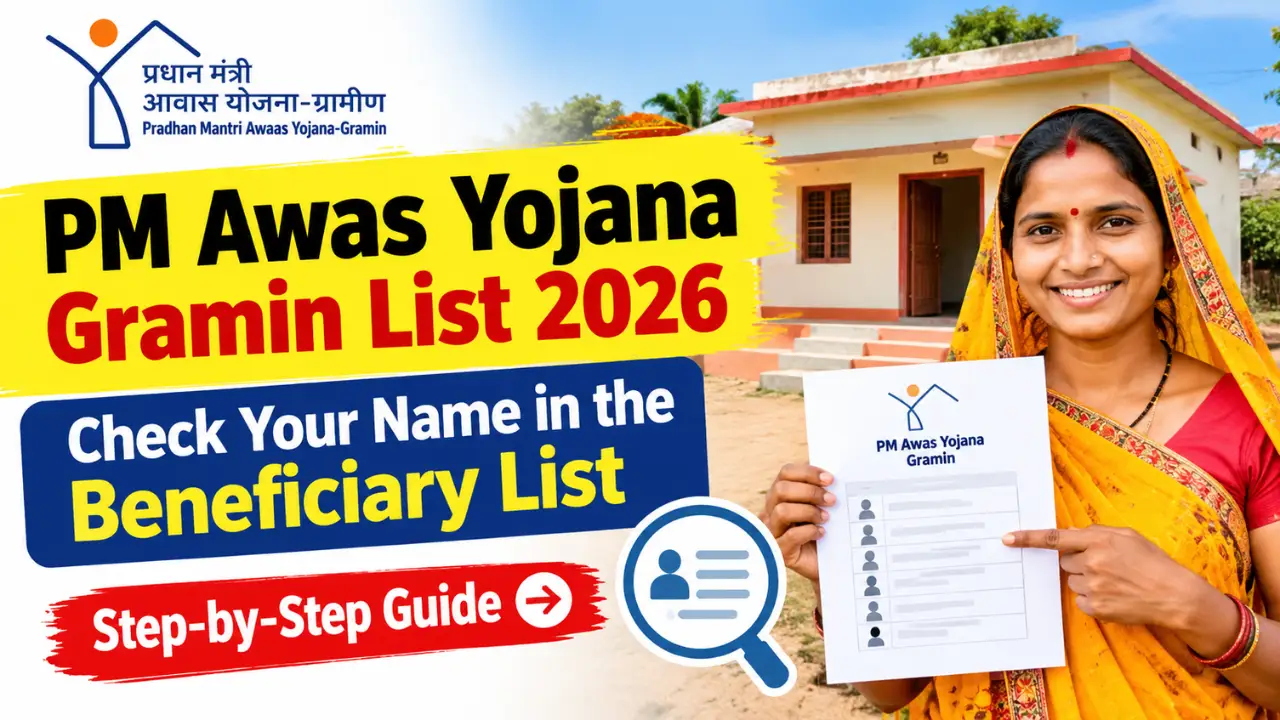
If you live in a rural area and have applied for financial assistance under the Pradhan Mantri Awaas Yojana–Gramin (PMAY-G), you can check whether your name appears on the beneficiary list online. The scheme aims to help eligible rural households construct permanent (pucca) houses.
In this article, you will learn how to check your name in the PM Awas Yojana Gramin List 2026, view beneficiary details, download the available list, and find out what to do if your name is missing.
What Is PM Awas Yojana Gramin?
Pradhan Mantri Awaas Yojana–Gramin (PMAY-G) is a Government of India housing scheme implemented by the Ministry of Rural Development. It provides financial assistance to eligible rural households for constructing pucca houses.
The government has approved the continuation of PMAY-G for 2024–25 to 2028–29, including assistance for an additional two crore houses, subject to the scheme’s eligibility criteria and overall targets. Beneficiaries are identified through the prescribed selection process and approved lists.
How to Check Your Name in PM Awas Yojana Gramin List 2026
Step 1:- First, visit the official website by clicking on the link provided above.
Step 2:- Upon visiting the official website, you will see an option for ‘Awaassoft’; clicking on it reveals three new options, and you need to click on the ‘Report’ option.
Step 3:- A new page will now open; if you scroll down, you will see the ‘AwaasPlus 2024 Target’ option, which you need to click on.
Step 4:- Upon clicking, a new page will open where you need to specify your state, district, constituency, and block, and then submit the details.

Step 5:- If the report provides a download option, you may be able to save the information as a PDF or Excel file.
Keep the downloaded list for reference and check that the village, Gram Panchayat, and financial year are correct.
IMPORTANT NOTE
Please note that the final list for all states has not yet been released. If you encounter a “Record Not Found” message, it means the final list for your state has not yet been published online. You will need to wait a few days for the list to be released, after which you should return and check again.