PM Kisan eKYC Online 2026: Farmers registered under the Pradhan Mantri Kisan Samman Nidhi (PM-KISAN) scheme must complete their e-KYC to remain eligible for benefits. The process can be completed online through the official PM-KISAN portal using Aadhaar-based OTP verification. Farmers can also use face authentication through the PM-KISAN mobile app or visit a nearby Common Service Centre (CSC) for biometric verification.
In this article, you will learn how to complete PM Kisan eKYC online, what documents are required, how to check your e-KYC status, and what to do if the process fails.
How to Complete PM Kisan eKYC Through Face Authentication
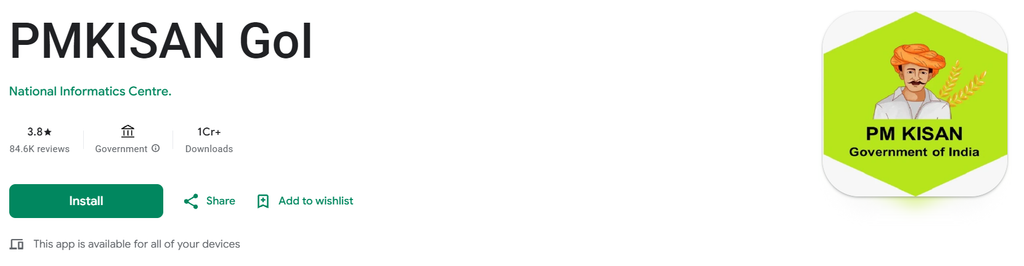
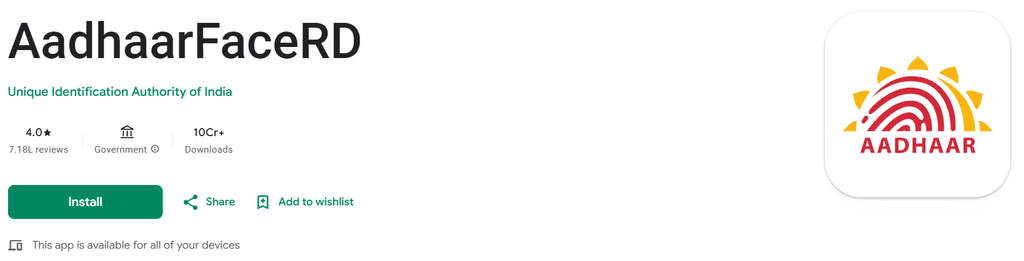
Step 1:- First, you need to download the two applications mentioned above—the PM Kisan application and the Aadhaar Face RD application—onto your mobile phone.
Step 2:- Now, open the PM Kisan application, proceed to the next step, select your preferred language (English or Hindi), and submit.
Step 3:- You will now see two options; click on the ‘Update Mobile Number’ and login button just click on Login to proceed, and then select the ‘Beneficiary’ option.
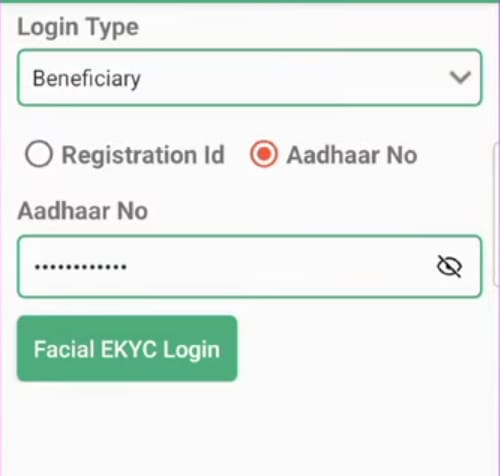
Step 4:- To log in, you will be presented with two options: using your registration ID or your Aadhaar number. Select the Aadhaar number option, enter your Aadhaar number, and then click on the ‘Facial e-KYC login’ option. This will automatically open the ‘Aadhaar FaceRD’ application on your mobile phone; please accept its terms and conditions. Your selfie camera will then open. Position your eyes within the frame and blink twice. Once done, you will be successfully logged in.
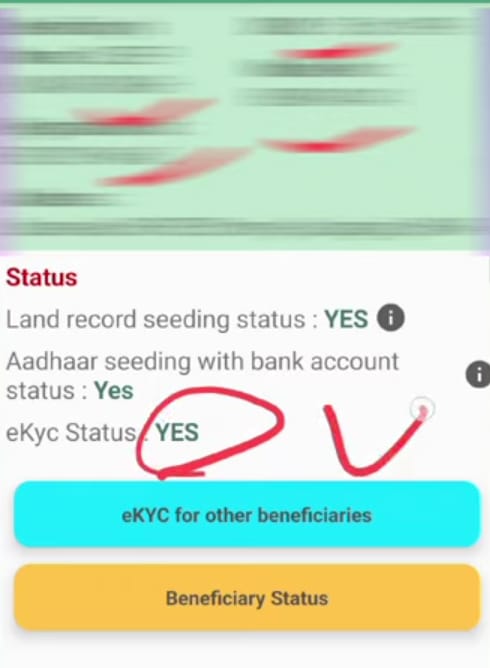
Step 5:- Once you log in, a ‘Dashboard’ option will appear; click on it. Upon clicking, the beneficiary status will be displayed, and all relevant details will appear on the screen—such as whether the Aadhaar-bank account seeding is complete and the status of your e-KYC. If all these options show ‘Yes,’ it means your e-KYC is already completed; if they show ‘No,’ you will need to complete the e-KYC process.
Step 6:- To complete the e-KYC, you will find an option for ‘e-KYC via Aadhaar’ for the beneficiary; simply click on it. Once you click, a new page will open where you need to enter the Aadhaar number of the beneficiary for whom you wish to perform the e-KYC, and then click ‘search’.
Step 7:- The status will now be displayed again, and you will see an option to ‘Start e-KYC’; please click on it. Once you click, you will be required to enter your 6-digit MPIN. After entering the MPIN, submit it.
Step 8:- The Aadhaar consent page will now open on your screen; select the checkbox and click on the ‘Scan Face’ option. Your phone’s selfie camera will activate—position your face within the frame and blink twice. Once this is done, a green checkmark will appear automatically, confirming that your e-KYC has been successfully completed.
Now, friends, you will see a notification on your screen stating that the KYC has been completed successfully; the e-KYC process you initiated has been successfully finished.